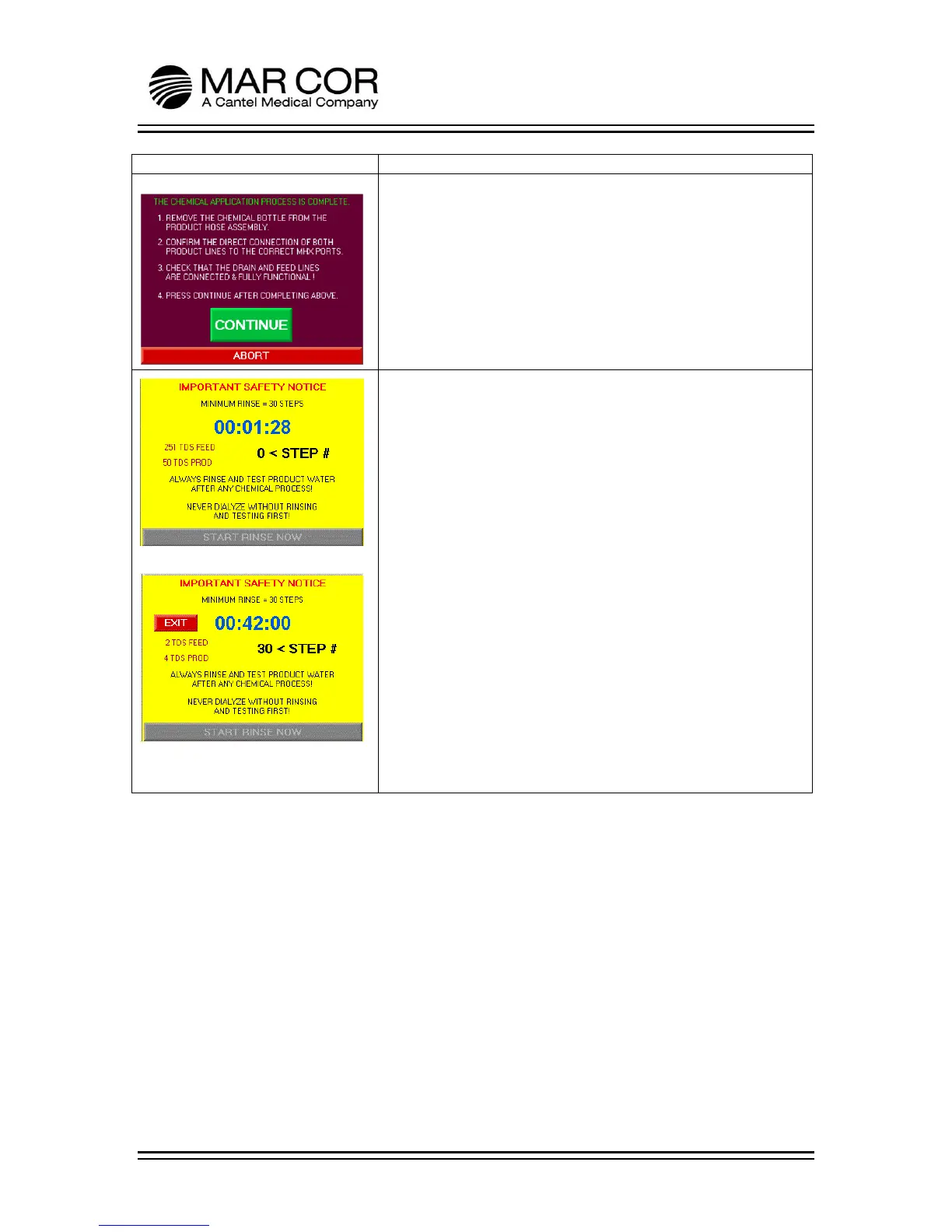
CHEM COMPLETE SCREEN
This screen provides the operator instructions for removal of the
chemical bottle and setting up for the rinse process after the
chemical application process is complete.
The operator presses CONTINUE or ABORT.
CHEM RINSE SCREEN
Refer to Figure 1, this screen will initiate the rinse process. The
operator presses the START RINSE NOW button and the display
provides the operator with a status of the rinsing process. The RO
feed and product conductivity is displayed showing the status of
rinsing the RO. Once the RO completes 30 rinse steps, the EXIT
button appears (Figure 2) and the operator can exit to the
Chemical or Heating Operations selection screen. If exit button is
not pressed, the RO will continue to rinse until a total of 50 rinses
are competed. If this occurs, the RO will automatically return to
the Chemical or Heating Operations selection screen.
If rinse is entered from the Chemical or Heating Operations
selection screen by pressing the START RINSE PROCESS button
(chemical or heat disinfection not performed), the EXIT button
appears immediately allowing the operator to exit the rinse
process.



 To Next Page