Catch Sensors | V1 | Servicing and Maintenance
6.
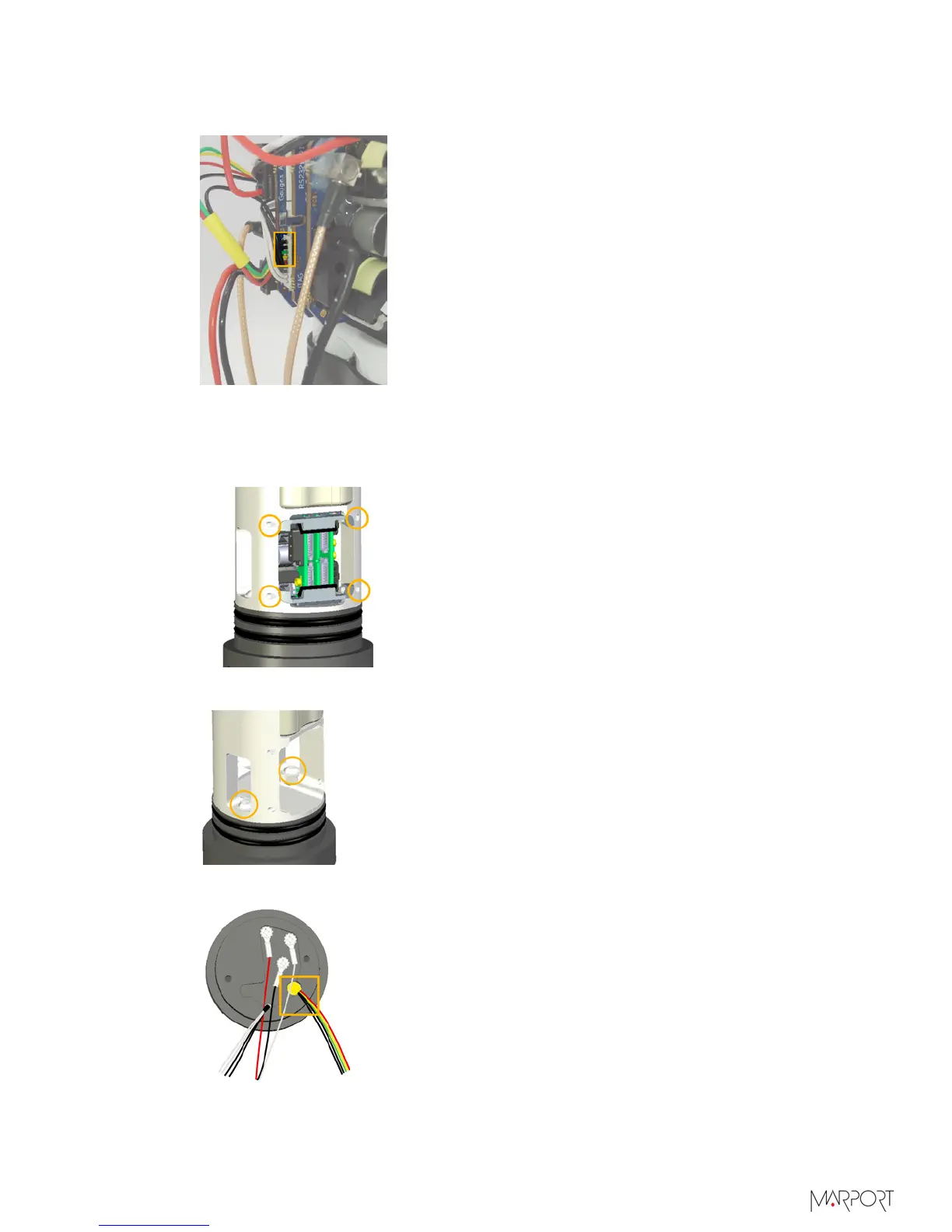
Disconnect the pressure and temperature connector from the PCBA and remove the
pressure sensor cables (1 red, yellow, green and 2 black).
7.
Remove the PCBA to get access to the back of the end cap:
a)
Remove the four screws holding the retainers on each side of the PCBA with a 1.5
mm Allen key.
b)
Remove the PCBA and retainers.
8.
Remove the two screws maintaining the end cap with the 1/8" Allen key.
You have now access to the pressure sensor connections.
| 79



 To Next Page