EasyManua.ls Logo

Masimo sedline - User Manual

Masimo sedline
74 pages
Print Icon
To Next Page IconTo Next Page
Loading...
Operator's Manual
SedLine
®
Sedation Monitor

Table of Contents

Other manuals for Masimo sedline

Questions and Answers

  • R
    Robert MartinezSep 8, 2025
    How to fix Replace Sensor message on Masimo Medical Equipment?
    • K
      Kenneth MckinneySep 8, 2025
      If your Masimo Medical Equipment displays a 'Replace Sensor' message, follow these steps: 1. First, make sure the sensor is correctly plugged into the patient cable connector. 2. Replace the sensor if it has been used for more than 24 hours. 3. Check that the sensor's expiration date hasn't passed.
  • H
    hensonmelissaSep 9, 2025
    What to do if Gel Bridging Detected on Masimo sedline Medical Equipment?
    • K
      Krista MorganSep 10, 2025
      To fix a 'Gel Bridging Detected' error on your Masimo Medical Equipment, start by cleaning any gel that has leaked outside the electrodes on the patient's forehead. Then, make sure all the sensor's electrodes are properly connected. If the issue continues, you might need to replace the sensor.
  • M
    Monique BryantSep 12, 2025
    What to do if No Sensor Connected on Masimo sedline Medical Equipment?
    • L
      lisa63Sep 12, 2025
      To resolve a 'No Sensor Connected' message on your Masimo Medical Equipment, follow these steps: 1. Make sure the sensor is properly inserted into the patient cable connector. 2. If it is, the sensor, patient cable, or module might be faulty and need replacing.
  • K
    Kathleen HillSep 13, 2025
    Why does my Masimo sedline Medical Equipment say Incompatible Sensor?
    • B
      bvasquezSep 14, 2025
      If your Masimo Medical Equipment shows 'Incompatible Sensor', first ensure the sensor is properly connected to the patient cable. Also, check the sensor's expiration date. If problems persist, the sensor may need replacing.
  • J
    James LopezSep 15, 2025
    What to do if Low SIQ message displayed on Masimo Medical Equipment?
    • C
      Cheyenne DavisSep 16, 2025
      If you see a 'Low SIQ' (low signal quality) message on your Masimo Medical Equipment, re-apply the sensor. Refer to the Directions for Use for the Sensor for guidance.
  • W
    Wendy BennettSep 18, 2025
    How to reconnect SedLine on Masimo Medical Equipment?
    • S
      Samantha SchmidtSep 18, 2025
      If your Masimo Medical Equipment's SedLine is disconnected, reconnect the module.

Summary

Product Information

Indications for Use

Specifies the intended clinical environments for the SedLine Monitor's application.

Contraindications

States the age restriction for using the SedLine Sedation Monitor.

Warnings and Cautions

Safety Information

Chapter 2: System Descriptions

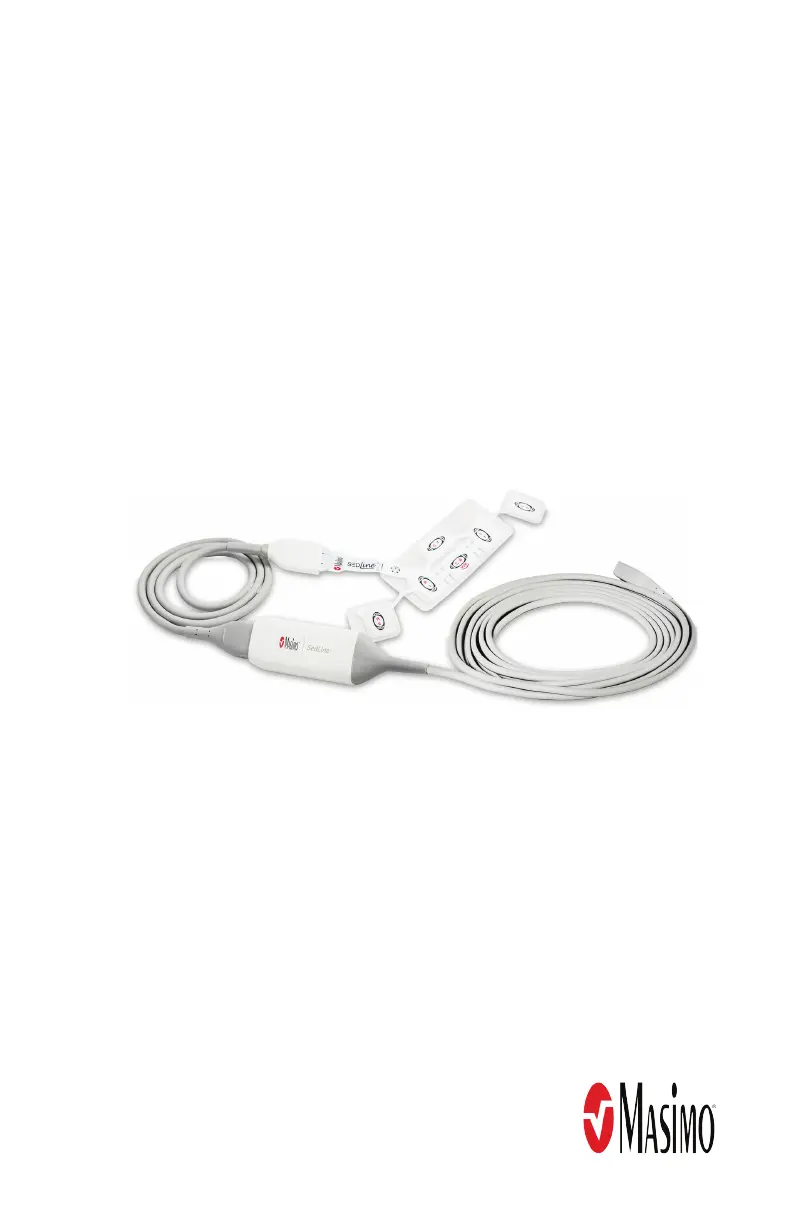
SedLine Components

Details the SedLine Module, Patient Cable, and Sensor(s).

Chapter 3: Setting Up the System

Preparation for Use

Essential checks and confirmations required before operating the SedLine monitor.

Connecting Components

Instructions on connecting the module to the patient cable and Root.

Chapter 4: Operation

Chapter 5: Menu Options

Parameter Settings

Access and configure settings for various SedLine monitored parameters.

Additional Settings

Configure EEG and DSA settings, and SedLine Sensor information.

Chapter 6: EEG Download

Enable EEG Data Collection

Activates the recording and storage of EEG waveforms to a USB stick.

Chapter 7: Alarms and Messages

Chapter 8: Troubleshooting

Trend and Artifact Issues

Resolving issues with unavailable trends, impedance, and artifacts.

Interference Issues

Solutions for line power and high frequency interference artifacts.

Chapter 10: Service and Maintenance

Masimo sedline Specifications

General IconGeneral
Channels4 EEG channels
ParametersEMG
ConnectivityEthernet, USB
CompatibilityMasimo Root
Applicationsedation monitoring
Power SourceBattery

Related product manuals