MAXDATA PLATINUM Server Board User’s Manual
24
Install the Server Board
To ensure proper grounding and support, it is recommended that you install screws in all the
required mounting holes for your chassis. You may need to move cables out of the way to
properly install your server board.
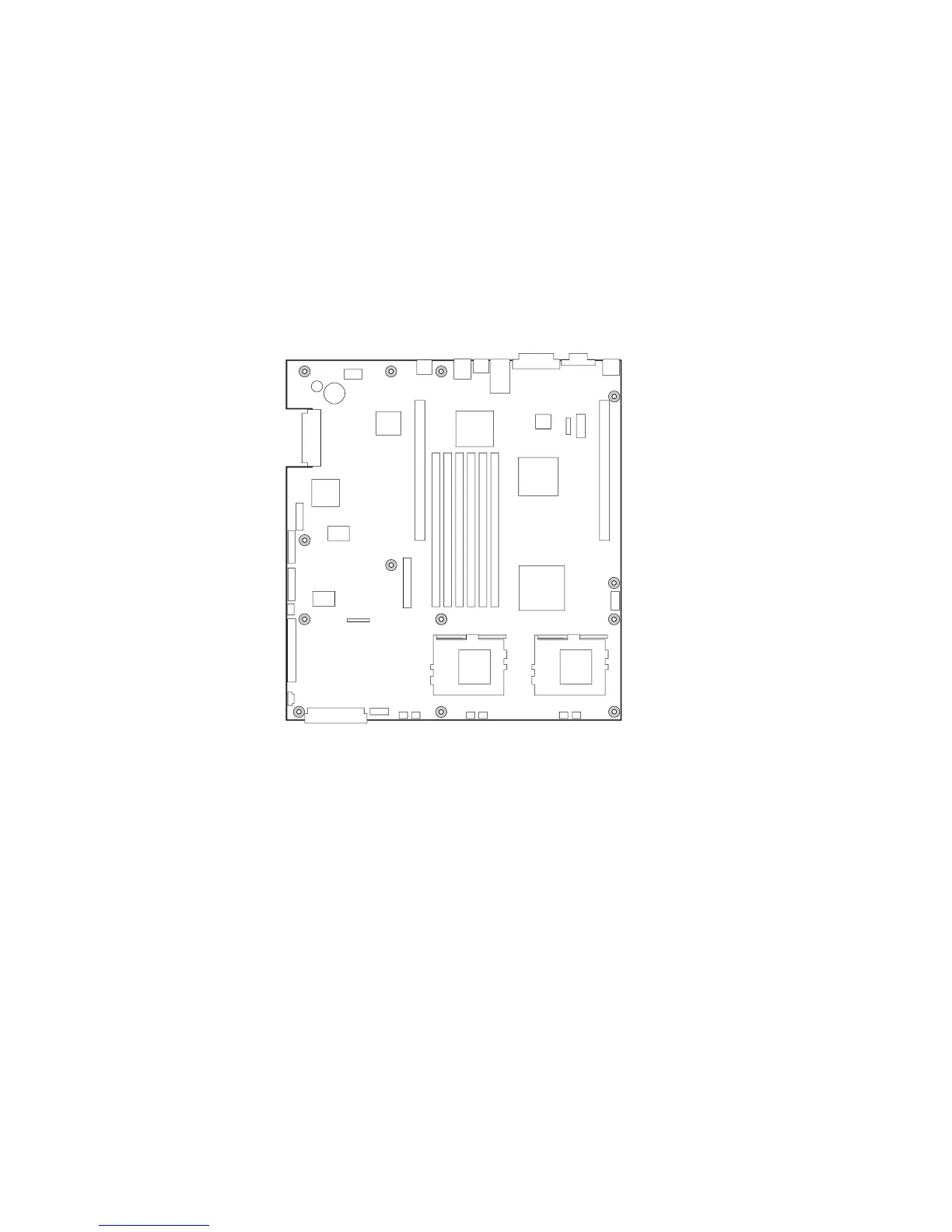
1. While placing the board on the chassis standoffs, carefully position the board I/O
connectors into the rear chassis I/O openings.
2. Adjust board position to align mounting holes with standoffs.
3. Using the screws that came with your chassis, mount the board to the chassis.
Figure 8. Installing the Server Board



 To Next Page