MAXDATA PLATINUM Server Board User’s Manual
65
Paging String
Enter the paging string that contains both the paging service number and the characters
that are sent once the connection has been made. The length of the paging string is deter-
mined at run-time from firmware. You will be notified if the string is truncated. The screen
will show the string that was saved after a save operation is done.
Buttons
• Save: Allows you to save the configuration immediately.
• Close: Allows you to close the Platform Event Paging dialog without saving changes. If
changes have been made, you will be prompted to save changes before closing.
• Help: Displays help information.
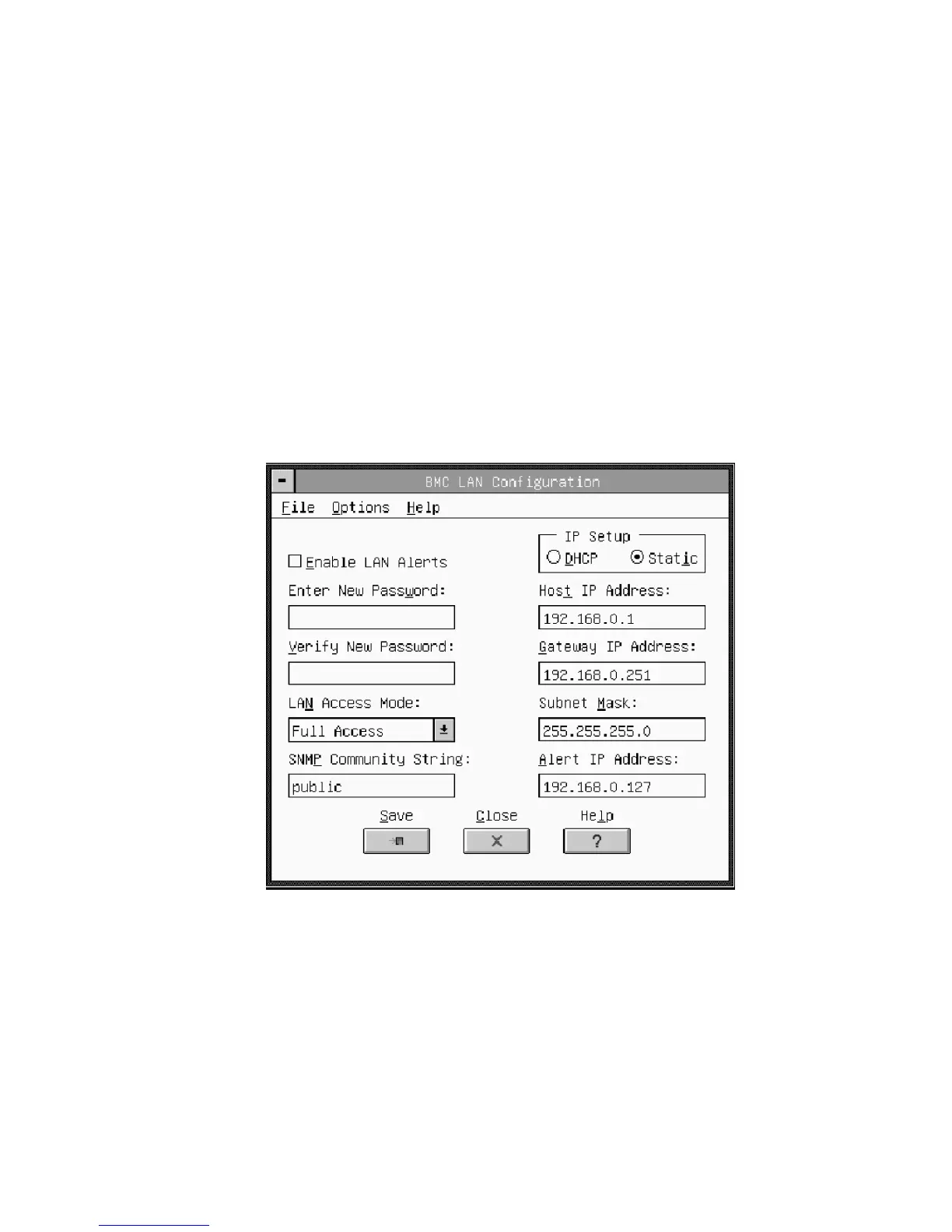
BMC LAN-Configuration Dialog
This dialog allows you to configure the BMC LAN-Configuration features. (See Figure 27.)
Figure 27. BMC LAN-Configuration Dialog



 To Next Page