MAXDATA PLATINUM Server Board User’s Manual
25
Installing Processors
1. Observe the safety and ESD precautions at the beginning of this document.
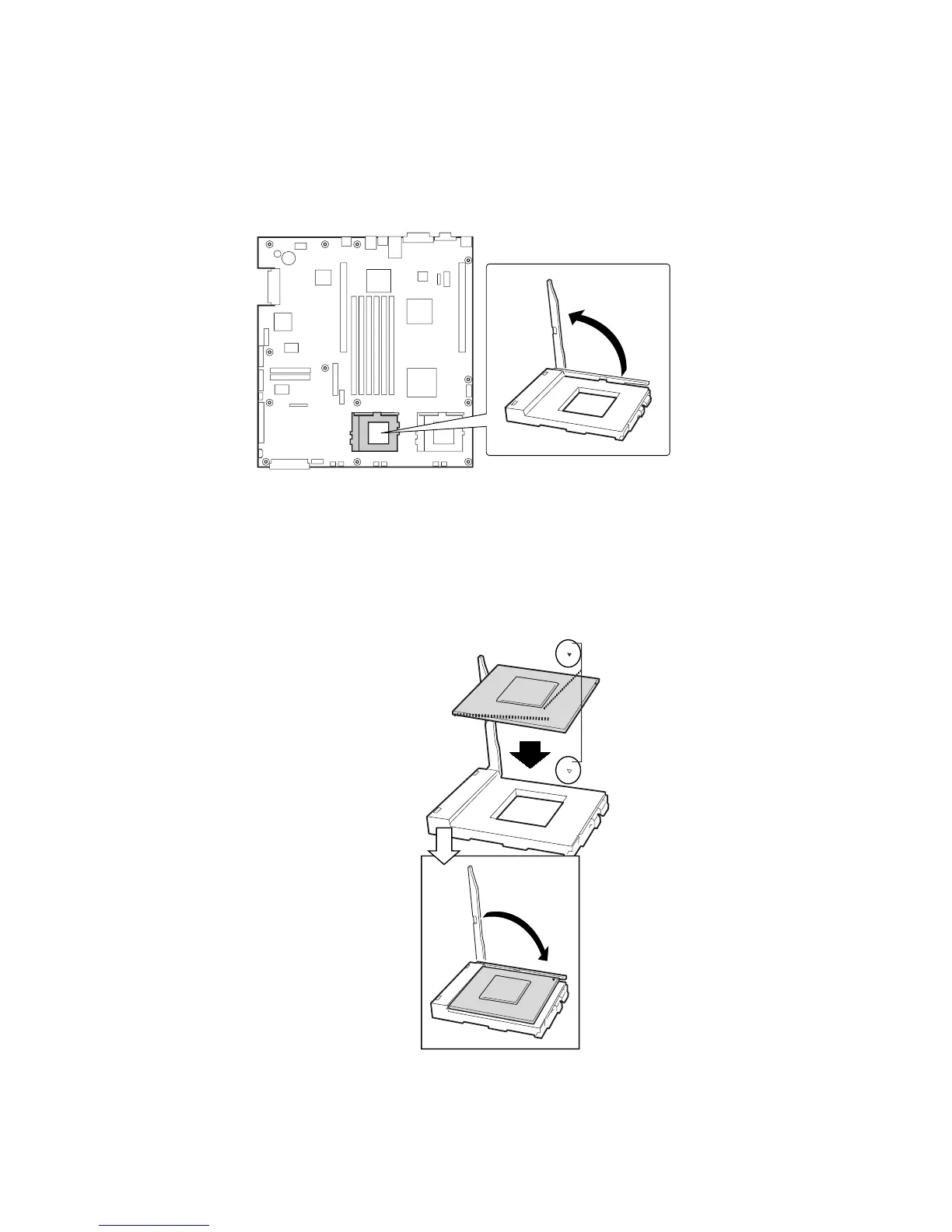
2. Raise the locking bar on the socket.
3. Aligning the pins of the processor with the socket, insert the processor into the socket.
4. Lower the locking bar completely.
Figure 9. Raising the Locking Bar
Figure 10. Installing Processors



 To Next Page