MAXDATA PLATINUM Server Board User’s Manual
63
Platform Event Manager
The Platform Event Manager (PEM) provides an interface for configuring Platform Event
Paging (PEP), the Emergency Management Port (EMP), BMC LAN Configuration (LAN) and
Platform Event Filtering (PEF).
Platform Event Manager Window
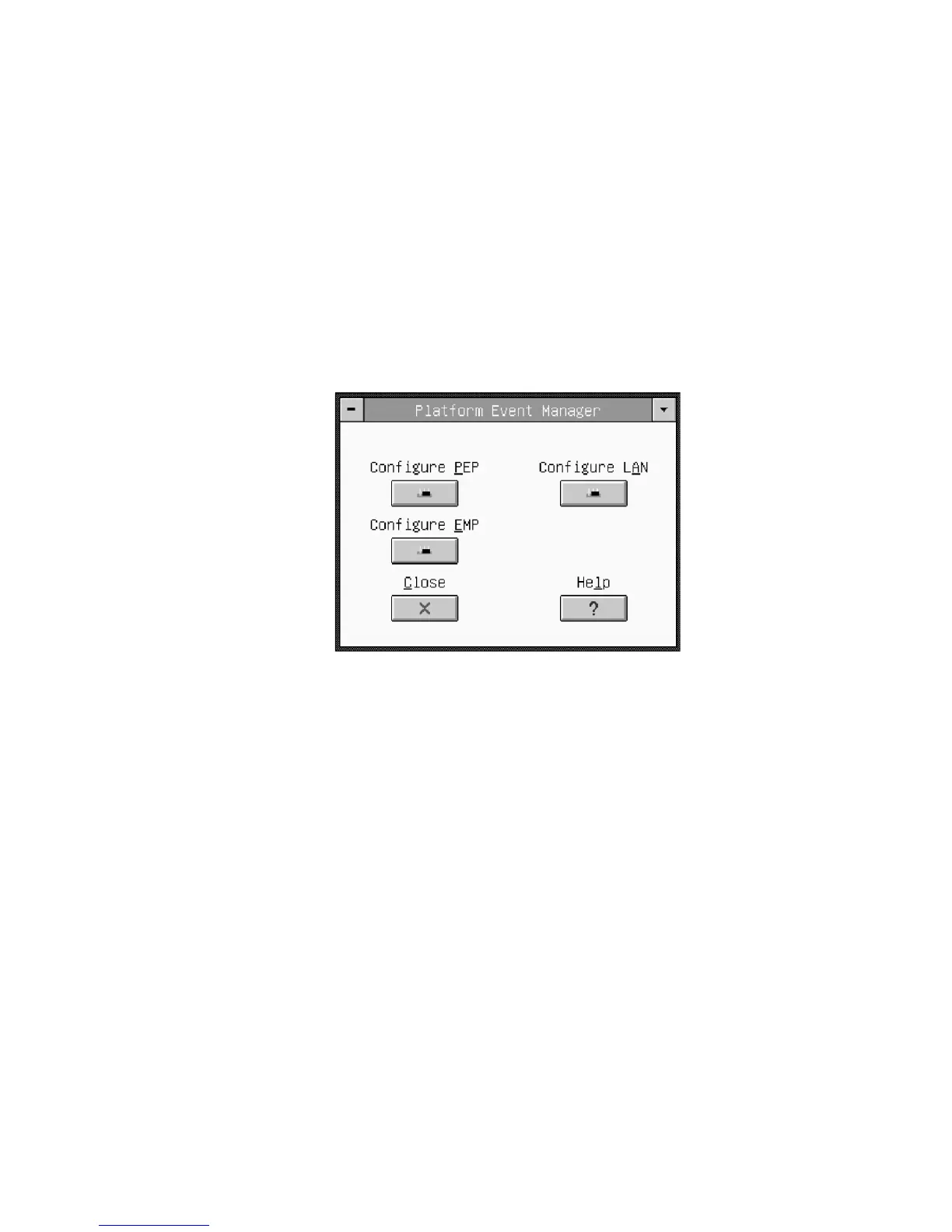
The PEM presents a main window to the user and supports several features (see Figure 25).
These features appear in additional detail in the following sections. Note that each option
included on the main window supports an accelerator key. An underlined letter in the text
listing the option in VGA mode indicates accelerator keys. In text mode, accelerator key letters
appear highlighted rather than underlined.
Figure 25. Platform Event Manager Main Window
Buttons
• Configure PEP: Opens a new dialog that allows you to configure the Platform Event
Paging features.
• Configure LAN: Opens a new dialog that allows you to configure the BMC LAN-
Configuration features.
• Configure EMP: Opens a new dialog that allows you to configure the Emergency Man-
agement Port features.
• Close: Exits the Platform Event Manager and returns you to the AF.
• Help: Displays help information.



 To Next Page