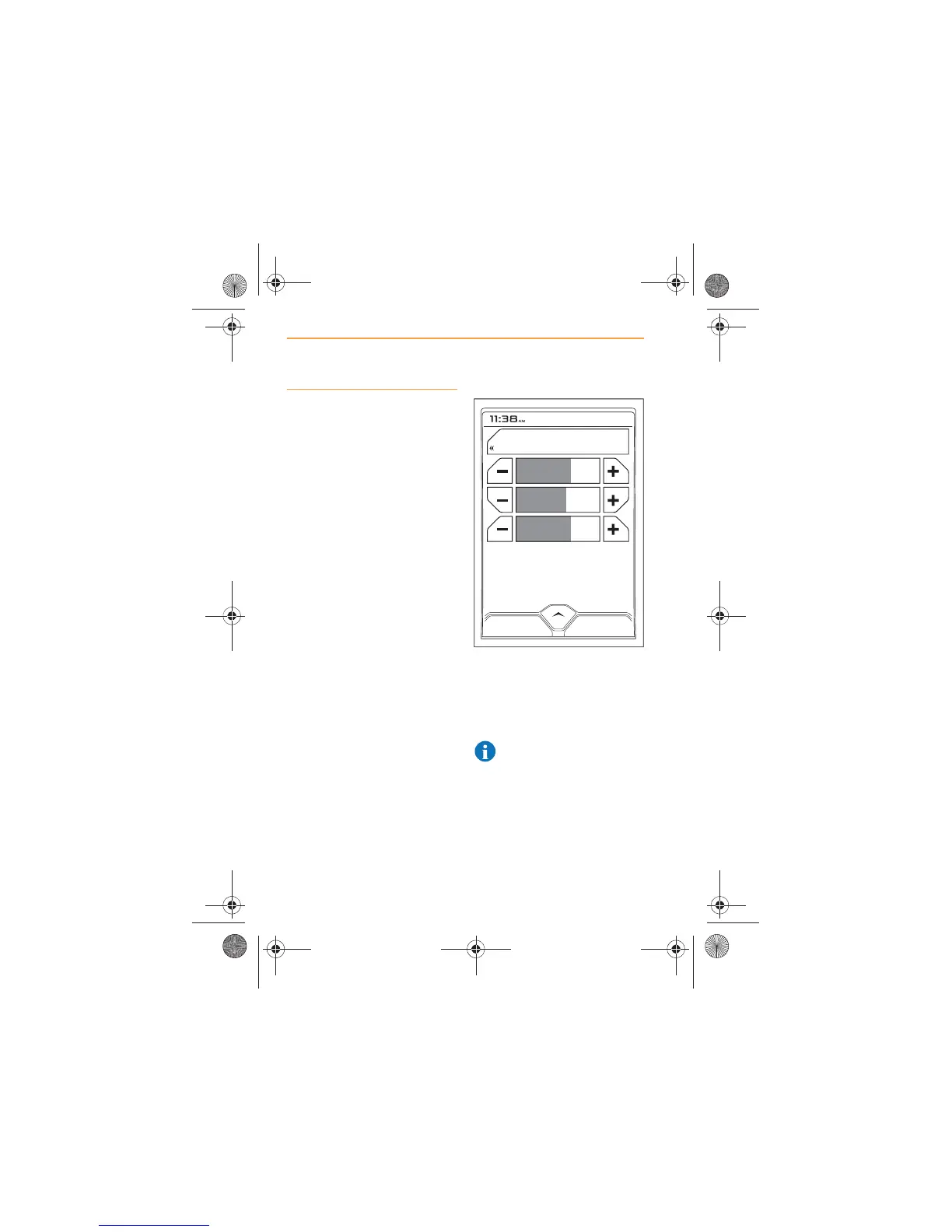
Volume Level
Different volume levels can be
set for the following:
x Phone;
x Media;
x Nav.
To change the volume level,
touch the ‘+’ or ‘-’ icon adjacent
to the audio source you wish to
change. The volume setting is
shown as a percentage and the
icon is partially filled grey, to
reflect the percentage setting.
The active source is displayed in
orange.
To mute a system, touch the icon
containing the name of the
system. The display confirms the
system is muted. Touch again to
restore sound.
NOTE: Rotating the volume
control will also restore the
sound for Media and Radio.



 To Next Page