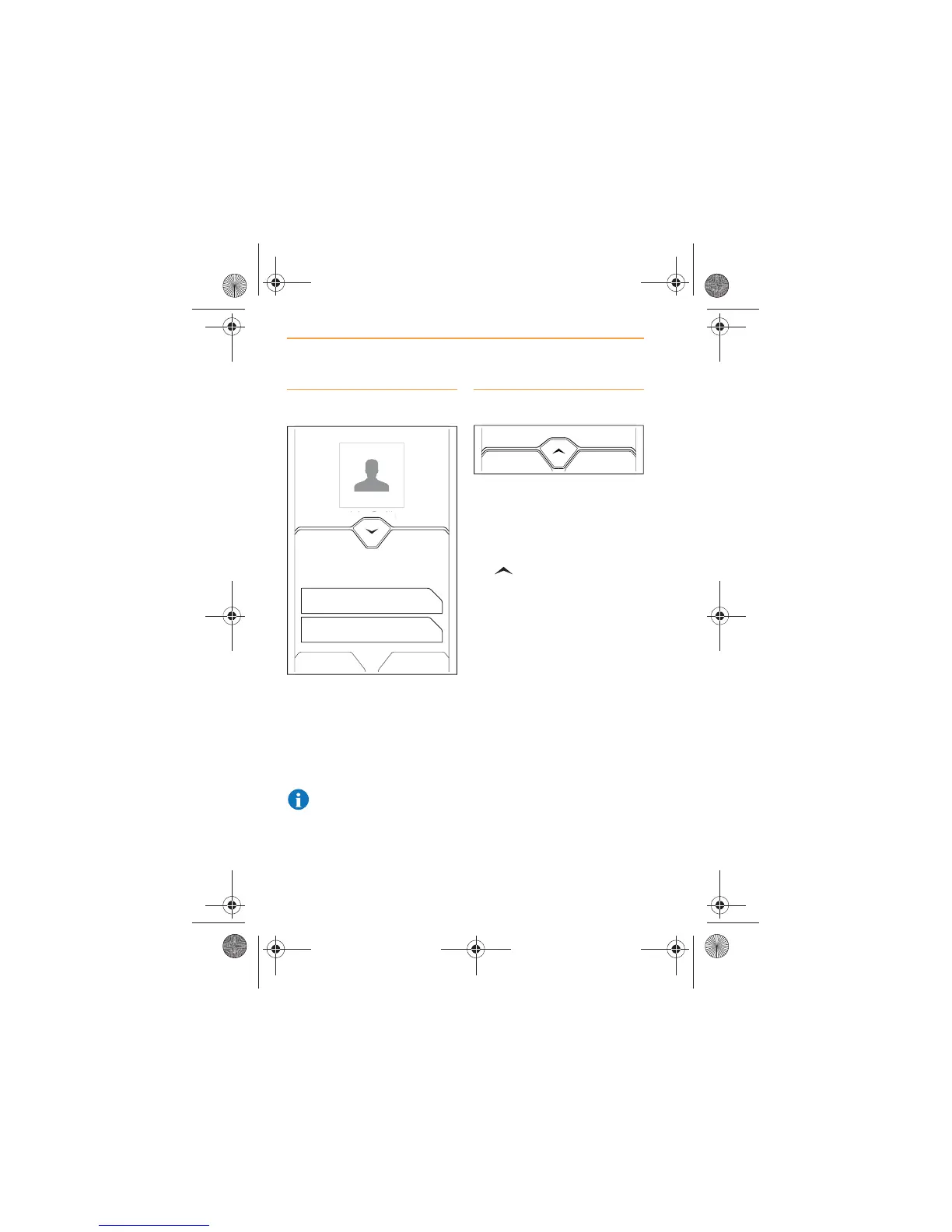
Call waiting
When a call is in progress, and a
second call is incoming, the
MCC will open to advise you of
the second call.
Choose one of the options
displayed on the screen.
NOTE: Call waiting is
phone model dependent.
Ending a call
To end a call from the Call in
Progress screen, touch the END
icon.
To end a call while viewing a
different system screen, touch
the icon to open the MCC.
The indicator will flash showing a
call is in progress. Touch the
END icon.
John Smith



 To Next Page