Go Home
To set your Home Address in the
Go Home feature, see Home
Address, page 89.
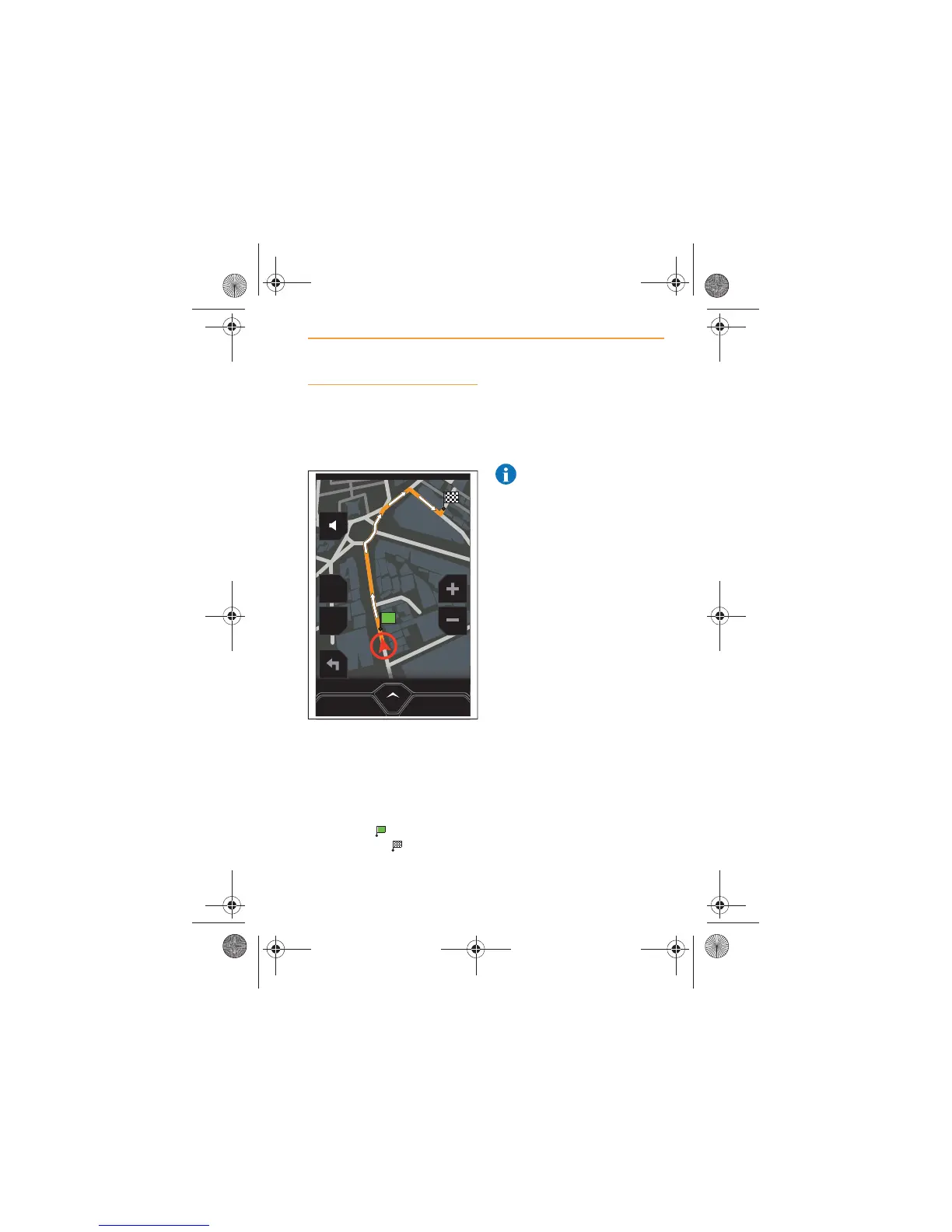
Touching this icon will then
create a route to your home. The
route will be highlighted in
orange, with white arrows
indicating the route direction.
Your start position will be
identified by and Home will
be identified by .
If no address has been saved as
home, the screen will display No
Home Address Set. Refer to
Home Address, page 89, to set
your Home address.
NOTE: Never use your
actual address, always
choose a location nearby. If your
car is stolen, thieves will
otherwise be able to locate your
property.
MENU
2D
POI
CANCEL ROUTE
IRIS.book Page 73 Thursday, October 18, 2012 8:21 AM



 To Next Page