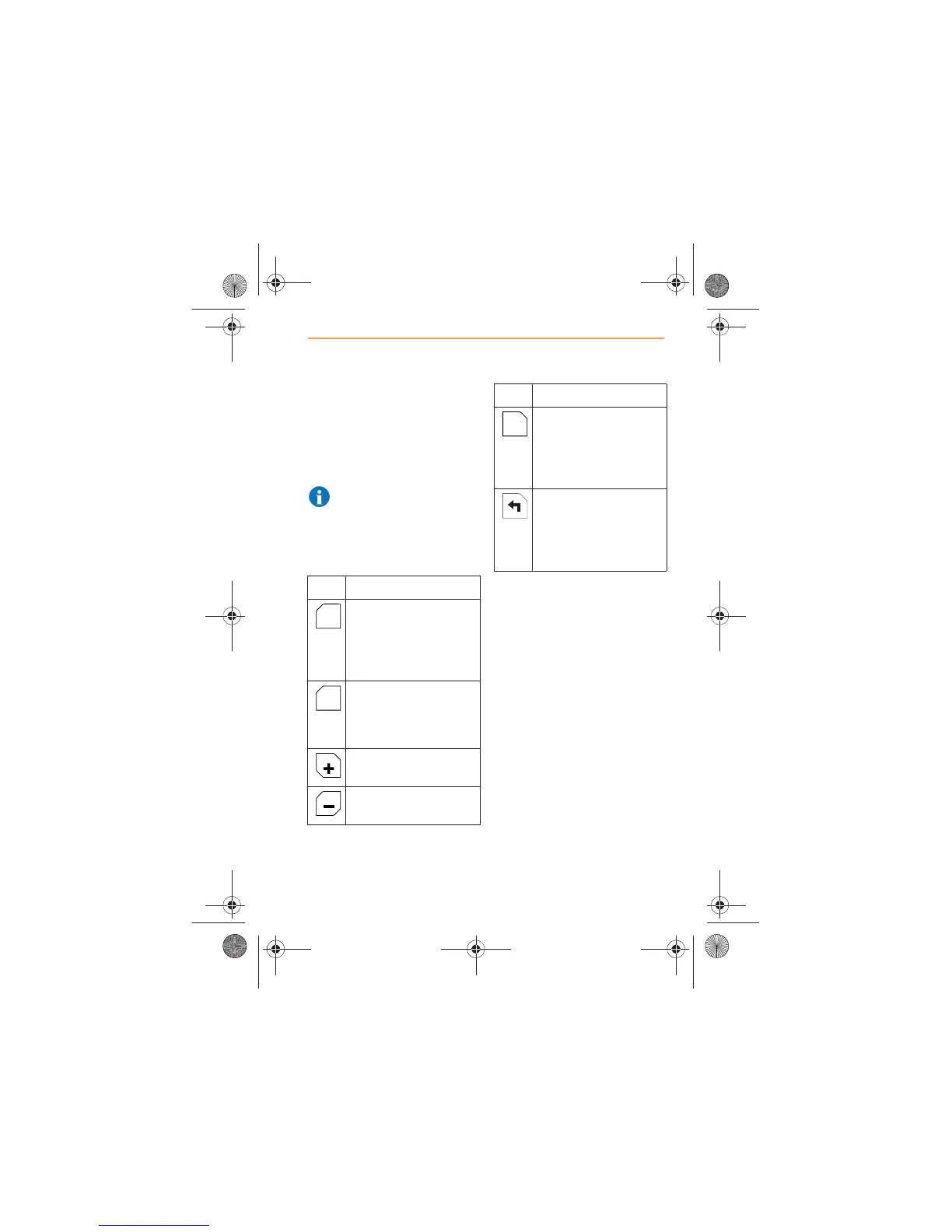
Screen icons
The following icons will appear
on the navigation screen, their
functions are explained below.
When POIs are visible, the icon
will change from white to orange.
NOTE: After a period of no
activity, the icons will
disappear from the screen.
Touch the screen and they will
re-appear.
Icon Function
Displays the map so
the vehicle is always
travelling up the
screen, see Screen
aspect, page 68.
Displays the map with
North at the top of the
screen, see Screen
aspect, page 68.
Provides a zoom in
feature on the map.
Provides a zoom out
feature on the map.
Displays a list of all
Points of Interest that
have been switched on,
see Points of Interest,
page 86.
Displays the turn
instructions that make
up your particular route,
see Turn information,
page 92.
Icon Function
POI
IRIS.book Page 65 Thursday, October 18, 2012 8:21 AM



 To Next Page