Pairing additional phones
NOTE: If a phone is
connected to IRIS when
another phone is being paired,
the system will disconnect that
phone during pairing. This will
occur even if the connected
phone is Set as Primary.
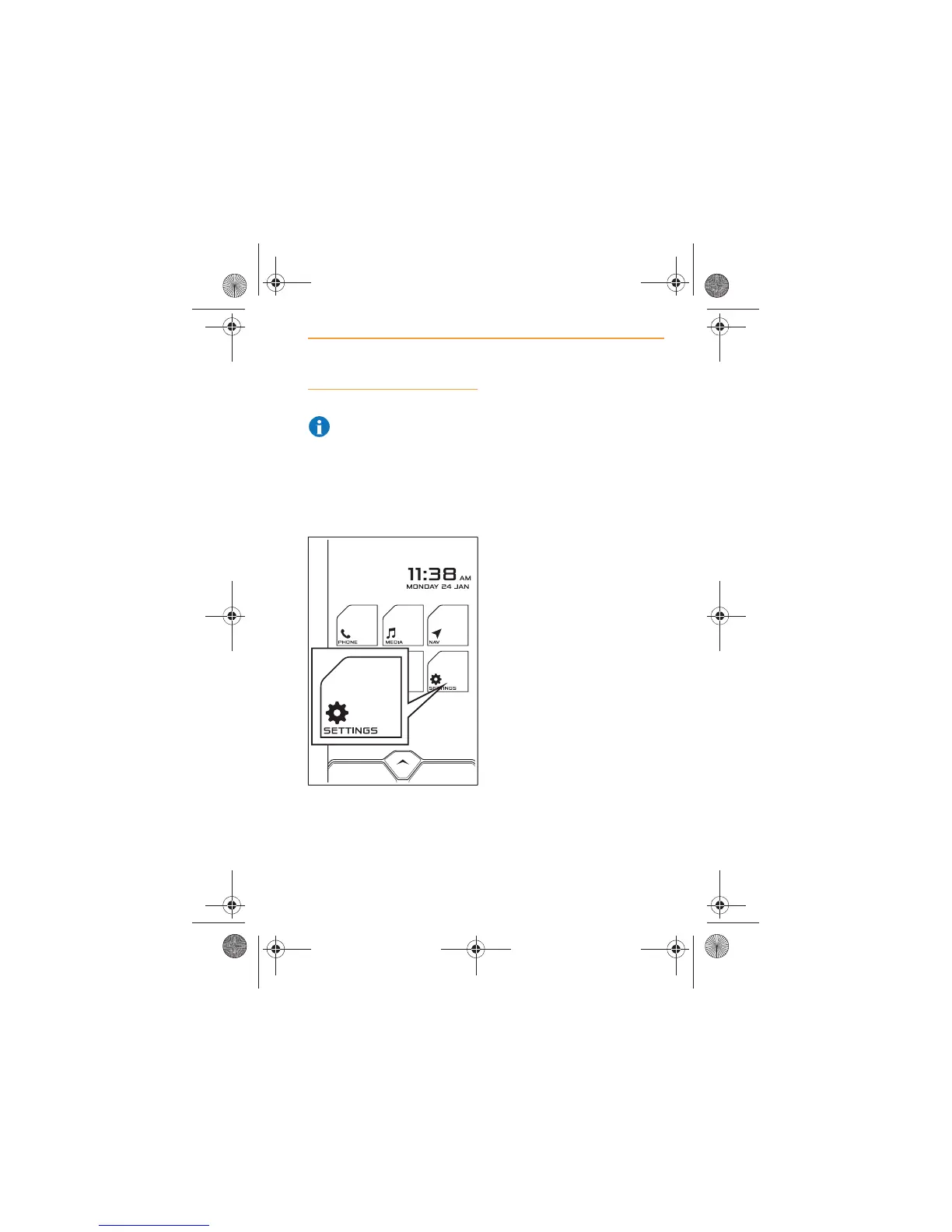
1. From the Home Screen,
touch the SETTINGS icon.
2. Select BLUETOOTH and
make sure that Discoverable
is switched on.
3. The procedure is now the
same as when pairing the
first phone, see Pairing a
phone, page 43.
4. A maximum of 12 phones
can be paired to IRIS, but
only one can be connected at
a time.
IRIS.book Page 45 Thursday, October 18, 2012 8:21 AM



 To Next Page