Changing a country or city
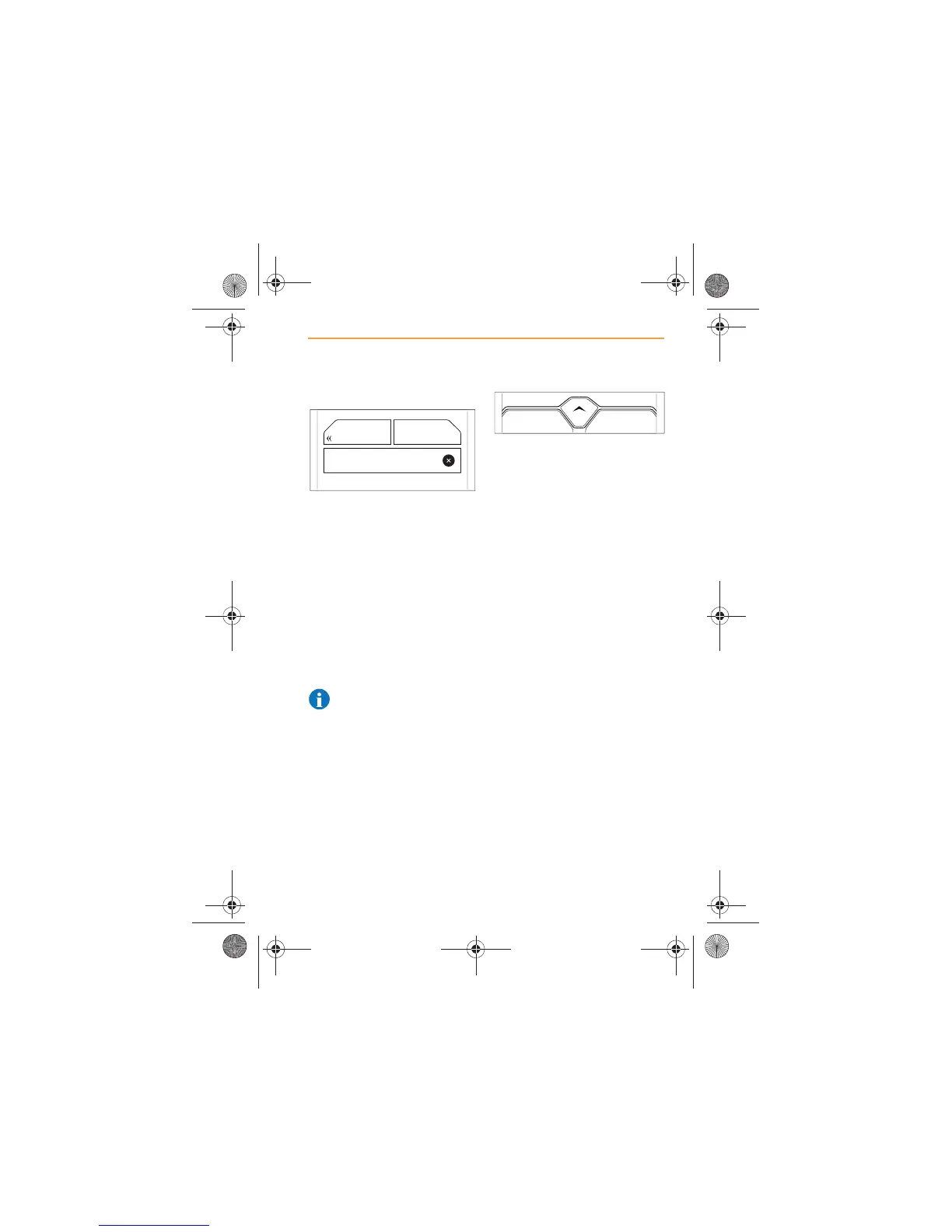
To change a country or city,
touch the NEW DESTINATION
ICON, select the method of
setting a new destination that is
required, then touch the BACK
icon, see Setting a destination,
page 68.
The list of countries will appear
on the screen. Touch to select
the country or city required, see
Initial setting for country and city,
page 65.
NOTE: To display the list of
countries when shown the
list of cities, touch the BACK icon
again.
The new country and city that is
selected will now become the
default setting for future
destinations, until it is changed
when setting a new destination,
or by manually changing.
You may also manually change
the default country or city before
selecting a destination. Touch
the NEW DESTINATION icon,
then touch the Change City/
Country icon to change the
country or city.



 To Next Page