6. The first available search
result will be displayed above
the keyboard.
NOTE: Touch the icon
in the top right hand
corner of the keyboard, to
hide the keyboard and view
more entries.
7. Touch the entry to make your
selection.
Lists
If your selection of music creates
a list which extends beyond the
depth of the screen, scroll up
and down using the left-hand or
right-hand screen icon controls,
or gently swipe your finger
upwards or downwards on the
screen.
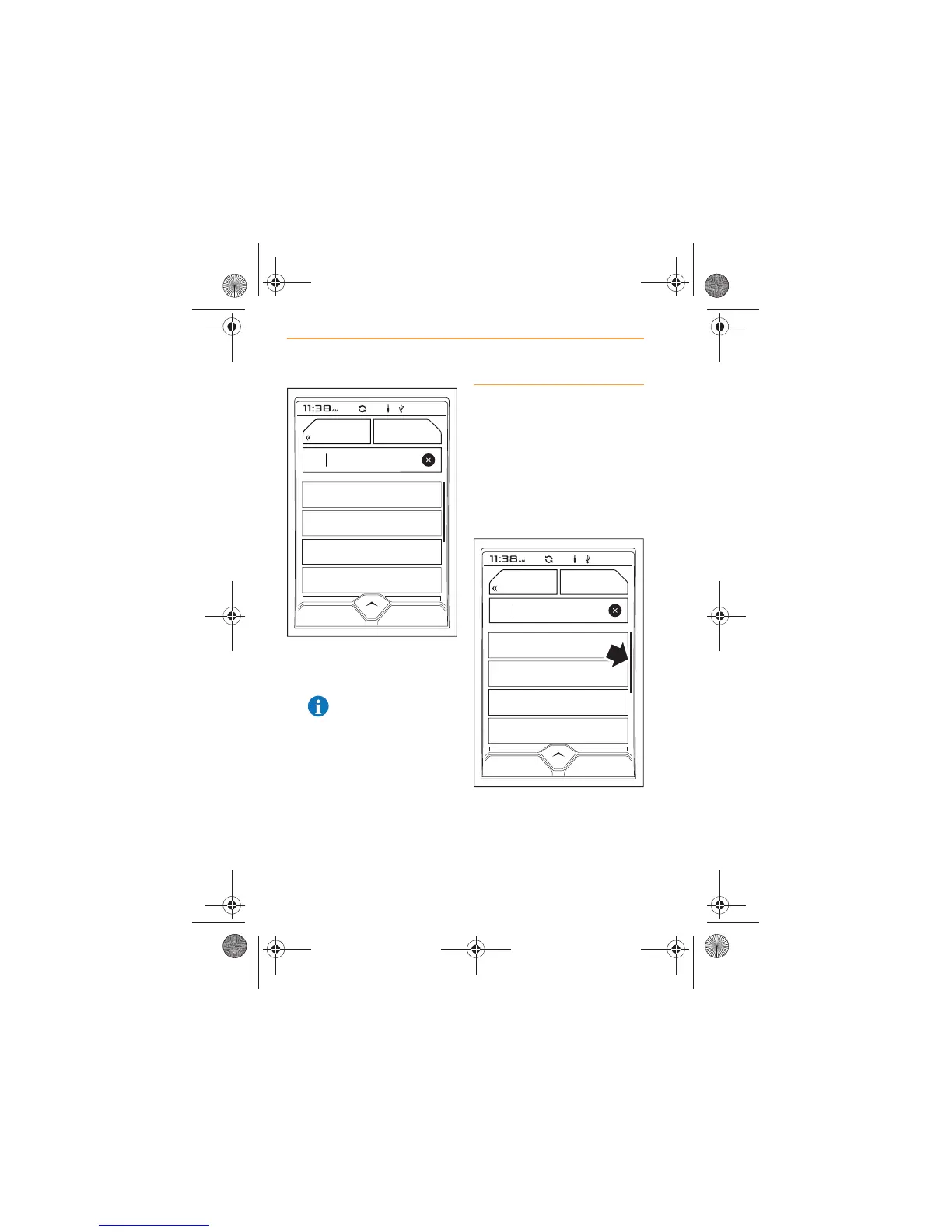
The size of the scroll bar
(arrowed) on the right-hand side
of the screen indicates how long
a list is. The shorter the scroll
bar, the longer a list is.



 To Next Page