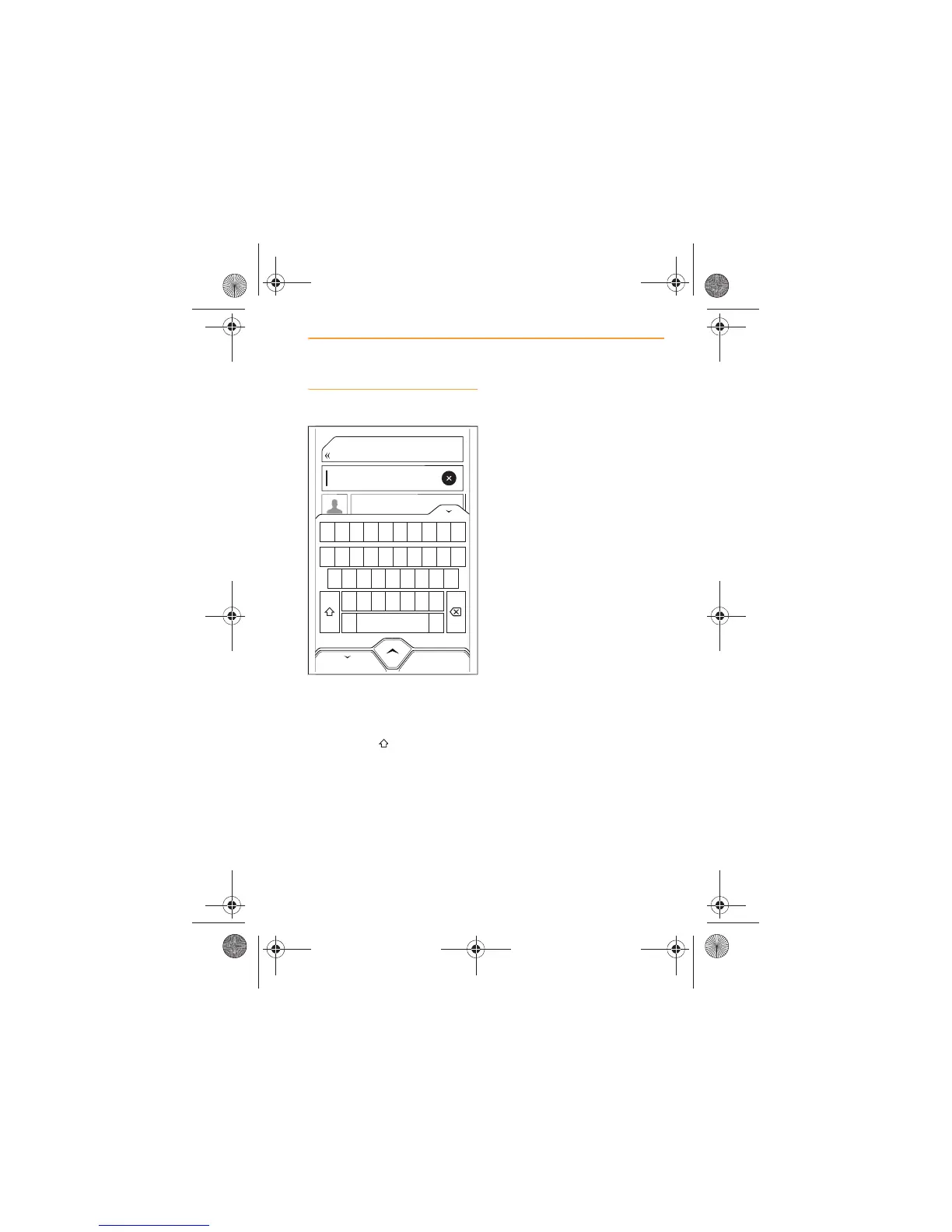
Keyboard functions
The keyboard is a QWERTY
layout.
Capital letters can be entered by
touching the icon. The
characters on the keyboard do
not physically change when the
shift icon is touched.
Accented characters can be
viewed and selected by touching
and holding the character. All the
accented and alternate versions
of the character will appear at
the top of the keyboard and all
other characters will be greyed
out. Touch to make your
selection.
Special characters can be
viewed and selected by touching
the icon. Touch to make your
selection.



 To Next Page