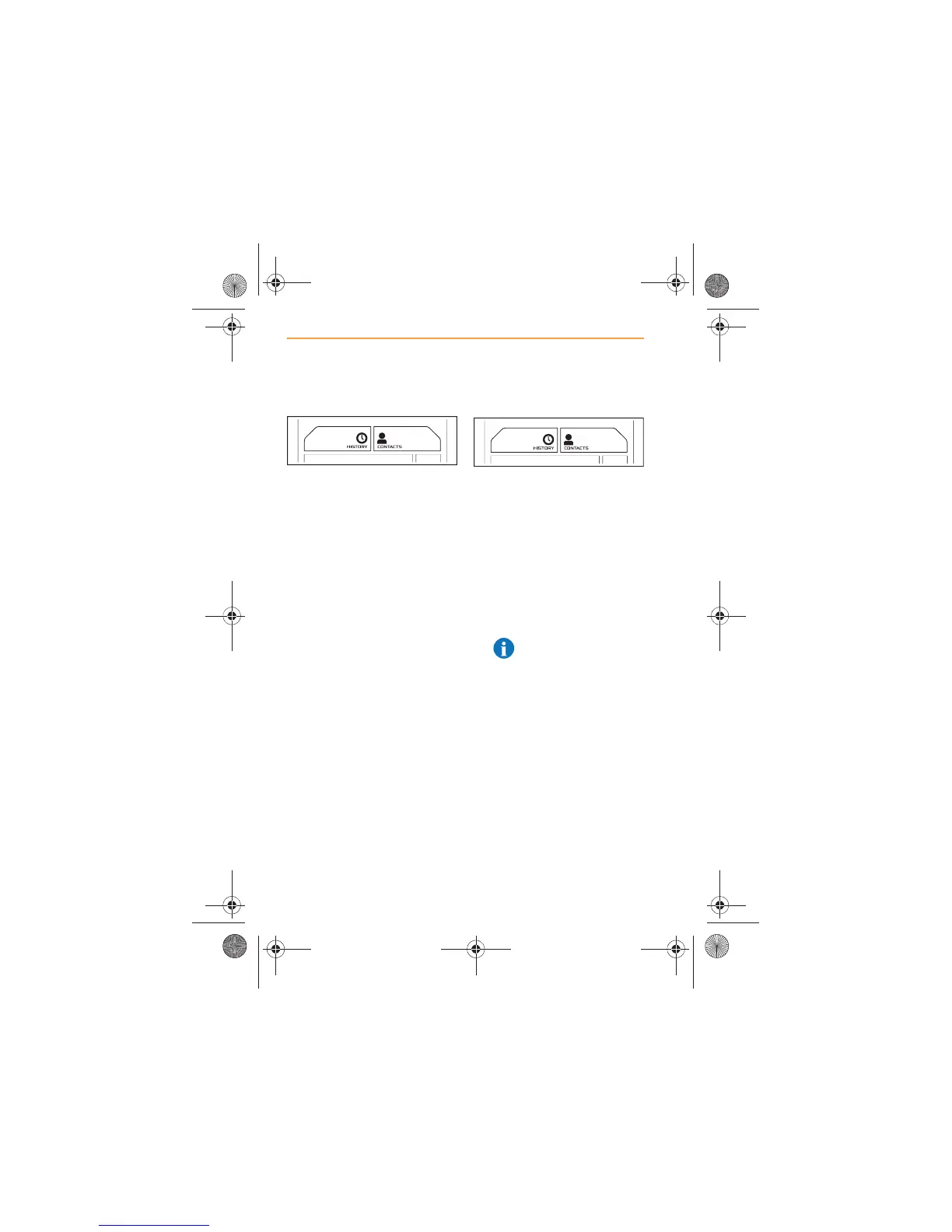
Using Contacts
1. From the Home Screen or
the Phone screen, touch
CONTACTS.
2. Once your contacts are
displayed, a specific person
can be found by scrolling or
searching. For more
information on scrolling and
searching, see CONTACTS,
page 53.
Using Call History
1. From the Phone Screen,
touch the History icon.
2. A list of previous calls
received, made, and missed,
during the current session,
will be displayed in
chronological order with most
recent on top.
3. Select the contact you wish
to call.
NOTE: Unless Contacts
and Call History are
synchronized with IRIS, only
calls made or received using
Bluetooth® will be displayed.
IRIS.book Page 48 Thursday, October 18, 2012 8:21 AM



 To Next Page