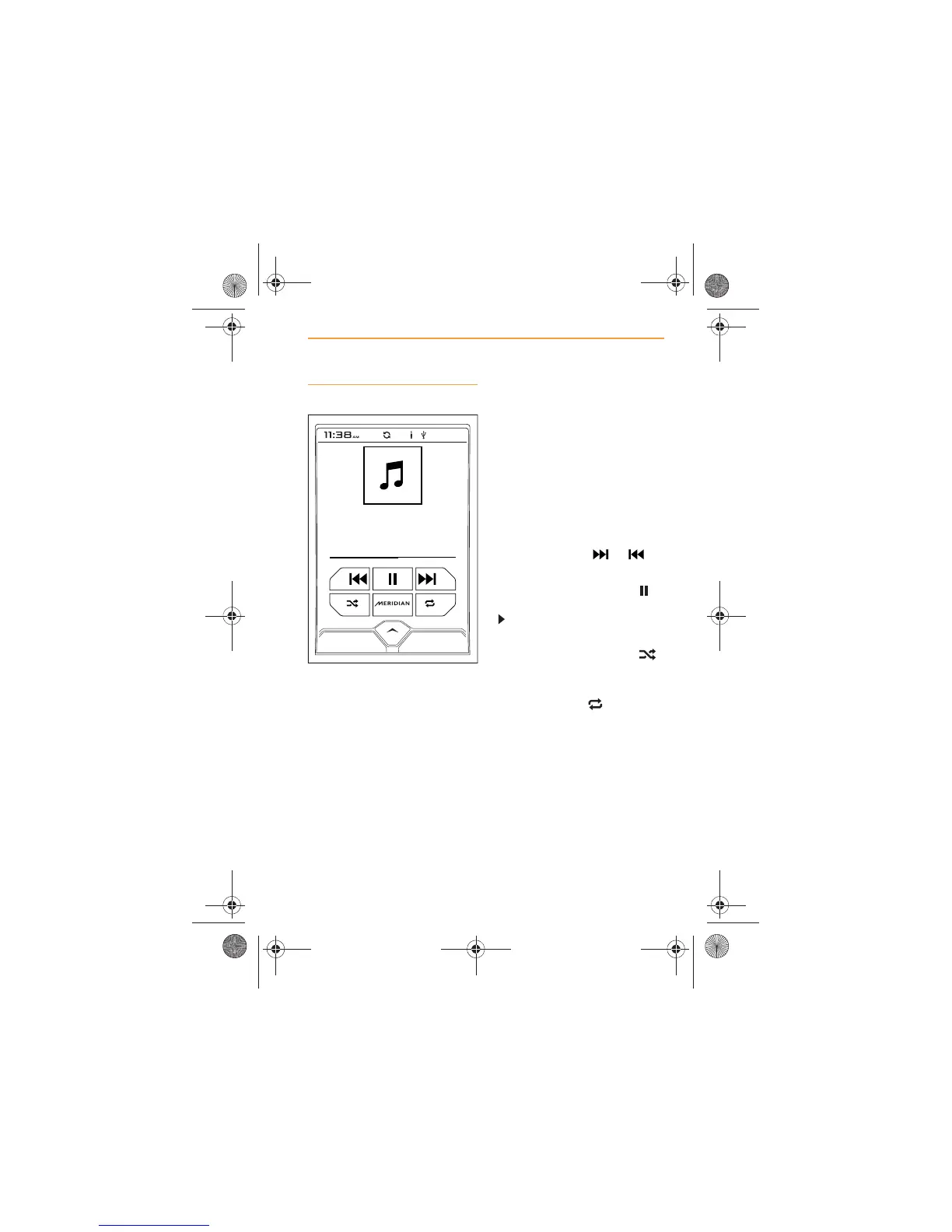
Music play
Play from any device connected
through the USB port can be
controlled using the touch
screen and IRIS controls.
This includes adjusting the
sound settings, see Touch
screen controls, page 5 and
Meridian, page 15.
Once music play has started the
album title, the artist’s name and
the song title will appear on the
screen. If there is any artwork
associated with the song, that
will also be displayed, if no
artwork is available, a
representation of a musical note
will be shown.
Move forward or backward
through the current selection of
tracks by touching or
icons.
To pause a track, touch the
icon. To resume play, touch the
icon.
To SHUFFLE the tracks in the
current selection, touch the
icon.
To REPEAT the track being
played, touch the icon.



 To Next Page