Wavebands
The radio has two wavebands;
AM (Amplitude Modulation) and
FM (Frequency Modulation).
AM is a medium frequency
waveband and has a range from
520 kHz to 1710 kHz changes
are in steps of 10 kHz.
FM is a very high frequency
waveband with a range from
87.7 MHz to 107.9 MHz changes
are in steps of 0.2 MHz.
The waveband
currently selected is
displayed in orange on
the waveband icon. To change
the waveband, briefly touch the
icon. AM or FM will be displayed
in orange to reflect the change in
waveband.
Station search and store
The radio allows a total of up to
six stations to be stored on the
preset icons, for each
waveband.
1. To store a station, select the
required waveband, AM or
FM, see Wavebands, page
23.
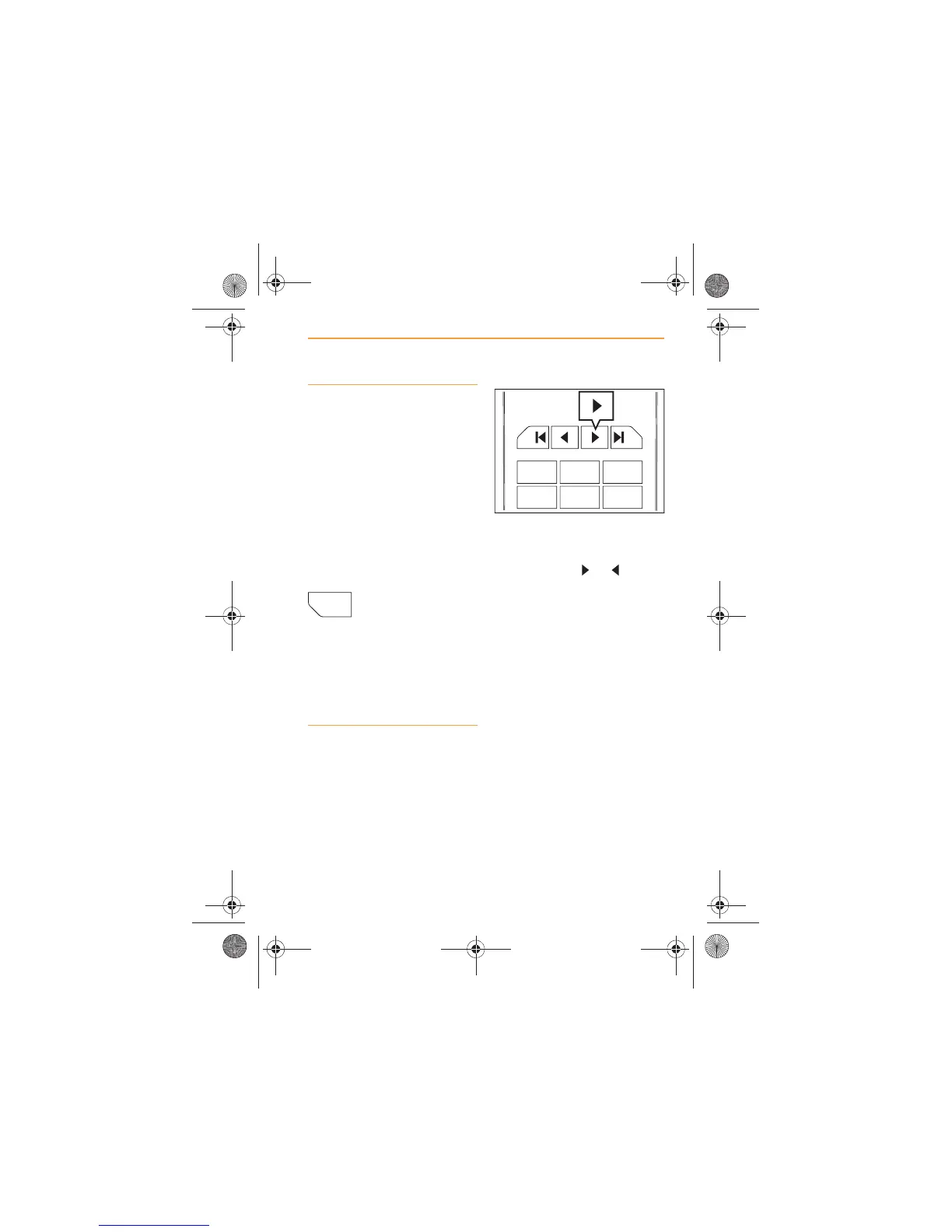
2. If you wish to manually tune
to a known frequency,
repeatedly touch one of the
tuning icons or
(forward or back). The tuning
will occur in steps of 0.2 MHz
on FM or 10 kHz on AM.
3. When the desired frequency
is reached, touch and hold
the preset that you wish to
store it on for more than 2
seconds.



 To Next Page