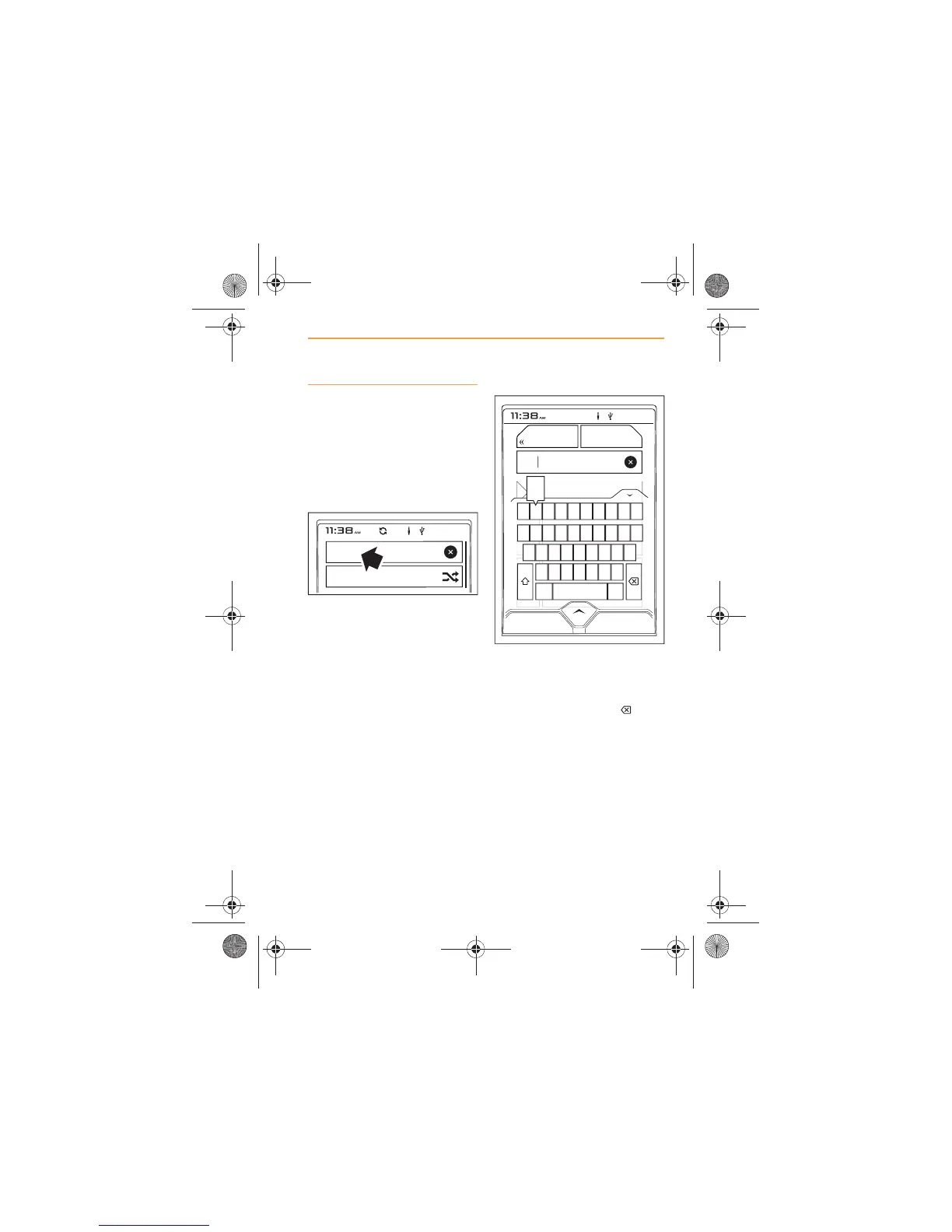
Search
A search can be carried out at
any level within a device
connected to the USB port.
1. For the best results, make
the initial selection of Artist,
Album or Song first.
2. Touch Search and a
keyboard will appear in the
screen.
3. The number of items found is
displayed in the Search area.
4. Enter the first few characters
of the Artist or Album.
5. If you enter an incorrect
character, touch the icon
to delete.
SHUFFLE ALL
Search
Item
Item
Item
Item
Item
ALBUM



 To Next Page