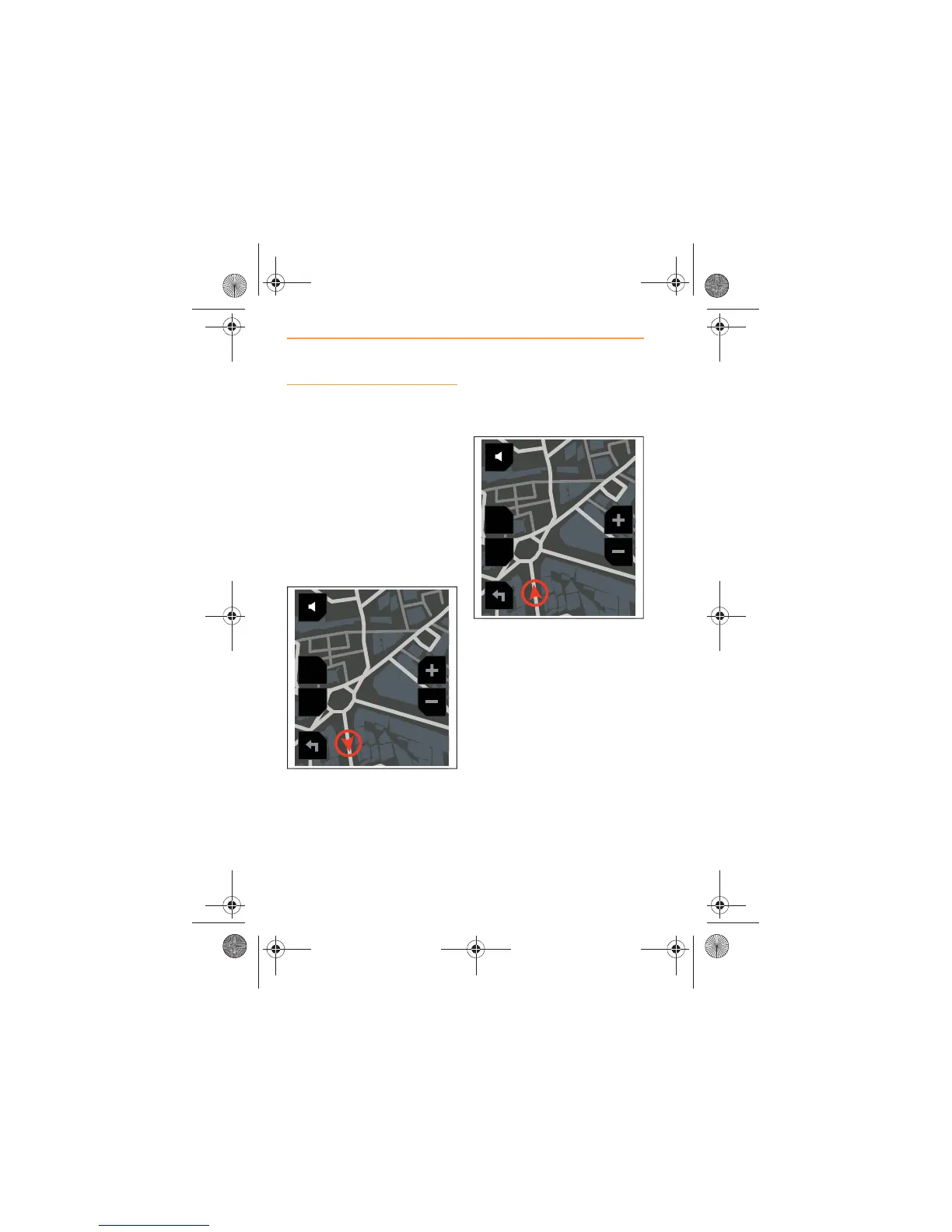
Screen aspect
The navigation map can be
displayed in either of the
following aspects.
x Two dimensional - ;
x North up - .
Touch the icon on the left hand
side of the screen, to change the
map view.
The icon description will change
according to the selection made.
When is selected, the map is
viewed with North at the top of
the screen and the icon which
represents the vehicle will travel
around the screen, according to
the actual direction that you are
travelling, i.e downwards if you
are travelling south; to the left if
you are travelling west.
When is selected, the icon
representing the vehicle will
always travel up the screen and
the orientation of the map will
change when the car changes
direction.



 To Next Page