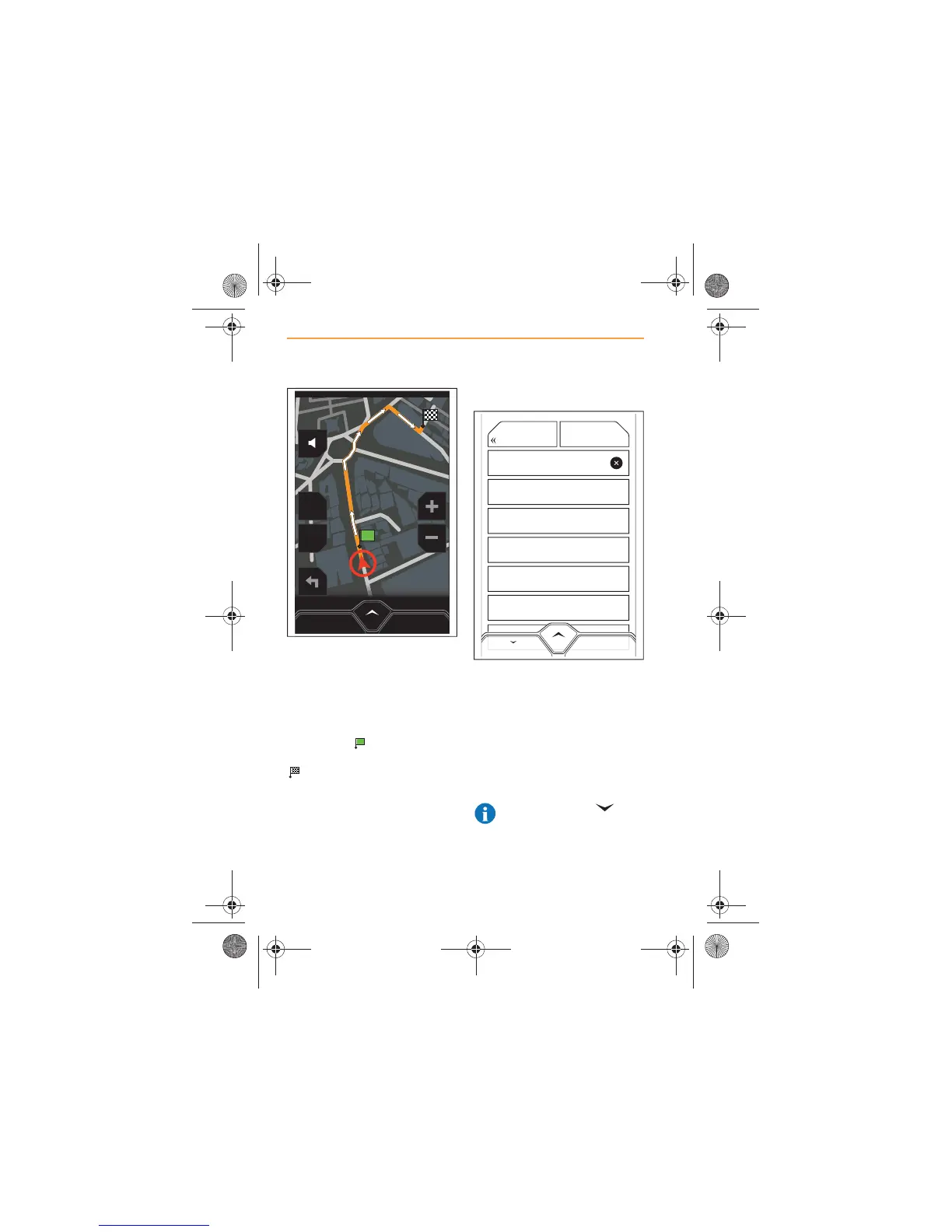
When the route has been
calculated, it will be highlighted
on the map in orange, with white
arrows indicating the route
direction.
Your start position will be
identified by and the
destination will be identified by
.
By Zip Code
Touch BY ZIP CODE, a list of all
the zip codes in the country will
appear, in alphabetical order.
Using the keyboard, start to type
your destination zip code. A list
of zip codes beginning with the
same characters as your zip
code will appear.
NOTE: Touch the icon
in the top right-hand corner
of the keyboard to hide the
keyboard and view more entries.



 To Next Page