Points of Interest
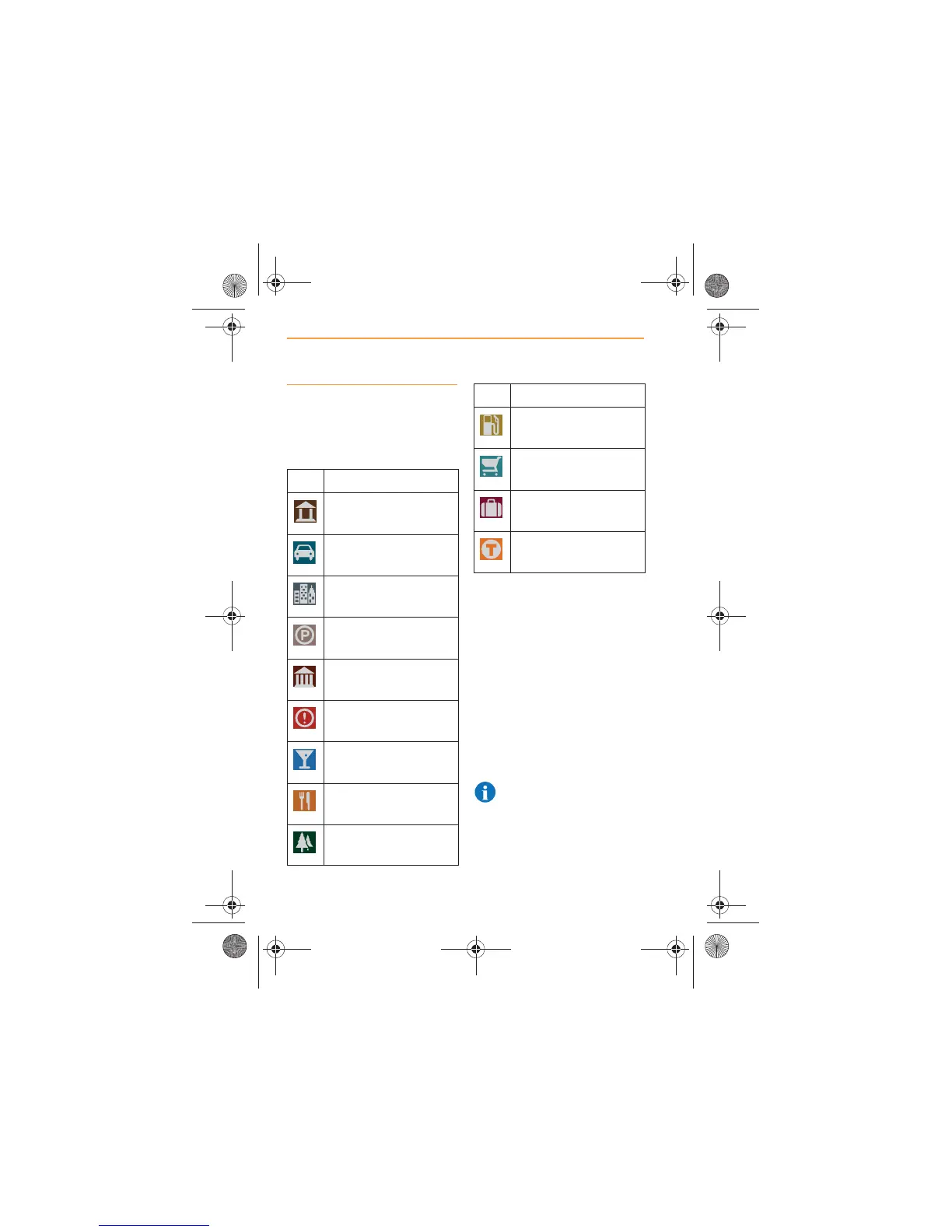
The following categories of
Points of Interest (POI) are listed
within the system.
Touch icon on the screen
and all the POIs that have been
selected will appear on the map.
To change which POIs can be
viewed on the map, press and
hold the icon to display
categories.
Touch all those that you wish to
appear on the map, at the
locations you specified.
Alternatively, touch TURN ALL
ON, to display all POIs.
NOTE: With all POIs
displayed, the screen may
at times become over populated
with icons, having a negative
impact on the usefulness of the
map.
Icon POI
ATM & Banking
Auto
Business
Car Park
Civic
Emergency services
Entertainment
Food
Park & Recreation
Petrol
Shopping
Tourism
Transport and Travel
Icon POI



 To Next Page