OPERATION
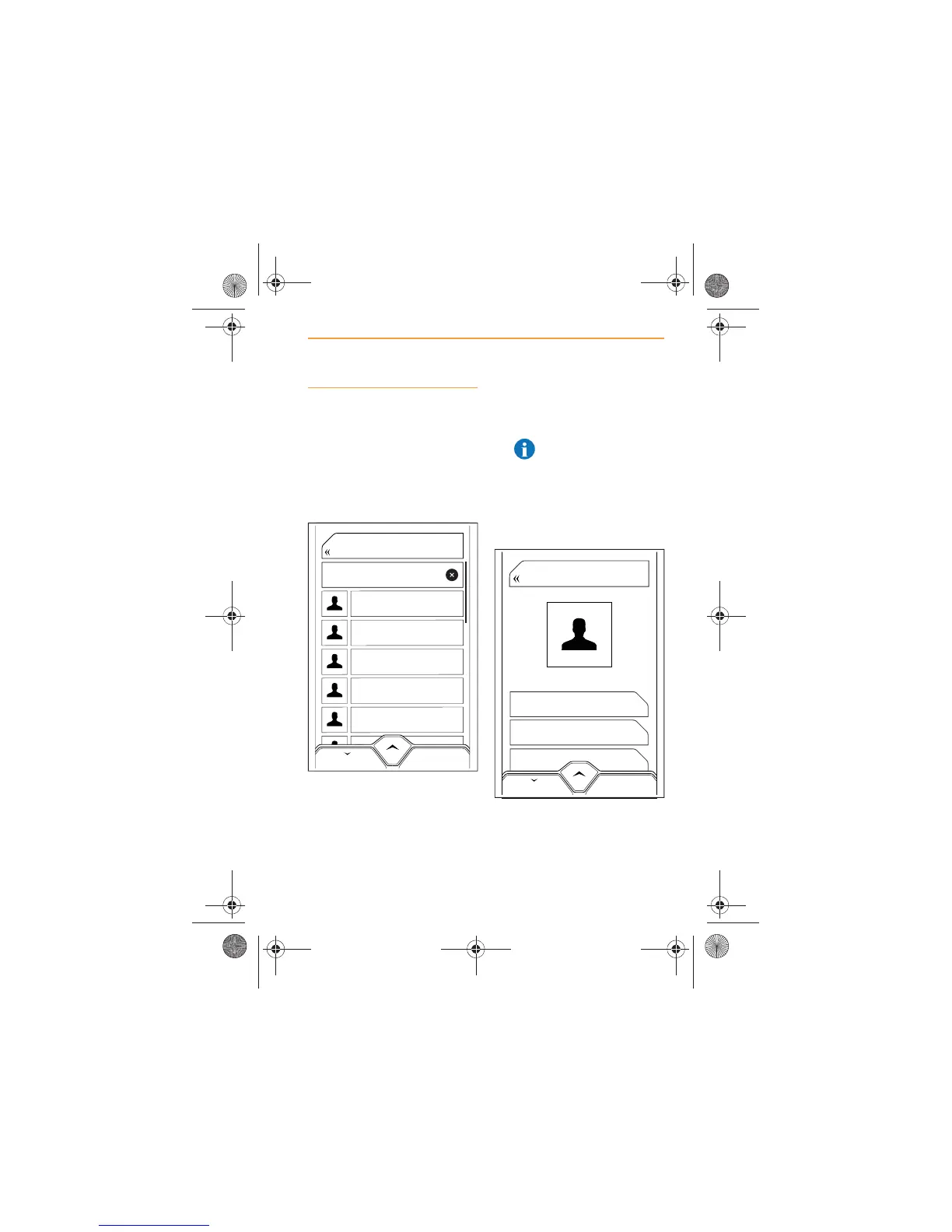
Scrolling Contacts
1. From the Home Screen or
the Phone Screen touch the
CONTACTS icon. A list of the
contacts in your phone will
appear on the screen, in
alphabetical order by first
name.
2. Scroll through the list and
select the contact to view
calling details.
NOTE: Dependant on
phone model, if pictures
of contacts are stored on
your phone, these will be
displayed on the screen
during a call if Contacts have
been synchronized with IRIS
3. The display will show all the
numbers available for that
contact together with the type
or location of phone to which
each number relates.
Andrew Jones
Jane Smith
John Smith
Norman Jones
Sarah Brown
Tom Brown
BACK
Search
46
BUSINESS
+445555555555
HOME
+445555555555
MOBILE
+445555555555
BACK
John Smith
IRIS.book Page 55 Thursday, October 18, 2012 8:21 AM



 To Next Page