Navigation Menu
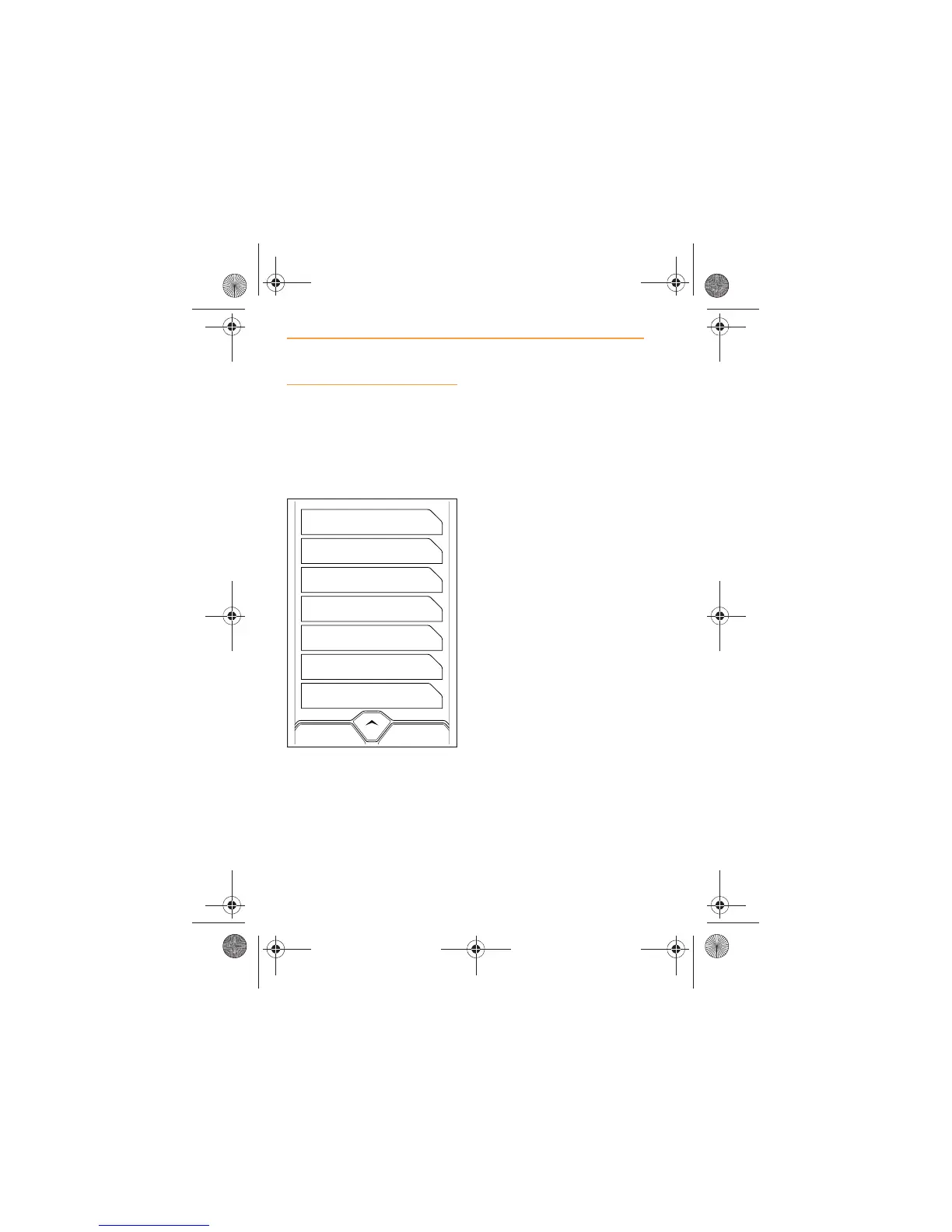
When a map is displayed, the
navigation menu can be
accessed by touching the MENU
icon in the bottom right-hand
corner of the screen.
The following selections can be
made.
x Go Home, page 73;
x Favorites, page 74;
x New Destination, page 76;
x Recent Destinations, page
84;
x Points of Interest, page 86;
x Options, page 89.
To return to the map screen,
touch the MAP icon at the top of
the screen.



 To Next Page