OPERATION
Switching on and off
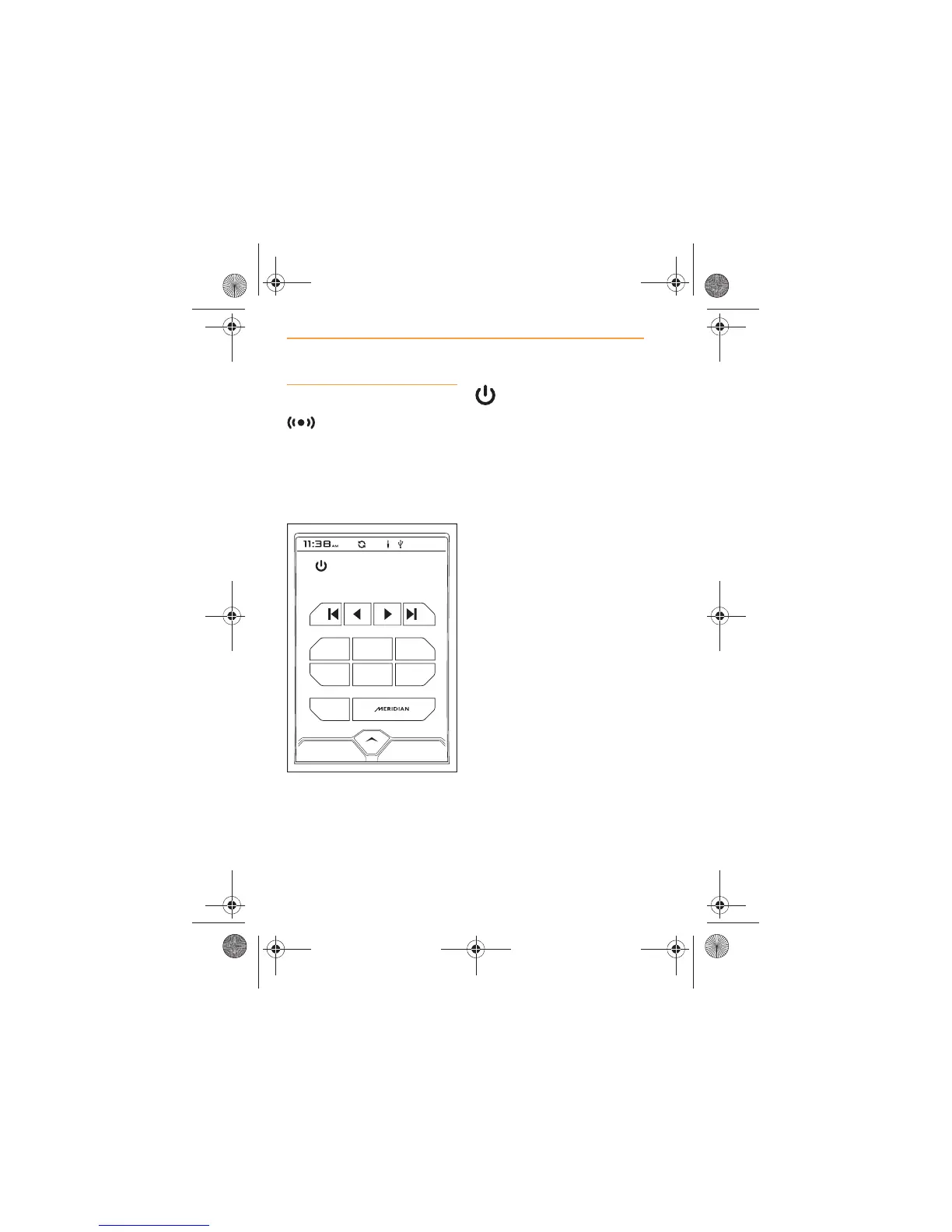
When RADIO is selected,
either from the MCC
window or from the Home
screen, the screen will show the
main radio screen, the radio will
tune to the previously selected
station and commence play.
To switch off the radio,
touch the icon in the top
left-hand corner of the screen. To
switch the radio on, touch the
icon again. The icon will be
displayed as orange when the
radio is on.
Changing the source to a
different media device will also
stop radio play, see Sources,
page 30.
Alternatively, switch off IRIS, see
On/Off and Home control, page
5.



 To Next Page