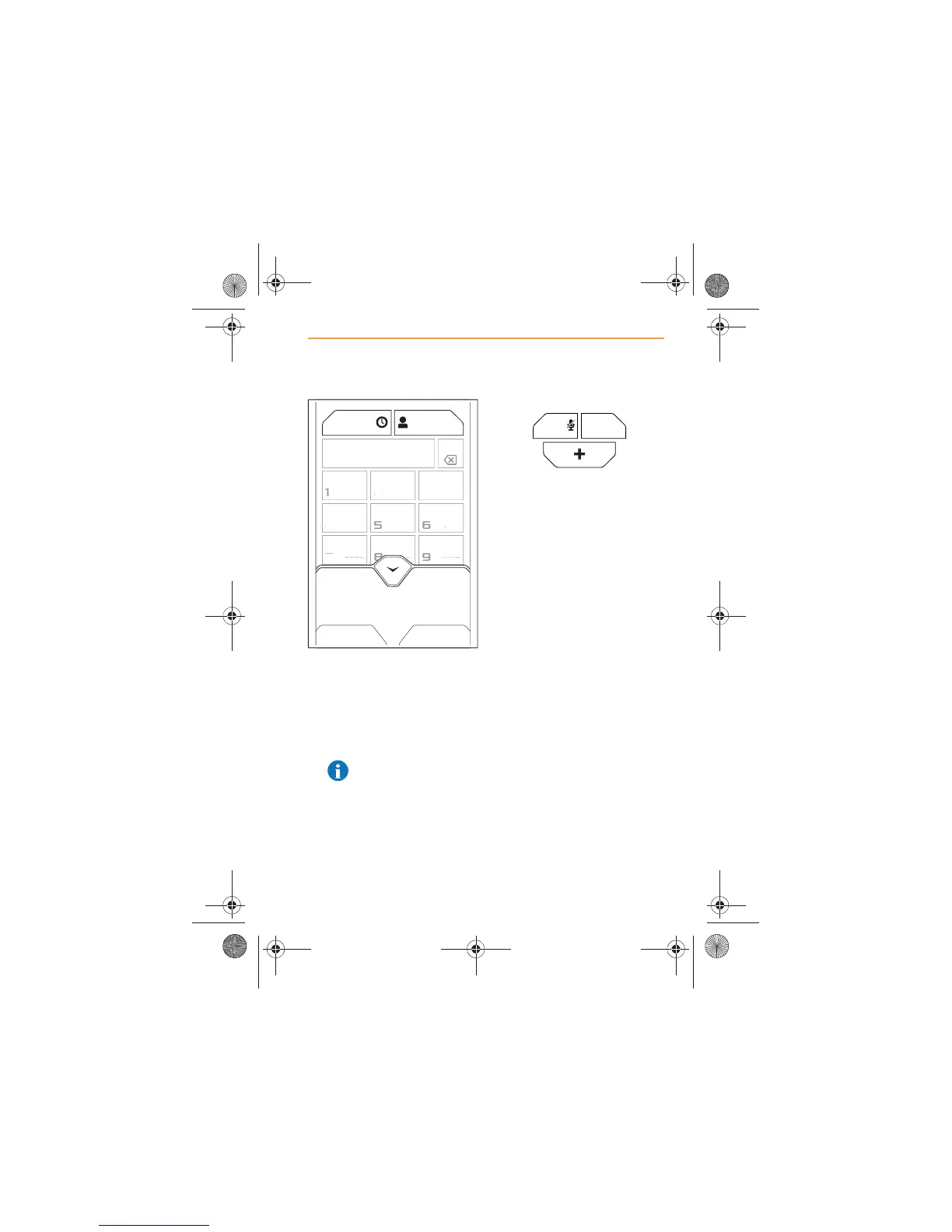
4. Touch the entry and dialling
will commence.
5. A call can be cancelled, while
the system is dialling, by
touching the CANCEL icon
or button.
NOTE: Any media or
radio play will be muted
while a call is in progress.
Call Privacy
1. If a call is of a sensitive or
private nature, touch the
SWITCH TO PHONE icon
and conversation will only be
heard through the cell phone
and not IRIS. The display on
the icon will change to
SWITCH TO CAR.
2. To revert to the conversation
being heard through IRIS,
touch the SWITCH TO CAR
icon.
123
456
78
0
*
#
9
ABC DEF
GHI
PQRS TUV
+
WXYZ
JKL MNO



 To Next Page