USB
Media
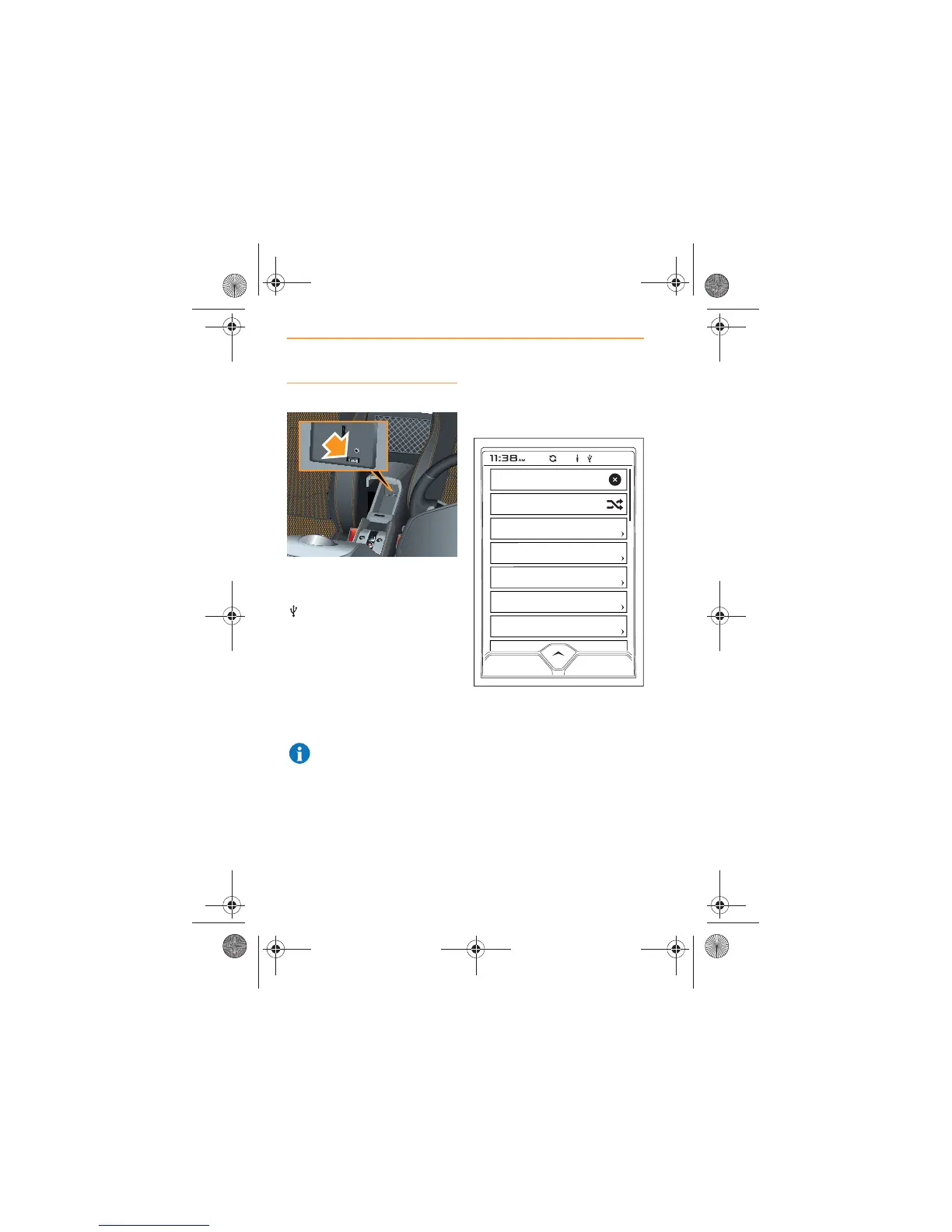
Open the center console and
connect the device to the USB
port, (arrowed). The USB symbol
will appear at the top of the
screen.
Ensure that the center console is
closed, before driving.
Touch the MEDIA icon on the
Home Screen, the name of the
device connected to the USB
port will appear.
NOTE: Any internal
batteries fitted to your
device will be charged through
the USB port.
Touch the device name and the
following list of choices will be
shown.
These choices will enable you to
refine your selection of tracks to
suit your current listening
requirements.
Alternatively, you can use the
search feature to select
individual, artists, albums or
tracks, see Search, page 35.



 To Next Page