Setting a destination
There are a number of ways to
set a destination. You can use
the screen interactively or use
the menus.
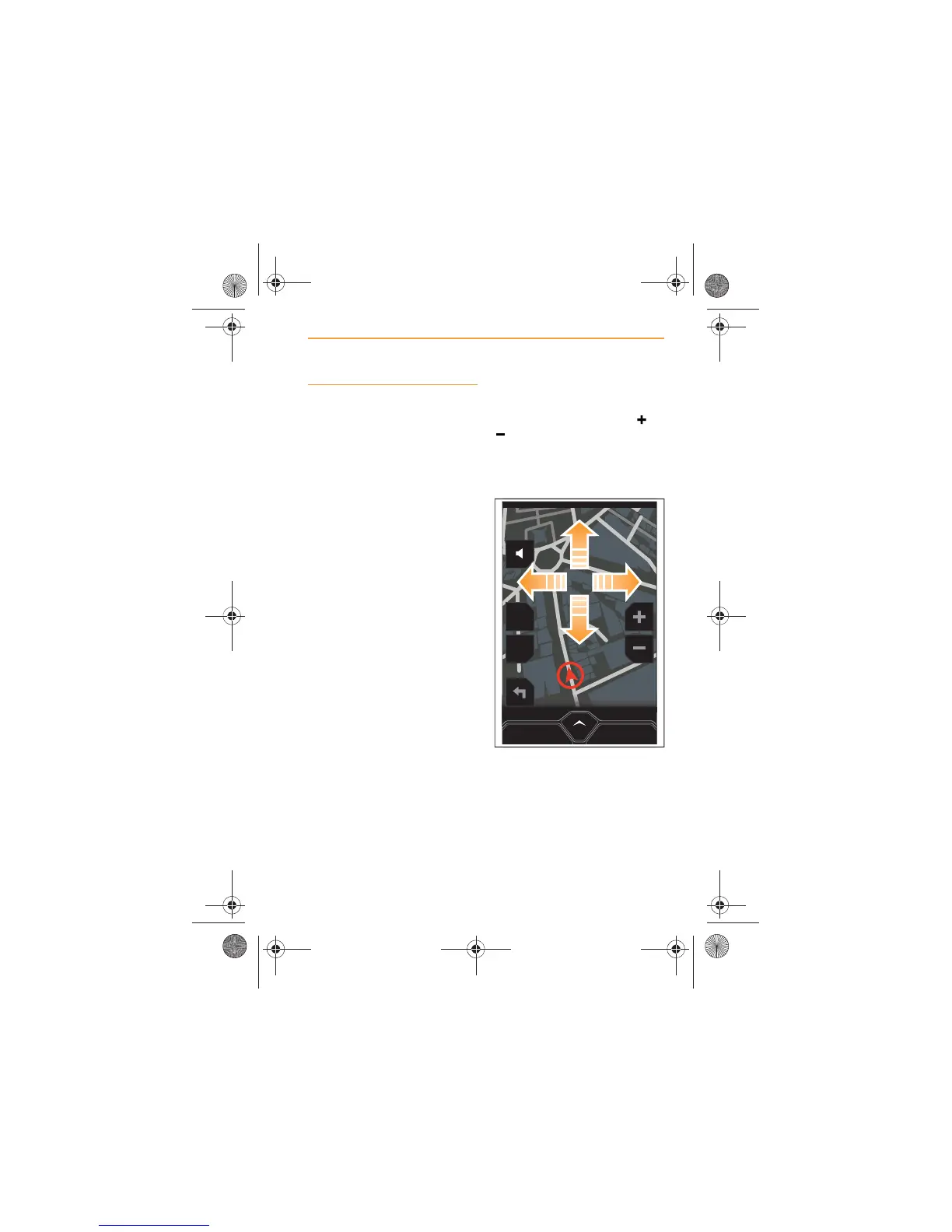
Using the screen
If you wish to use the screen to
set a destination, touch the or
icon until the map is
displayed at the most effective
scale for locating the general
area of your destination.
Gently swipe a finger up, down
or side to side until your
destination appears on the
screen.
MENU
POI
2D
CANCEL ROUTE
IRIS.book Page 69 Thursday, October 18, 2012 8:21 AM



 To Next Page