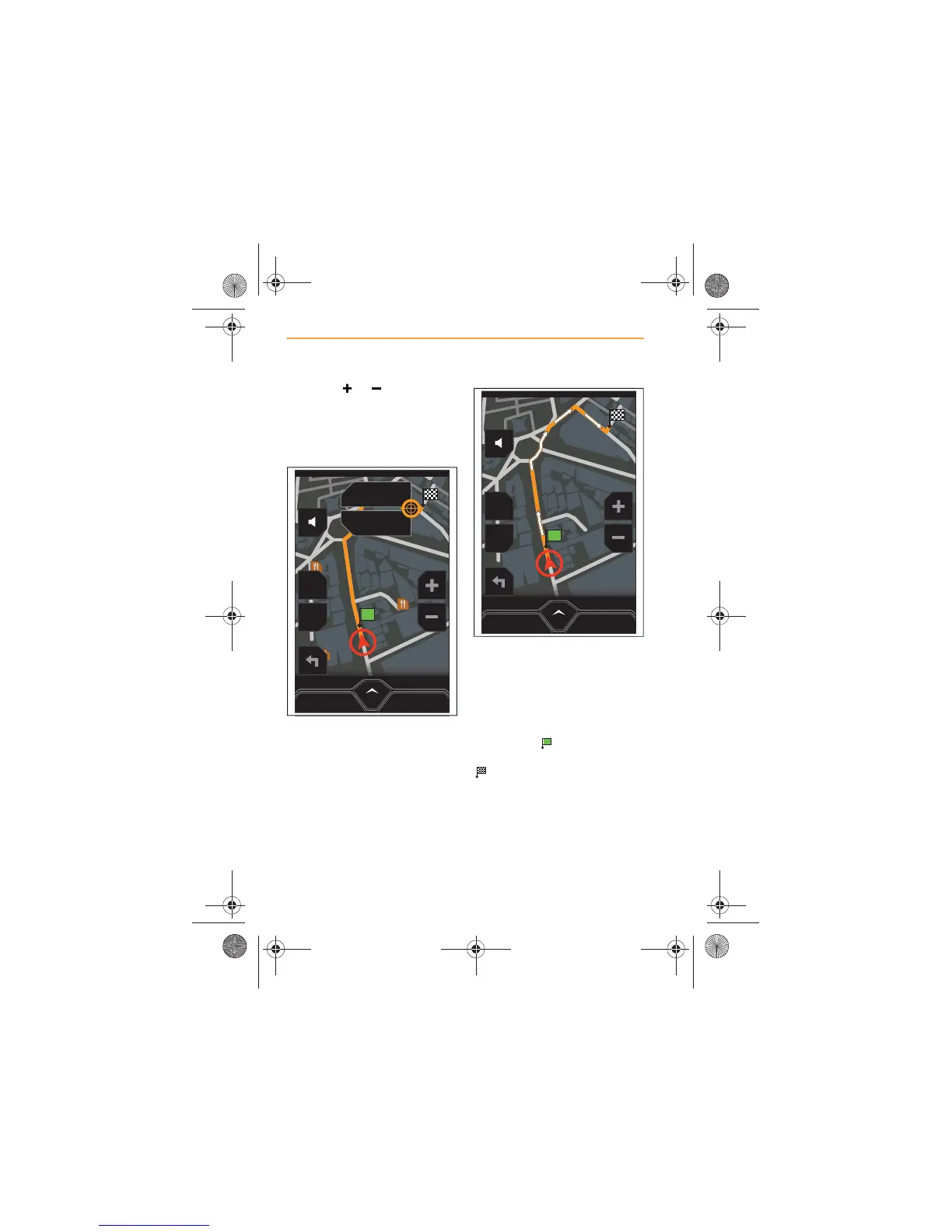
Touch the or icon to
optimise the scale of the map, so
that the precise location can be
viewed and then touch that point
for approximately two seconds.
An icon will be displayed,
providing the option to either
SAVE or GO HERE.
Touch GO HERE and a route will
be calculated. Touch SAVE to
store this destination in
Favorites.
When the route has been
calculated, it will be highlighted
on the map in orange, with white
arrows indicating the route
direction.
Your start position will be
identified by and the
destination will be identified by
.



 To Next Page