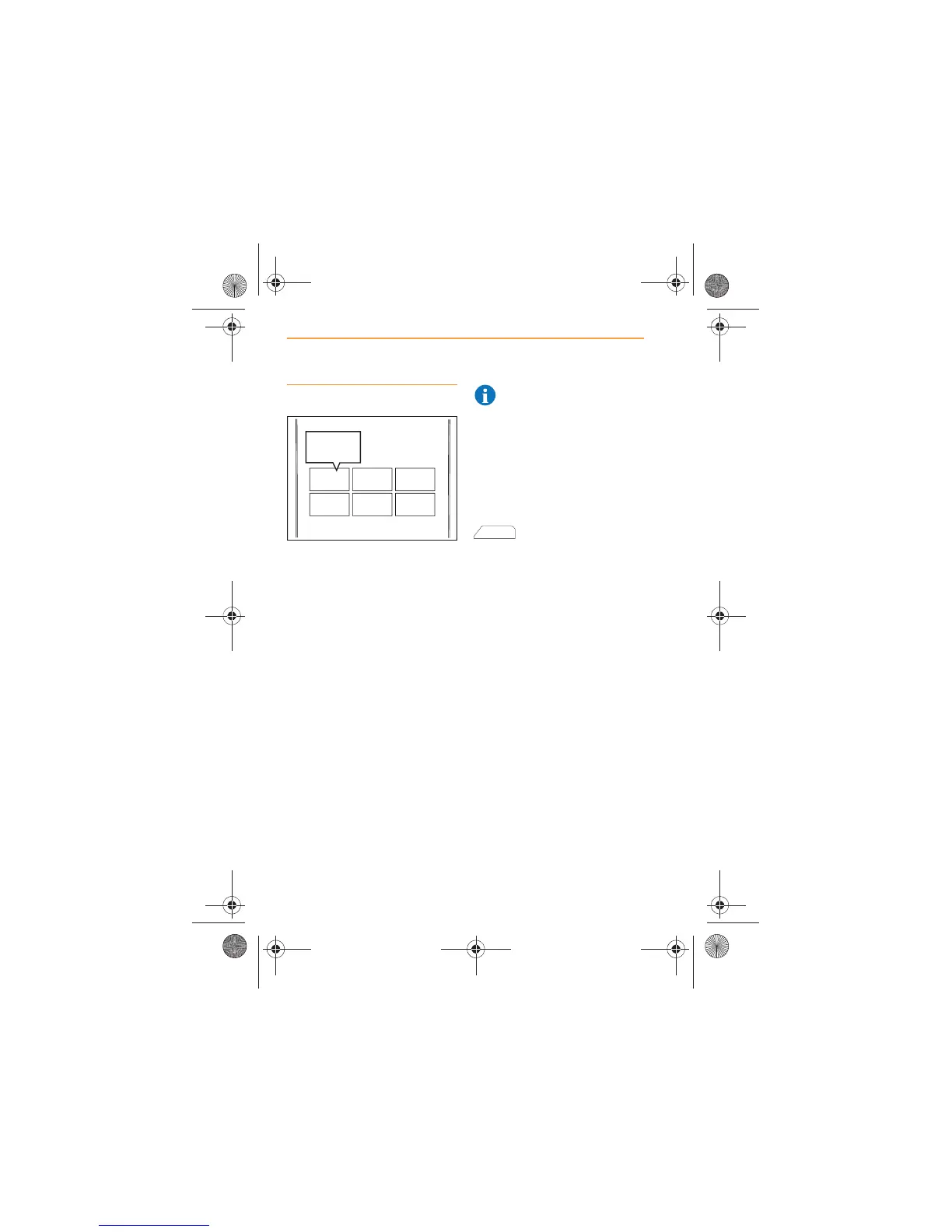
Selecting a station
Once all the required stations
are stored, touch the preset
where the required station is
stored. The radio will
automatically tune to that station,
automatically switching
wavebands as necessary.
The screen will show the preset
number and the frequency.
The frequency will appear on the
preset as confirmation it is
stored. If available, the station
name will be displayed instead of
the frequency.
Rotate the volume control and
adjust the sound settings to suit
your listening requirements, see
Volume control, page 6 and
Meridian, page 15.
NOTE: If the station
frequency changes, the
preset will have to be set again.
Available stations
During radio play AVAILABLE
STATIONS will appear in the
bottom right-hand corner of the
screen.
Touch the icon (or the
control below it) to
display a list of all stations which
are currently transmitting a
receivable signal.
If you wish to listen to one of
these stations, touch the entry
for that station in the list.



 To Next Page