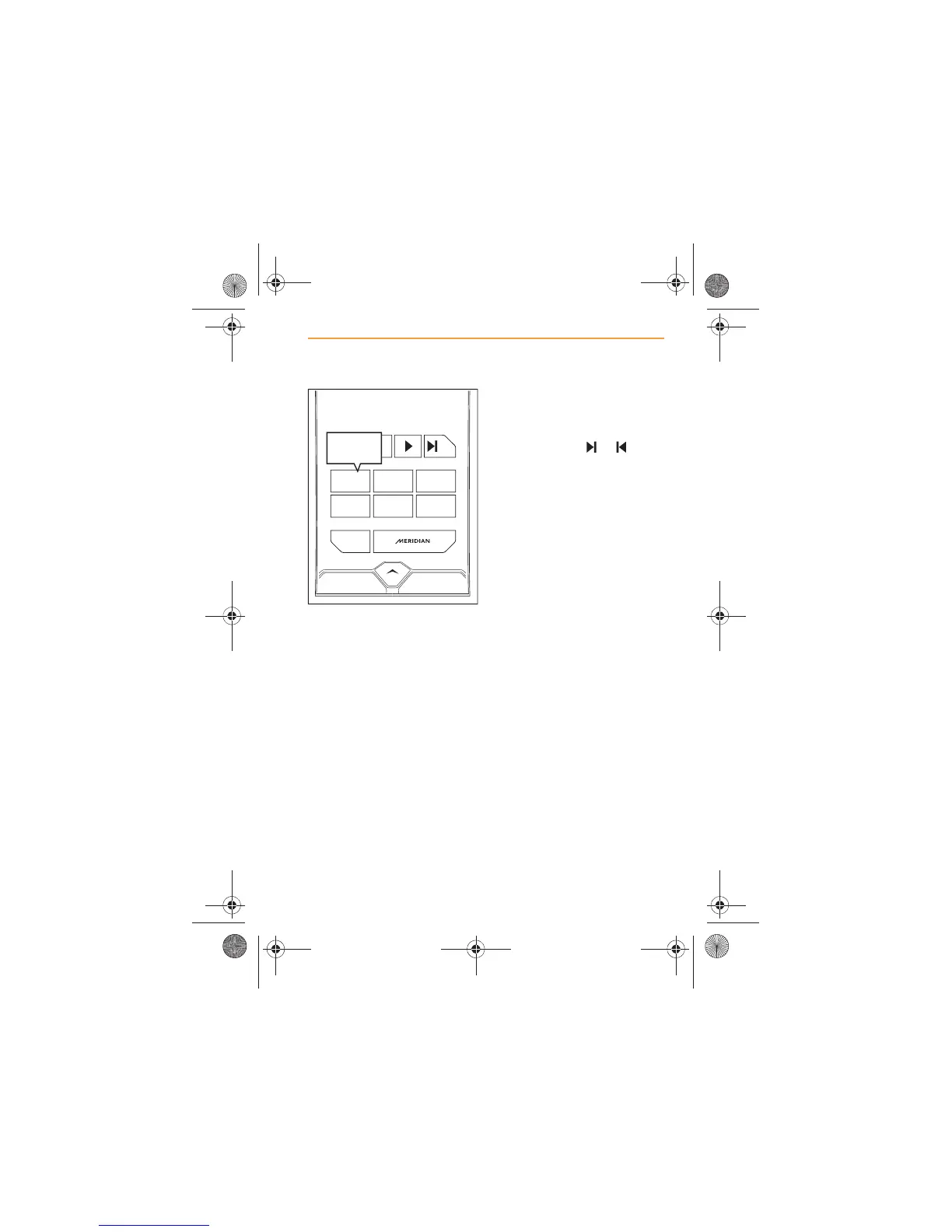
7. Searching will stop when a
station is found. If you wish to
store this station, touch the
preset that you wish to store
it on, and hold for more than
two seconds.
8. The frequency will appear on
the preset as confirmation it
is stored. If available, the
station name will be
displayed instead of the
frequency.
9. If you do not want to store
the station that has been
found, continue the search
by touching one of the
search icons, or again.
10. Repeat the procedure to
store stations or frequencies
on the remaining five
presets.
FM
KAAP
KAAP
99.5
PRESET 1
AVAILABLE
STATIONS
123
1
KAAP
456
IRIS.book Page 25 Thursday, October 18, 2012 8:21 AM



 To Next Page