Making a conference call
1. Call one of the intended
participants using either
method previously
described.
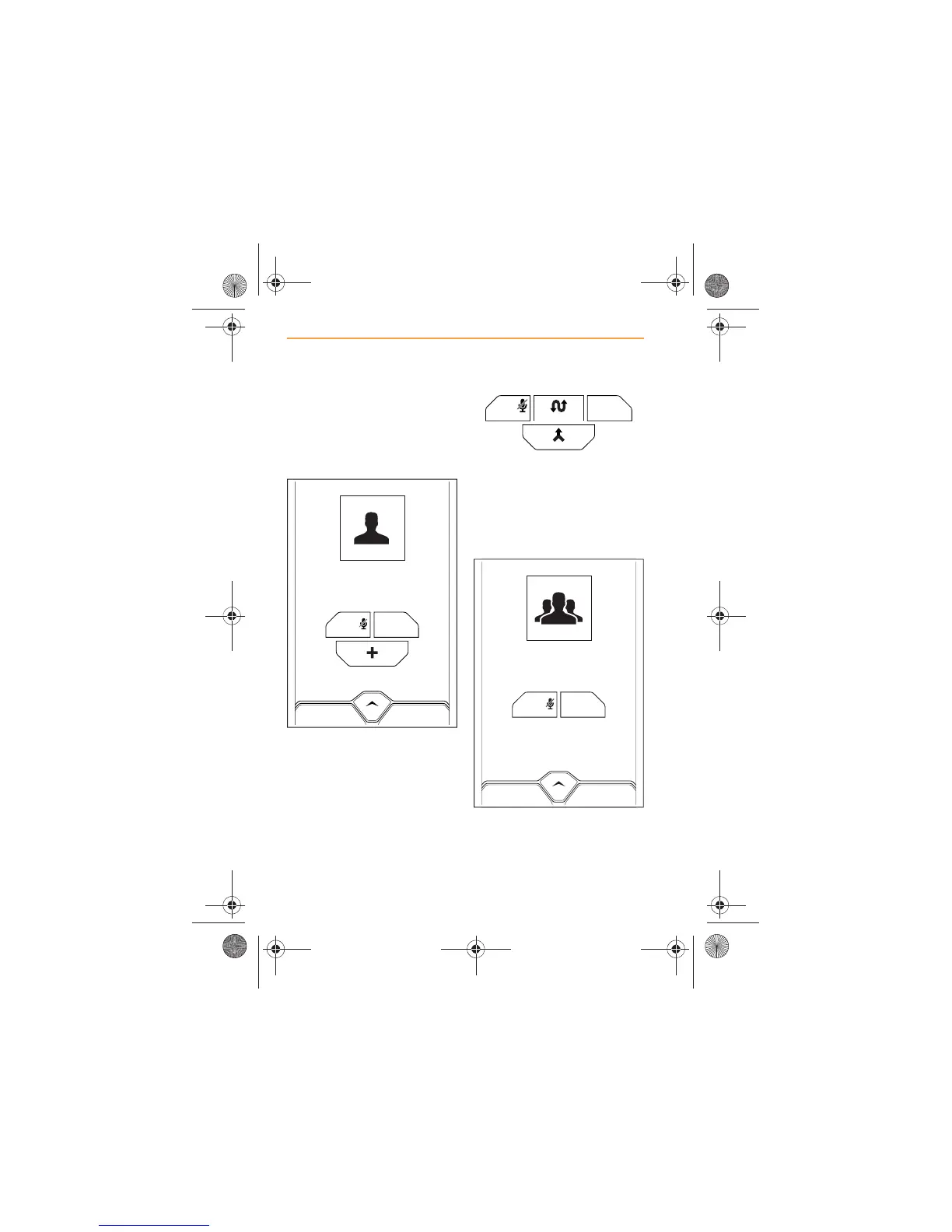
2. From the Call in Progress
screen, touch the ADD icon,
and either enter the number
of the next participant, or
select from CONTACTS.
3. The first call will be placed on
hold. Wait to be connected to
the second participant.
4. The Call in Progress screen
will be displayed. Touch the
MERGE icon to start a
conference call. Alternatively,
use the SWAP icon to
change between participants.
5. If conference call was
selected, this is confirmed by
the above screen with call
duration appearing.



 To Next Page