USING THE PHONE
Pairing a phone
The exact process of pairing and
connecting your cell phone to
IRIS, will depend on the type of
phone you are attempting to pair.
1. Switch the ignition on,
ensure that IRIS is active and
that no other phone is
currently connected to the
system.
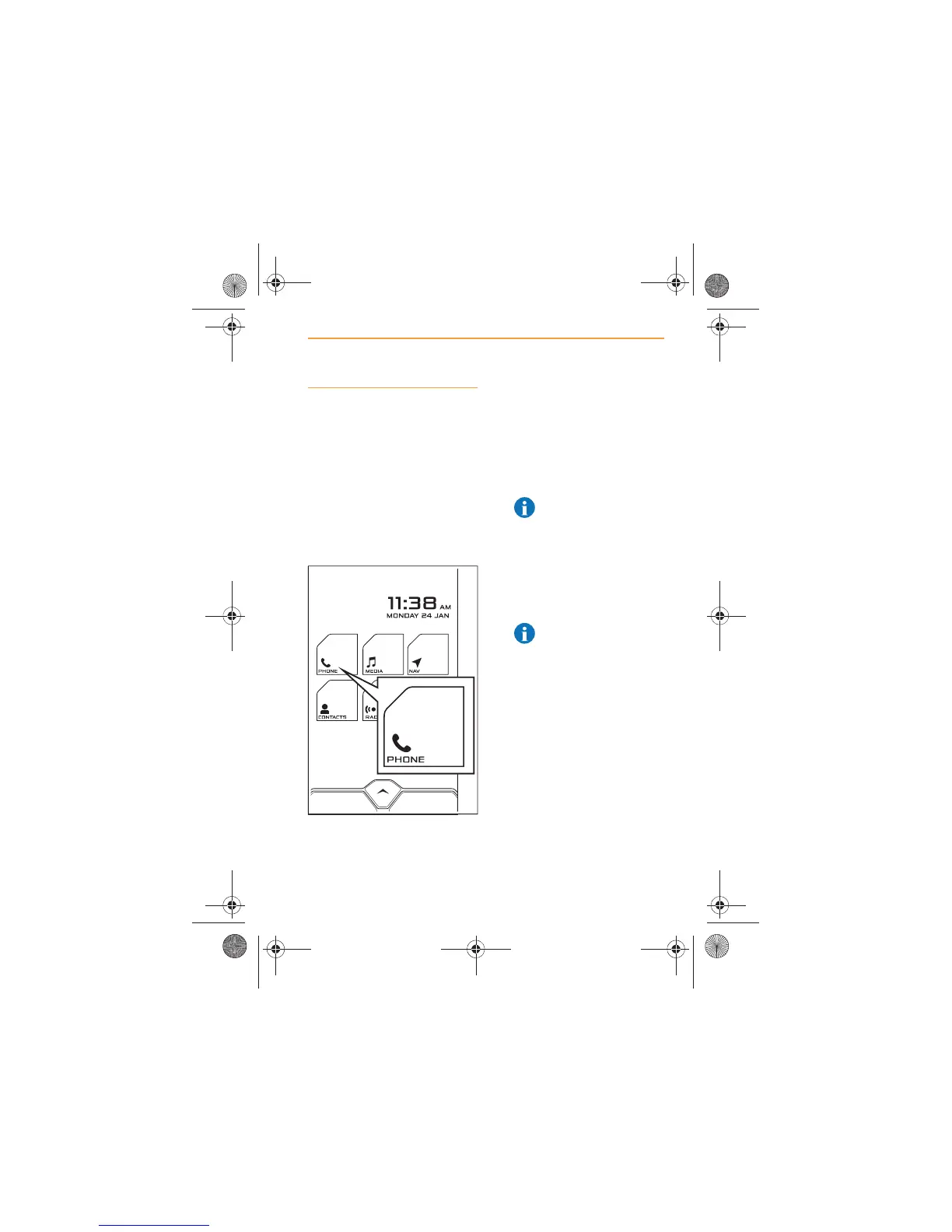
2. From the Home Screen,
touch the PHONE icon.
3. If no phone has been
previously connected, the
system will automatically
switch on Discoverable
mode. If Discoverable is not
on, switch on manually, see
Discoverable mode, page 10.
NOTE: IRIS will time
out of Discoverable
mode once a phone is
connected or after 3 minutes
of no Bluetooth® activity.
4. Using your cell phone, select
the search for Bluetooth®
devices function.
NOTE: On some
phones, this is referred
to as a new paired device.
Refer to your phone's
operating instructions for the
exact description.
IRIS.book Page 43 Thursday, October 18, 2012 8:21 AM



 To Next Page