NOTE: If the voice icon is
not visible on the screen,
touch any part of the screen and
all icons will appear.
To set the volume of voice
guidance, see Volume Level,
page 14
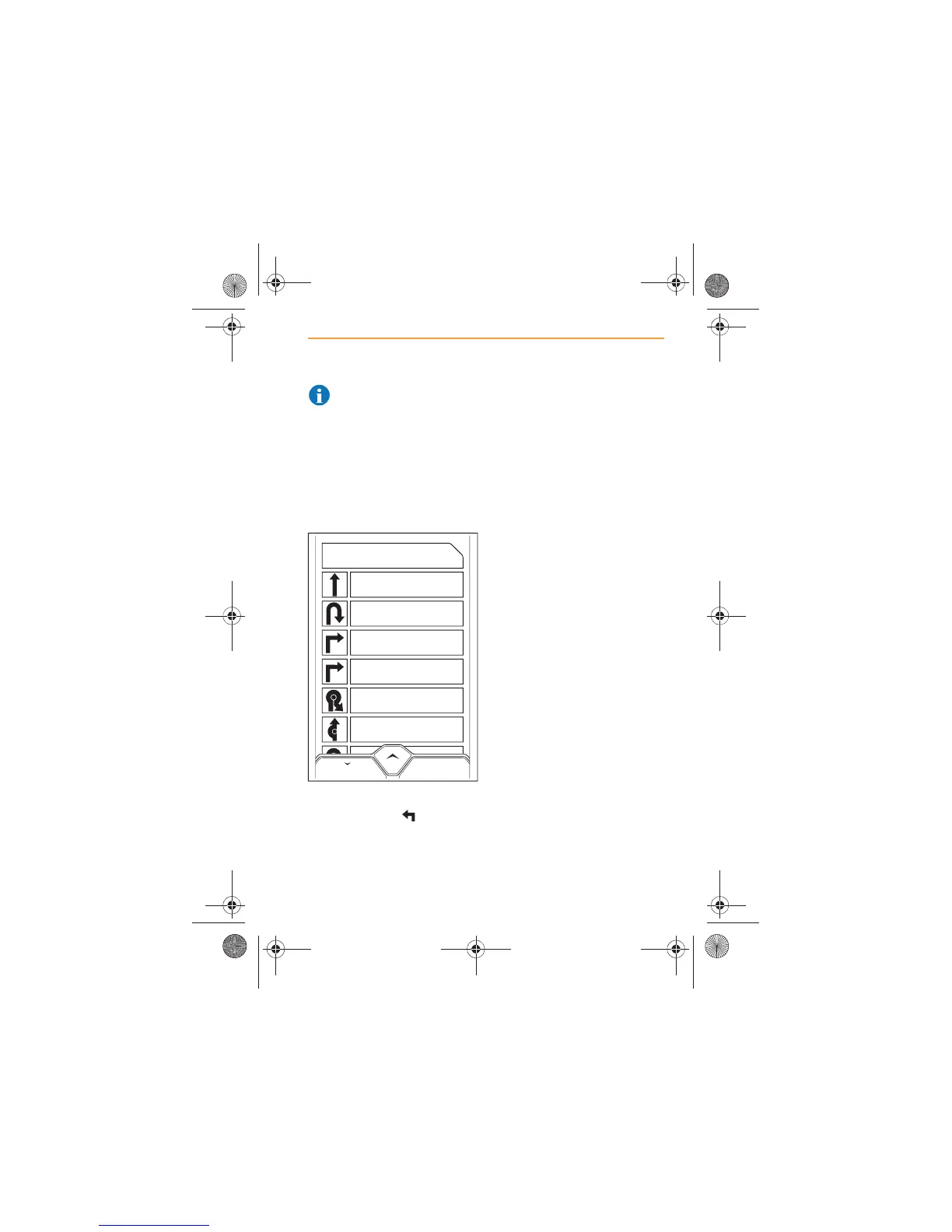
Turn information
Once the system has calculated
a route, touch the icon and a
list of all the turns and junctions
that you will encounter on route
to your destination will appear in
the order that you will have to
negotiate them.
Touch the particular turn to
display a detailed map view of
the turn.
If you wish to avoid the turn, for
example, to avoid road works or
closures, touch the AVOID THIS
TURN icon and the route will be
recalculated.
MAP
Leofric Court / Leofric Business Park /
Progress Way NE for 25m
Leofric Court / Leofric Business Park /
Progress Way for 25m
Leofric Court / Leofric Business Park /
Progress Way for 190m
Herald Way for 260m
Brandon Road / A428 for 260m
Brandon Road / A428 for 180m
Herold Way for 260m
IRIS.book Page 93 Thursday, October 18, 2012 8:21 AM



 To Next Page