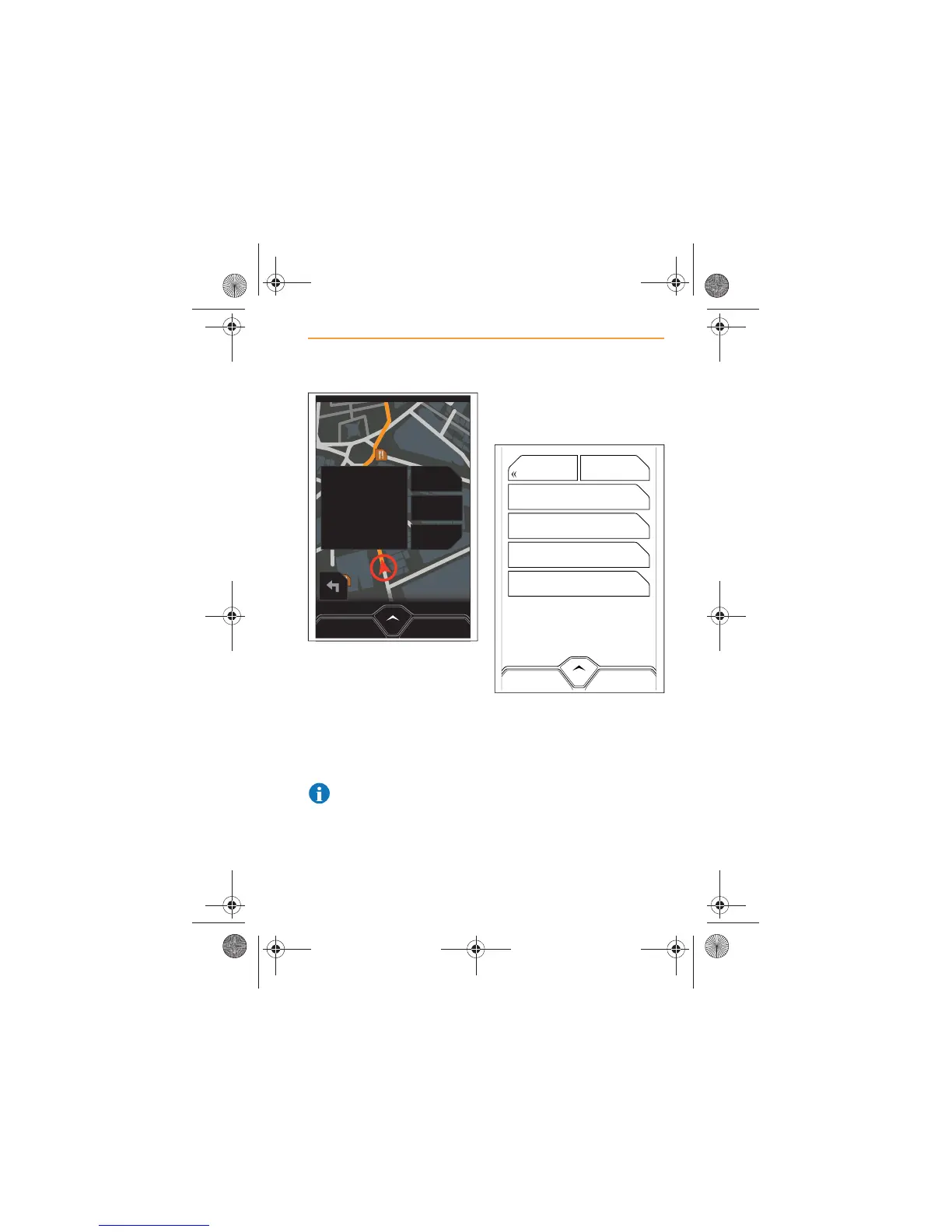
With POIs displayed on the map,
touch the POI you wish to visit
and, if appropriate, the name of
the establishment is displayed.
There is also the option to set
this as a destination, store in
Favorites, or make a telephone
call to the establishment.
NOTE: A phone will have to
be paired and connected in
order for a call to be made.
Briefly touch icon again to
hide all POIs.
Selecting POIs
On the main menu, touch
POINTS OF INTEREST.
From the choices on the screen,
select the location of the POIs
you wish to view or to set as a
destination.
x Browse All;
x Near Current Location;
x Near Destination;
x Along Route.
MENUCANCEL ROUTE
GO HERE
SAVE
CALL
The Ivy Restaurant



 To Next Page