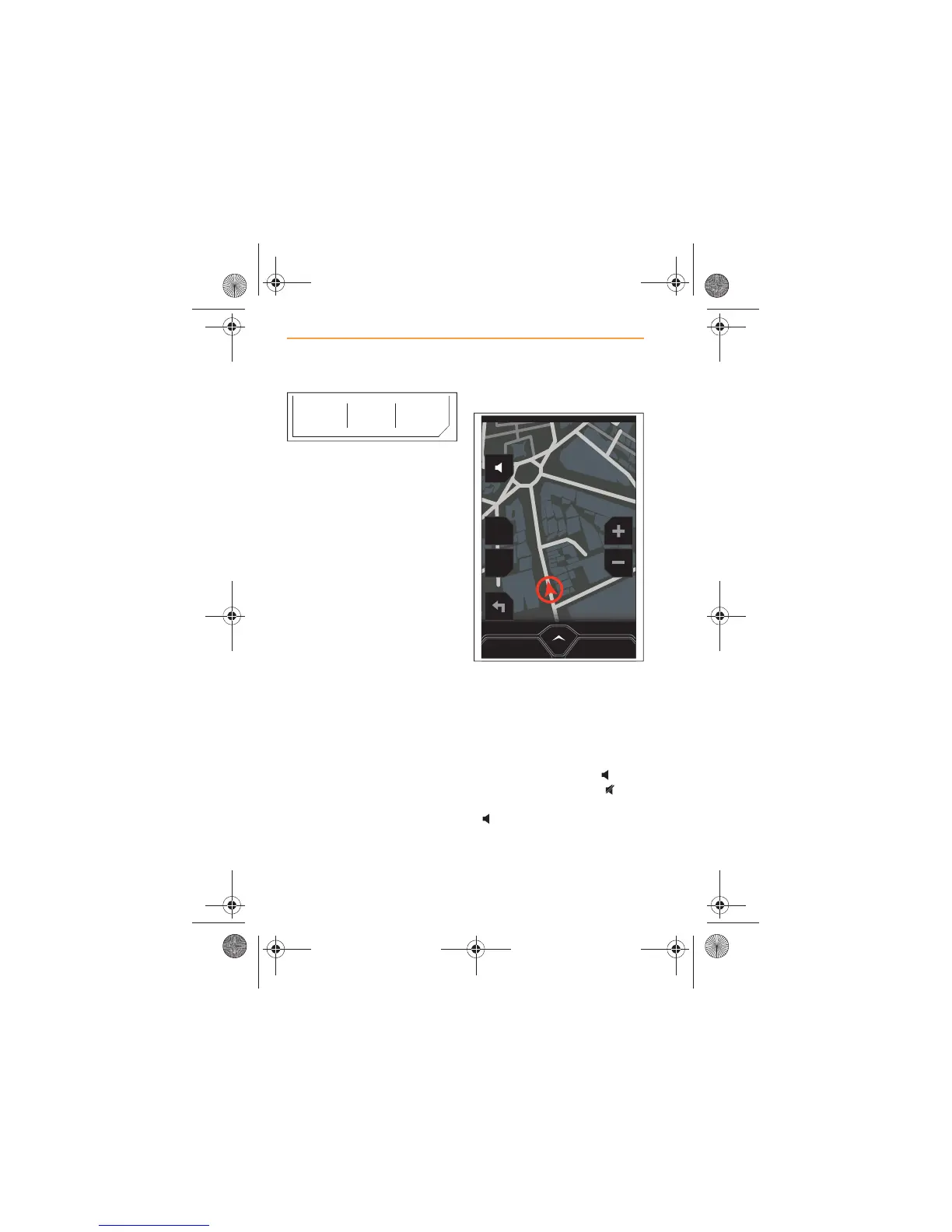
To view important information
about your journey, touch the
current location at the top of the
screen.
Distance to destination, time to
destination and time of arrival
will be displayed.
As you travel the route, you will
be prompted by voice
messages, turn information and
on screen icons to assist you in
reaching your destination.
Voice guidance
In addition to route guidance
using the map and turn
information, you can activate
voice guidance to support the
visual information.
By default, voice guidance is
switched on. Touch the icon
to mute voice guidance, will
appear on the screen. Touch
again to restore voice
guidance.
ARRIVALDISTANCE DURATION
34mi 00:53 11:50AM



 To Next Page