AUXILIARY
Media
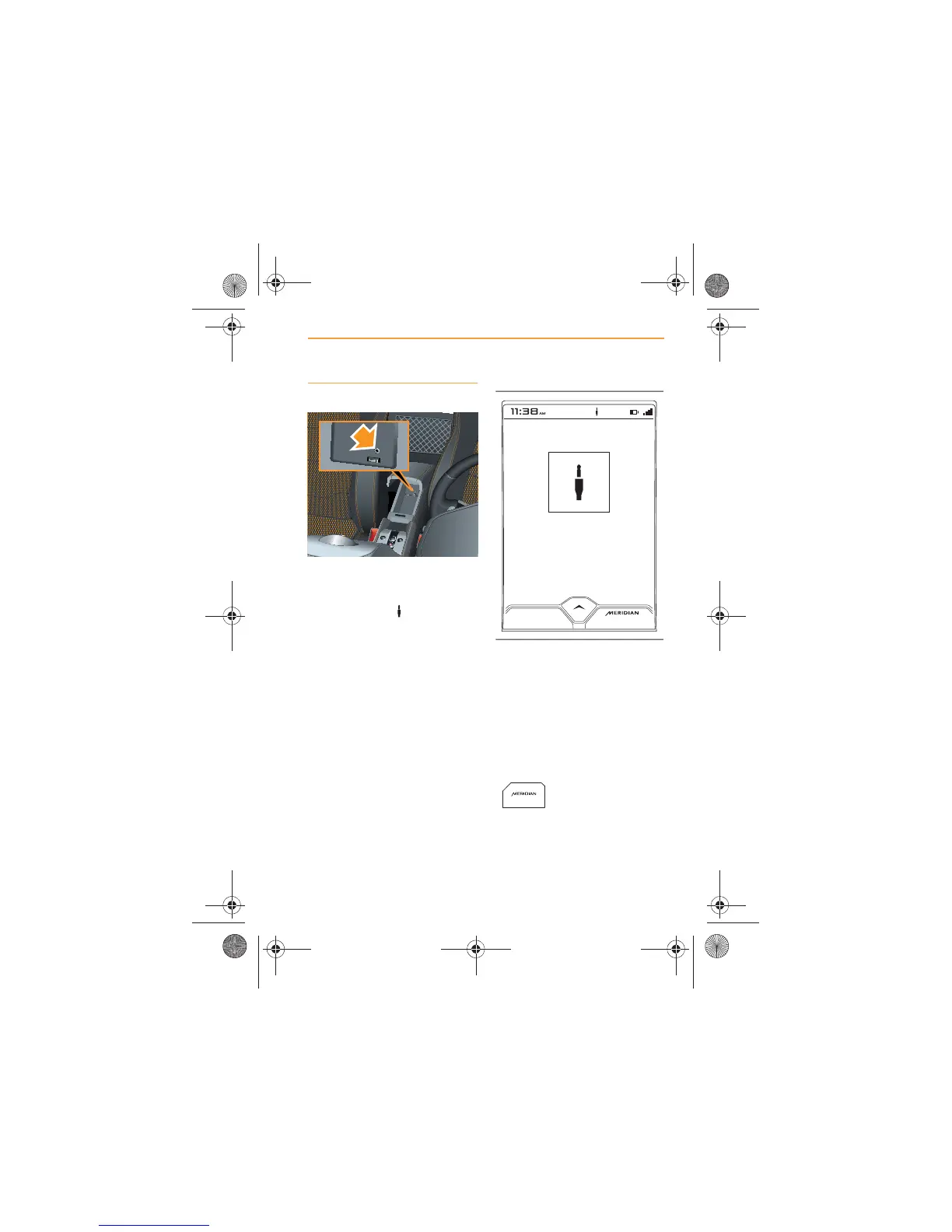
Open the center console and
connect the device to the
auxiliary socket, (arrowed). The
auxiliary symbol will appear at
the top of the screen.
Ensure that the center console is
closed, before driving.
Play from any device connected
through the auxiliary socket will
have to be controlled from the
device itself.
The screen will show a graphic
representing a jack plug, when
media play is from a device
connected to the auxiliary
socket.
Touch the SOURCE icon (or the
control below it) to change
source.
Touch the MERIDIAN
icon (or the control
below it) to optimise
the sound for a particular artist or
track.
R



 To Next Page