Favorites
Once the route to a specific
destination has been calculated,
that destination can be stored as
a favorite.
Use one of the following
methods to create a route to a
favorite destination.
x Using the screen, page 69;
x By Address, page 76;
x By Intersection, page 79;
x By Zip Code, page 82.
A favorite destination can be
recalled for immediate use.
Favorites are listed in the
chronological order that they
were saved.
If the list is long, searches can
be used to refine the list. Touch
the Search field and use the
keyboard to start entering the
characters of your favourite.
The list will be refined to
favorites containing those
characters.
Touch the favorite when it
appears on screen. Address
details will be displayed.
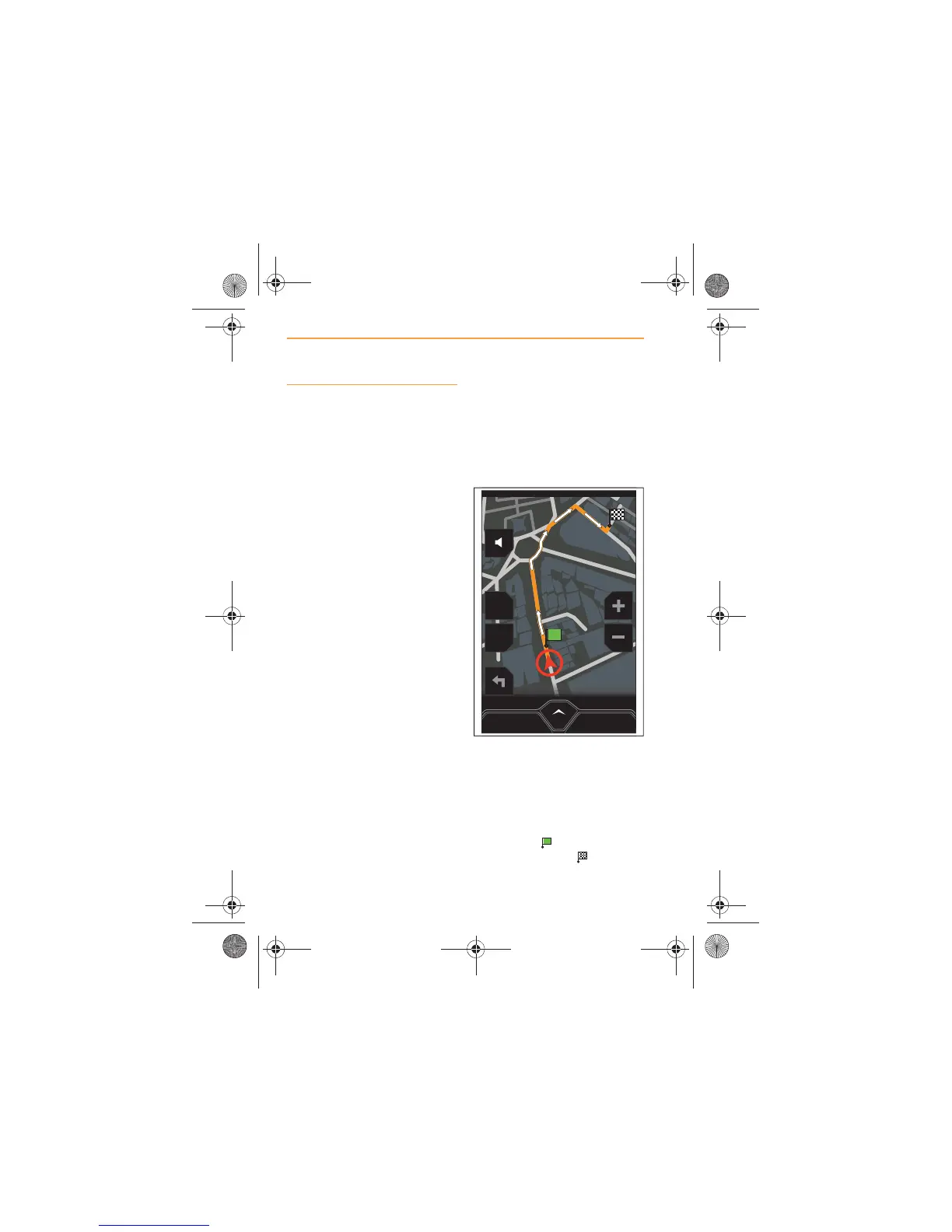
Touch the GO HERE icon and
the route will be displayed on the
screen in orange, with white
arrows indicating the route
direction.
Your start position will be
identified by and the favorite
will be identified by .



 To Next Page