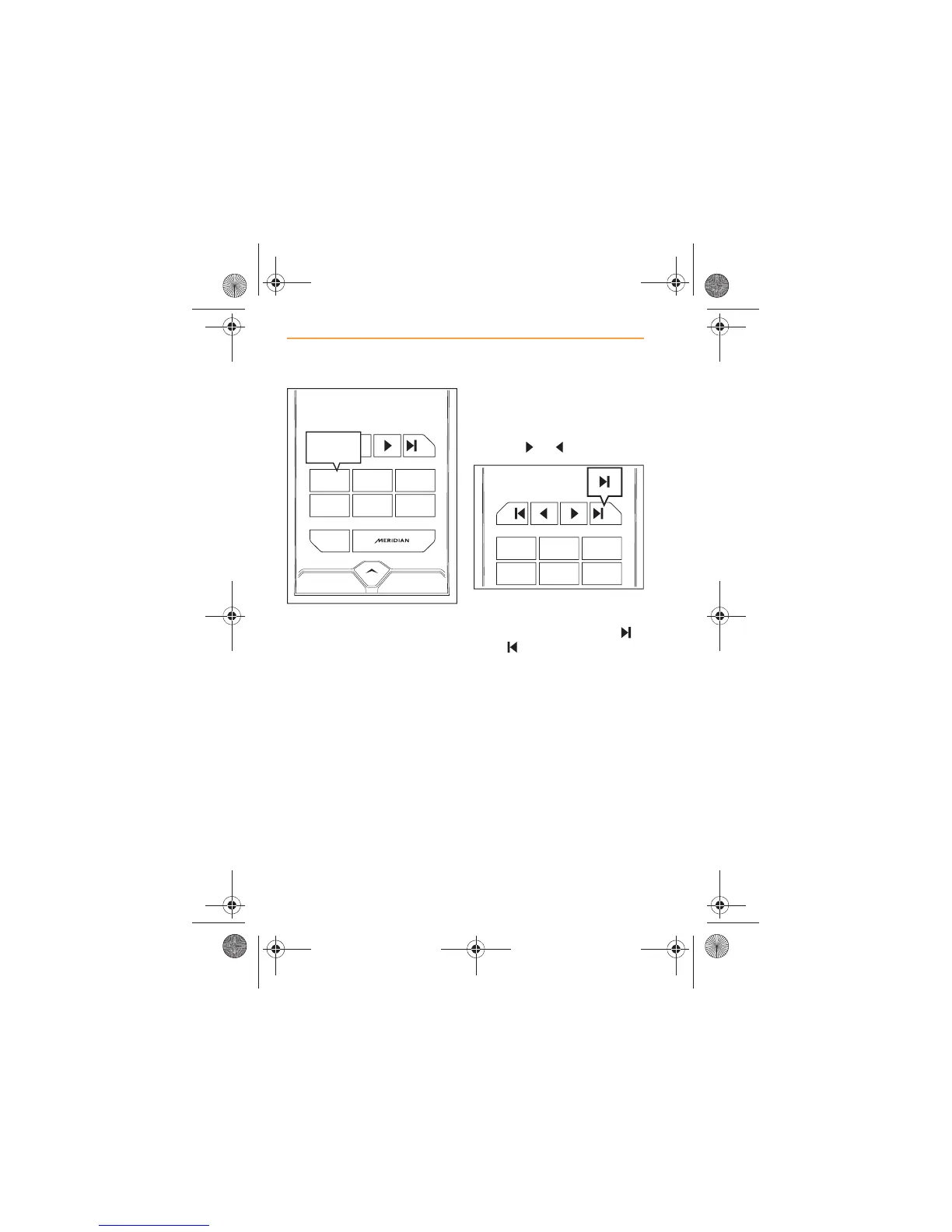
4. The frequency will appear on
the preset as confirmation it
is stored. If available, the
station name will be
displayed instead of the
frequency.
5. If you do not want to store
the frequency that has been
found, continue the search
by touching one of the tuning
icons or again.
6. If you want to automatically
search the waveband, touch
one of the search icons,
or (forward or back).



 To Next Page