NOTE: The information
displayed will only be as
detailed as the information
you have entered into your
cell phone.
4. Select the number you wish
to call, and dialling will
commence, see Making a
Call, page 46.
Searching Contacts
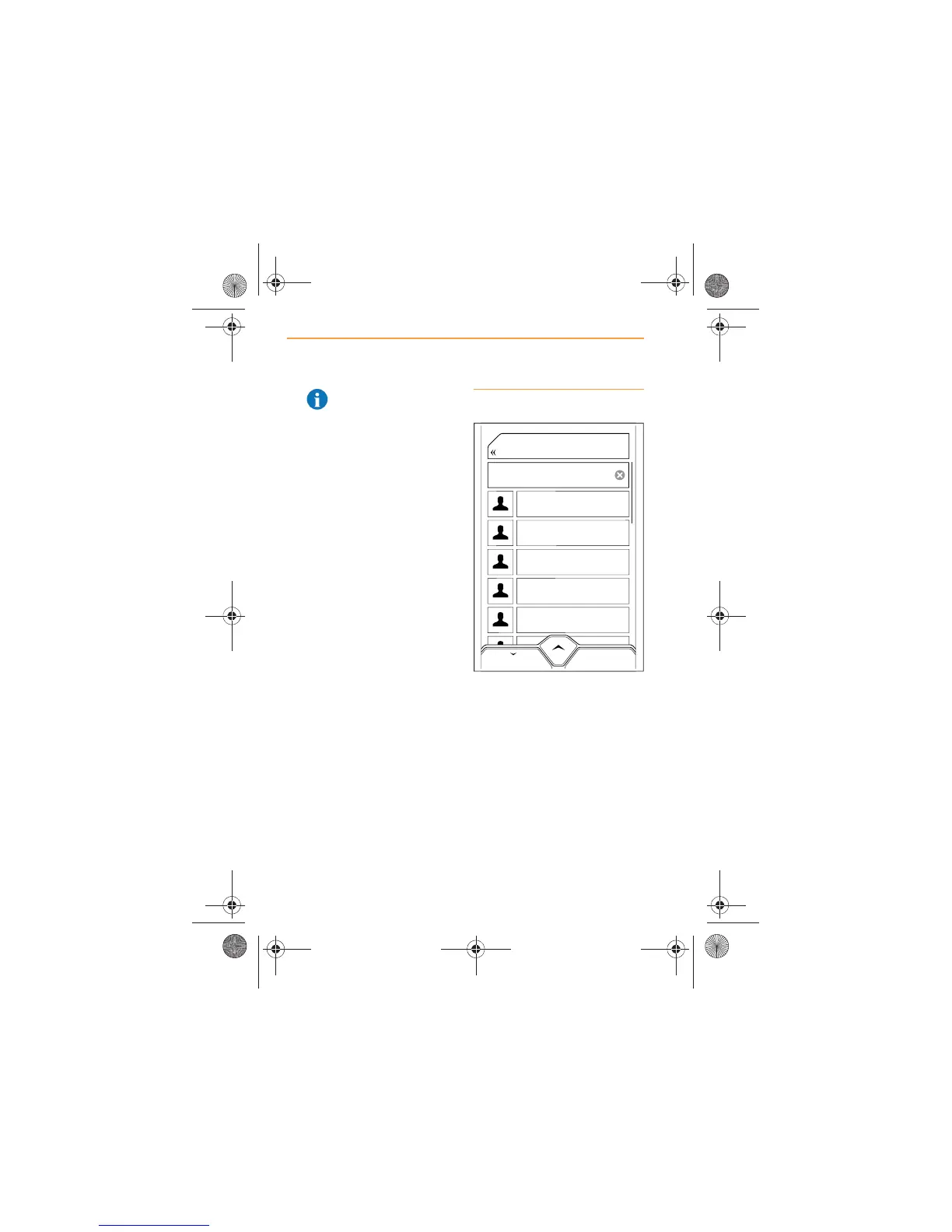
1. From the Home Screen or
the Phone Screen touch the
CONTACTS icon and a list of
the contacts in your phone
will appear on the screen.
The list is alphabetical by first
name.



 To Next Page