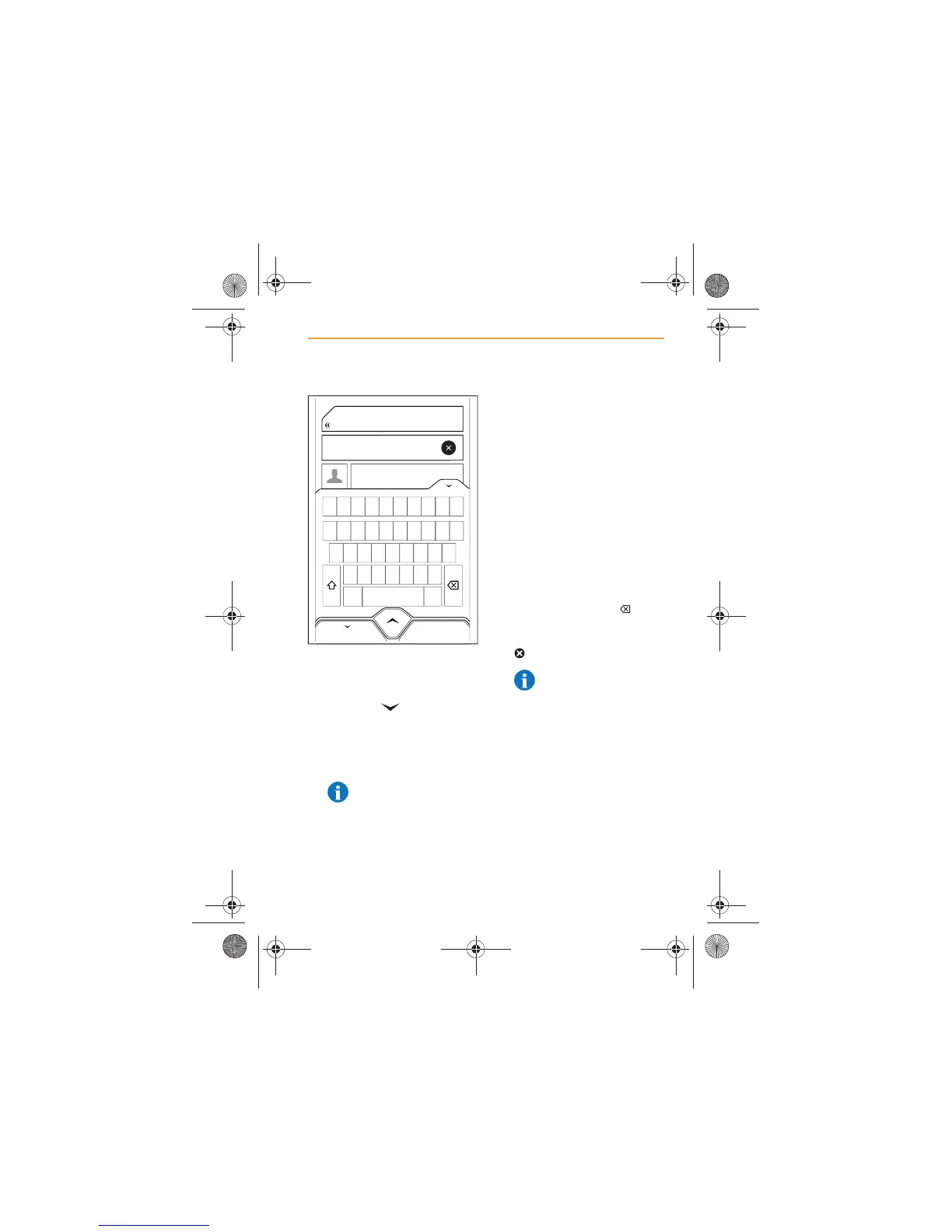
2. Touch the word ‘Search’ and
a keyboard will appear on
screen.
3. Touch the icon in the top
right-hand corner of the
keyboard to hide the
keyboard and view more
contacts.
NOTE: BACK will return
you to the previous
screen, it does not hide the
keyboard.
4. Use the keyboard and start
to enter the name of the
contact you wish to call.
5. The list will be refined to only
those names that contain the
characters that you have
entered.
6. The list will be further refined
with every character that is
entered.
7. Scroll through the list and
select the contact to view
their calling details.
8. If you enter an incorrect
character, touch the icon
to delete. To delete all the
characters entered, touch the
icon.
NOTE: For more details
on the characters
available on the keyboard,
see Keyboard functions,
page 59.
Tom Brown
Andrew Jones
Norman Jones
John Smith
Joan Smith
Oliver Smith
BACK
Q
1 2 3 4 5 6 7 8 9 0
A
ZXC
SPACE
.?$*
VBNM
SDFGHJKL
WE R T Y U I O P
IRIS.book Page 57 Thursday, October 18, 2012 8:21 AM



 To Next Page