Select the target zip code when
it appears.
The screen will display a list of
all the streets covered by the
postcode.
Touch the target street and a list
of all building numbers will
appear, as well as an icon
allowing the mid point of the
street to be selected.
Touch GO HERE and a route will
be calculated. Touch SAVE to
store this destination in
Favorites.
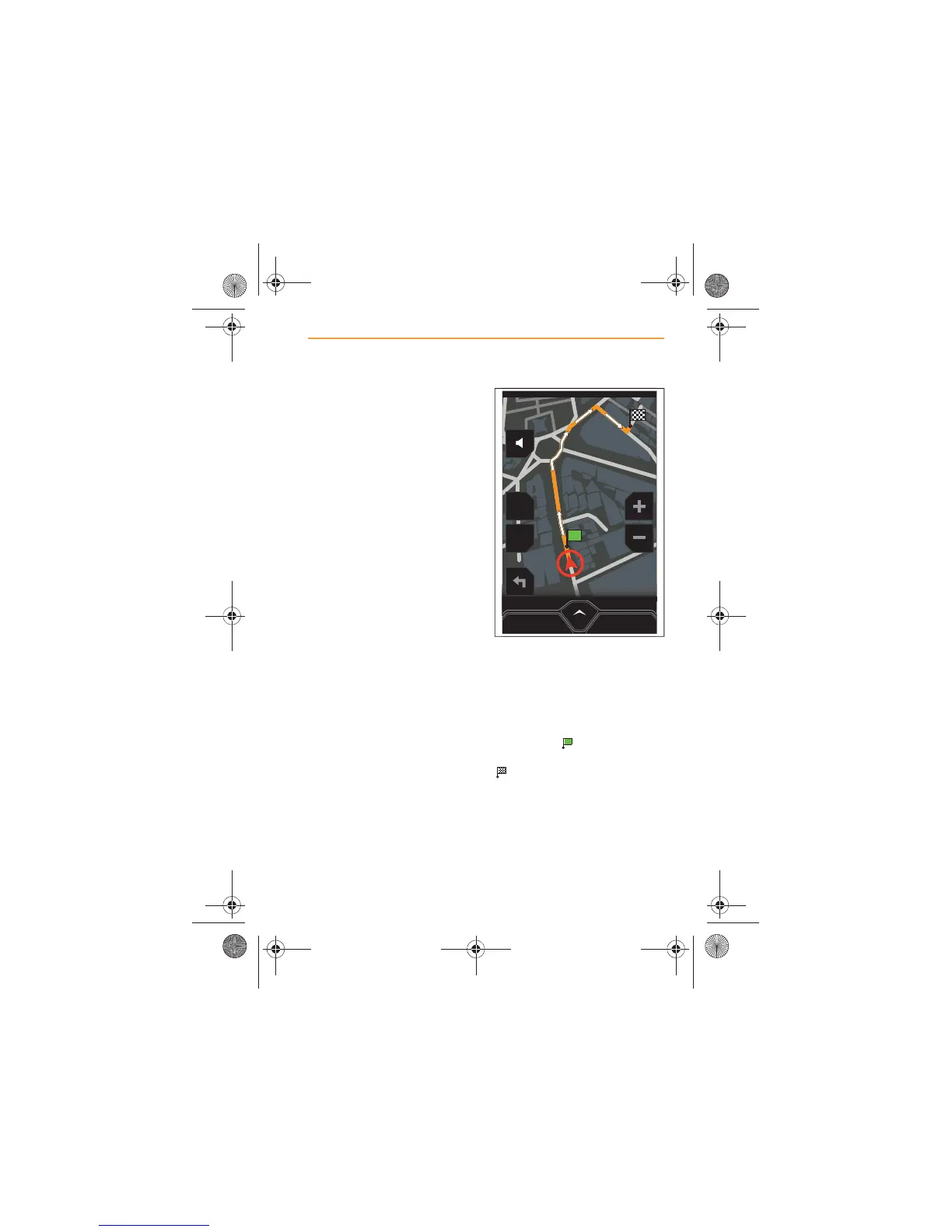
When the route has been
calculated, it will be displayed on
the map in orange, with white
arrows indicating the route
direction.
Your start position will be
identified by and the
destination will be identified by
.
MENU
2D
POI
CANCEL ROUTE
IRIS.book Page 83 Thursday, October 18, 2012 8:21 AM



 To Next Page