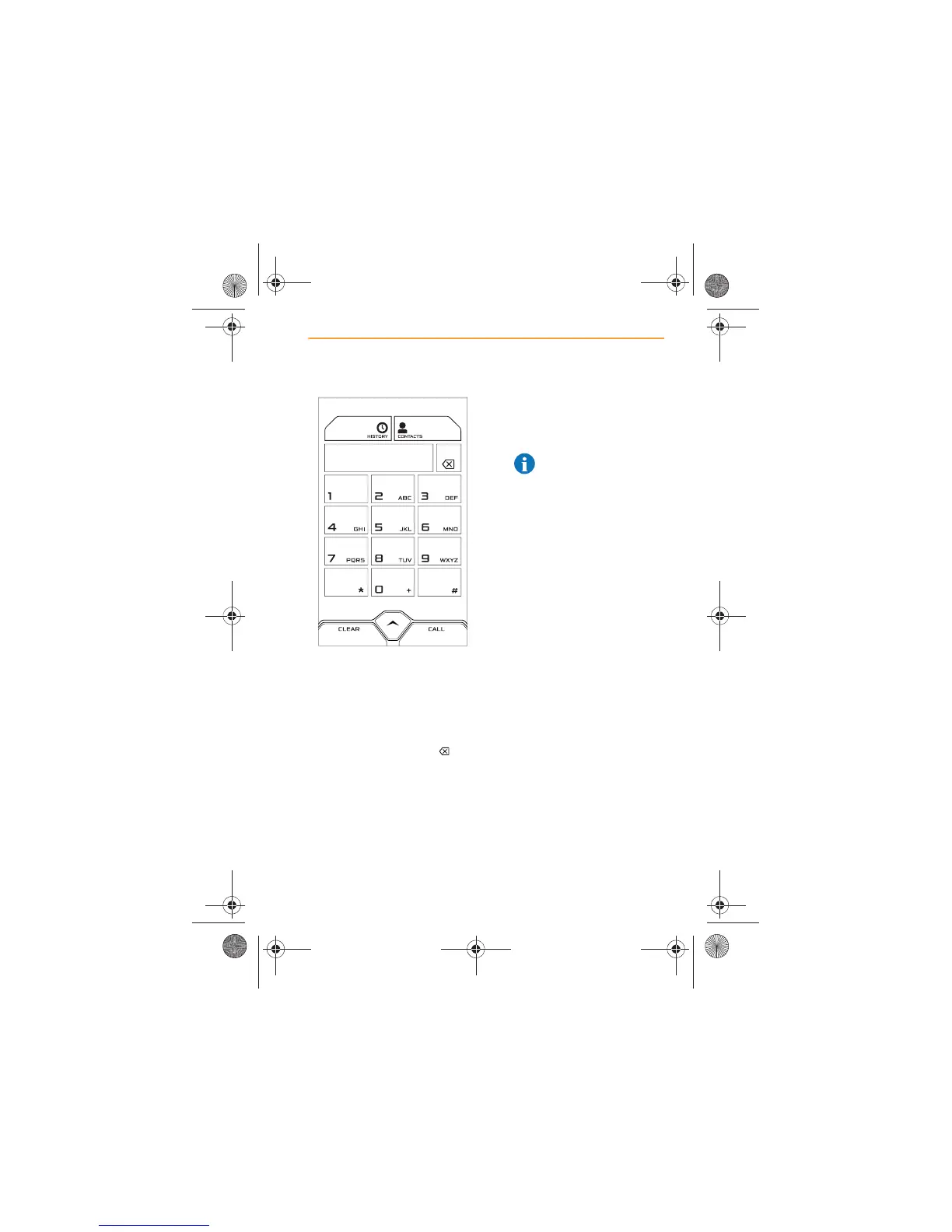
2. Phone numbers can be
entered using the on screen
key pad.
If you enter an incorrect
number or digit, touch
CLEAR to delete all the
numbers or touch the icon
to delete the last digit.
3. Touch the CALL icon when
the complete number is
displayed on the screen.
4. The number will disappear
from the screen, as the call is
being connected.
5. A call can be cancelled, while
the system is dialling, by
touching the CANCEL icon
or button.
NOTE: Any media or
radio play will be muted
while a call is in progress.



 To Next Page