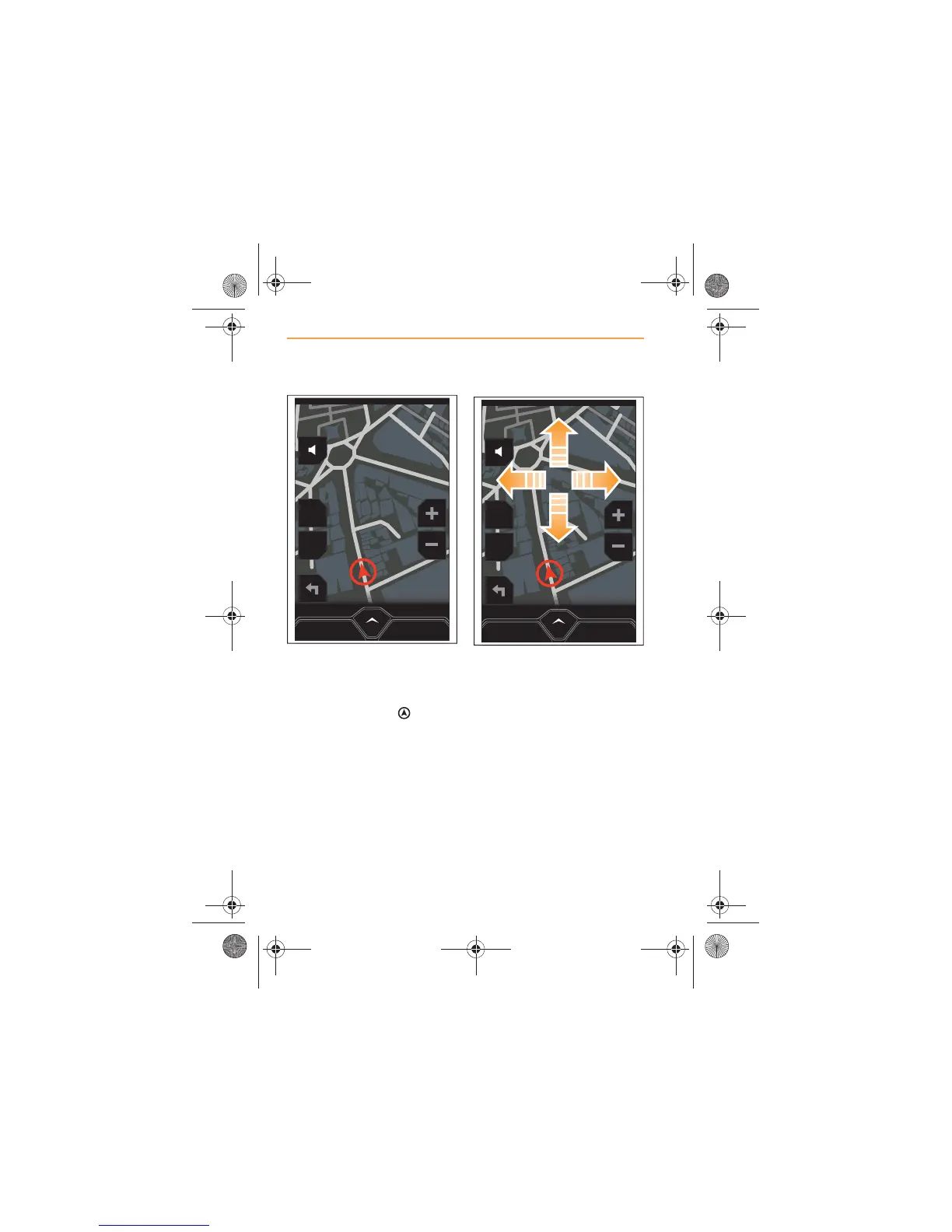
A map showing your current
location will appear on the
screen.
Your car is shown as on the
screen.
To manipulate the part of the
map which is displayed, gently
swipe your finger up, down or
side to side on the screen and
the view of the map will move.
This feature is needed when
using the screen interactively to
set a destination, see Using the
screen, page 69.



 To Next Page