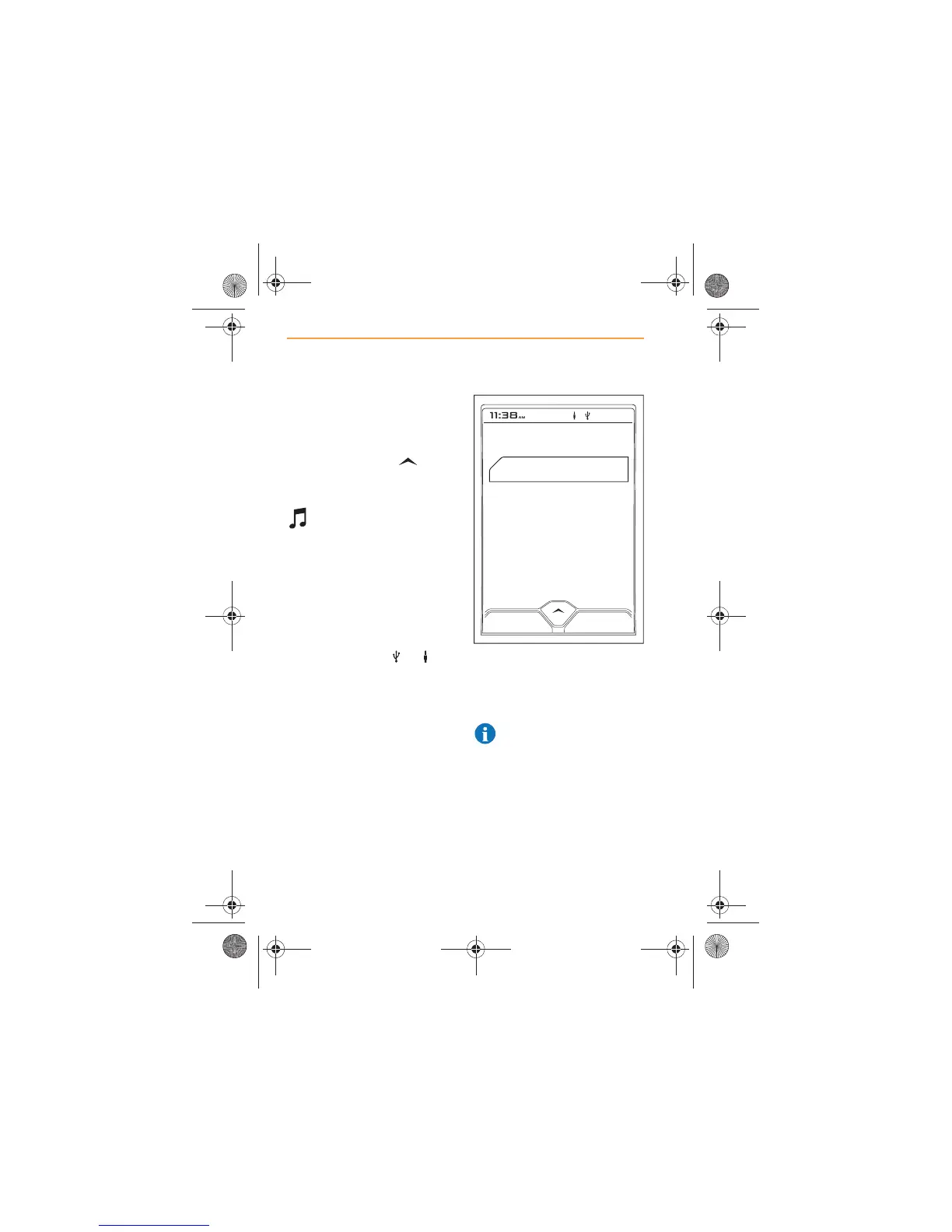
The functions of the media
player can be accessed by
touching the MEDIA icon on the
Home screen. Alternatively,
when listening to the radio, it is
possible to touch the icon
and select MEDIA from within
the MCC window.
Selecting MEDIA will
present the option of
choosing from the available
sources.
Sources
If music devices are connected
to the USB port and the auxiliary
socket, both sources will appear
on the screen, and the
respective symbols or will
appear at the top of the screen.
x USB, page 32 - displays
device name;
x AUXILIARY, page 39 -
displays AUX.
NOTE: If a device is not
available, it will not be
shown in the list.
If you have no devices
connected to your media player,
the screen will display No
Sources Available.



 To Next Page