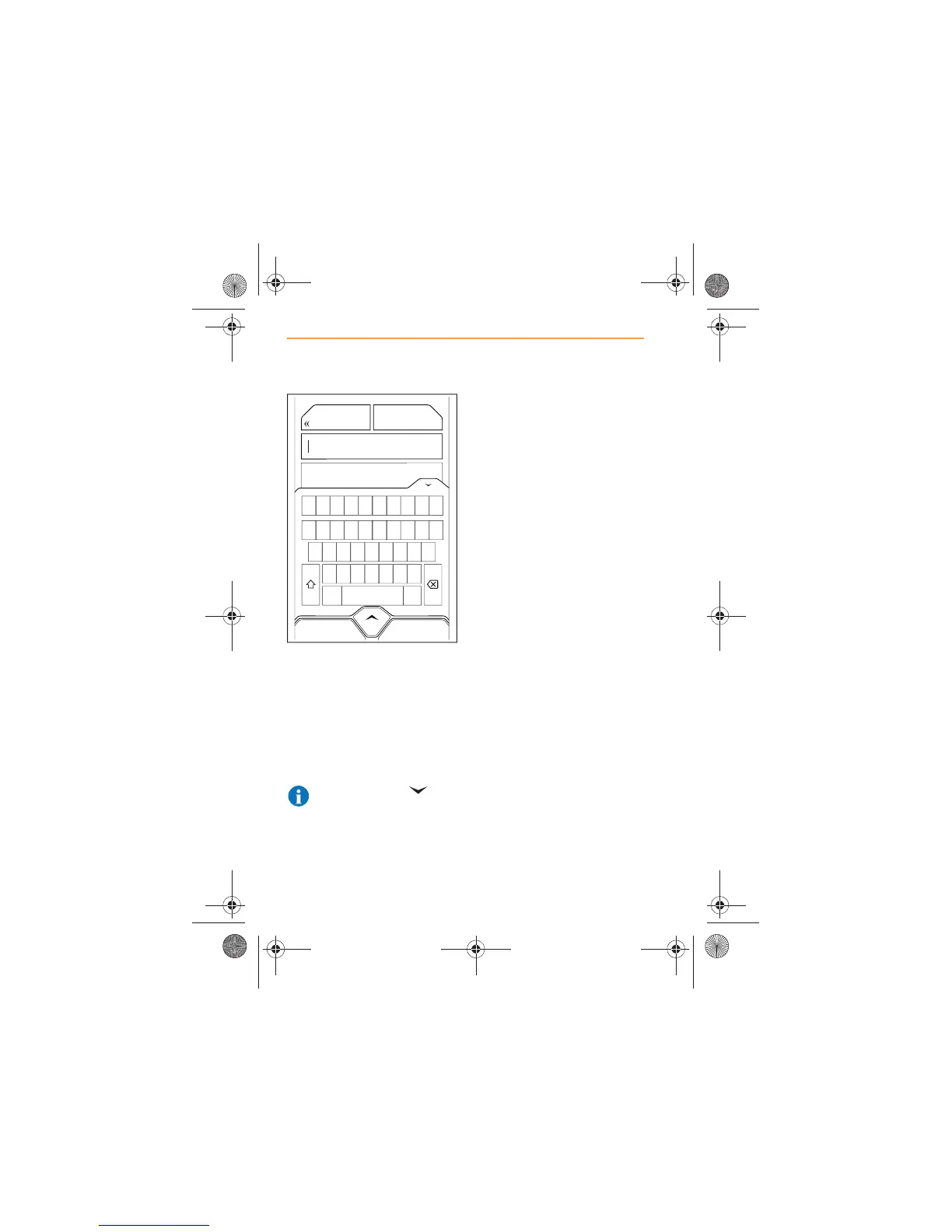
Alternatively, use the keyboard,
and start to type the name of the
street or number of the road (e.g.
A321) in the Search Field.
A list of streets beginning with
the same characters as the
target street will appear. Select
the street when it appears.
NOTE: Touch the icon
in the top right-hand corner
of the keyboard to hide the
keyboard and view more entries.
A list of all building numbers will
appear, as well as an icon
allowing the mid point of the
street to be selected.
Select the building number. If the
number is not known, set the
destination as the mid point of
the street.
Touch GO HERE and a route will
be calculated. Touch SAVE to
store this destination in
Favorites.



 To Next Page