MIDITEMP MP 22-W, MP 22-CD, MP 88-W, MP 88-CD, PMM 88-E, MT 16-X
MIDITEMP MP 22-W, MP 22-CD, MP 88-W, MP 88-CD, PMM 88-E, MT 16-XMIDITEMP MP 22-W, MP 22-CD, MP 88-W, MP 88-CD, PMM 88-E, MT 16-X
MIDITEMP MP 22-W, MP 22-CD, MP 88-W, MP 88-CD, PMM 88-E, MT 16-X
100
6.8 MIDI volume
Using this function you can make the Matrix send out predetermined volume level (Control
Change 7) commands to all your expanders when you change Matrix Programs. A seperate volume
level can be given to every MIDI channel of every output of the Matrix.
➔
This function works on outputs only.
This function works on outputs only.This function works on outputs only.
This function works on outputs only.
$
Call up the Volume function:
»
VOL
«
.
In the top right of the display you will see the number and name of the current MIDI output.
LEDs light on the number keys representing outputs which already have settings.
$
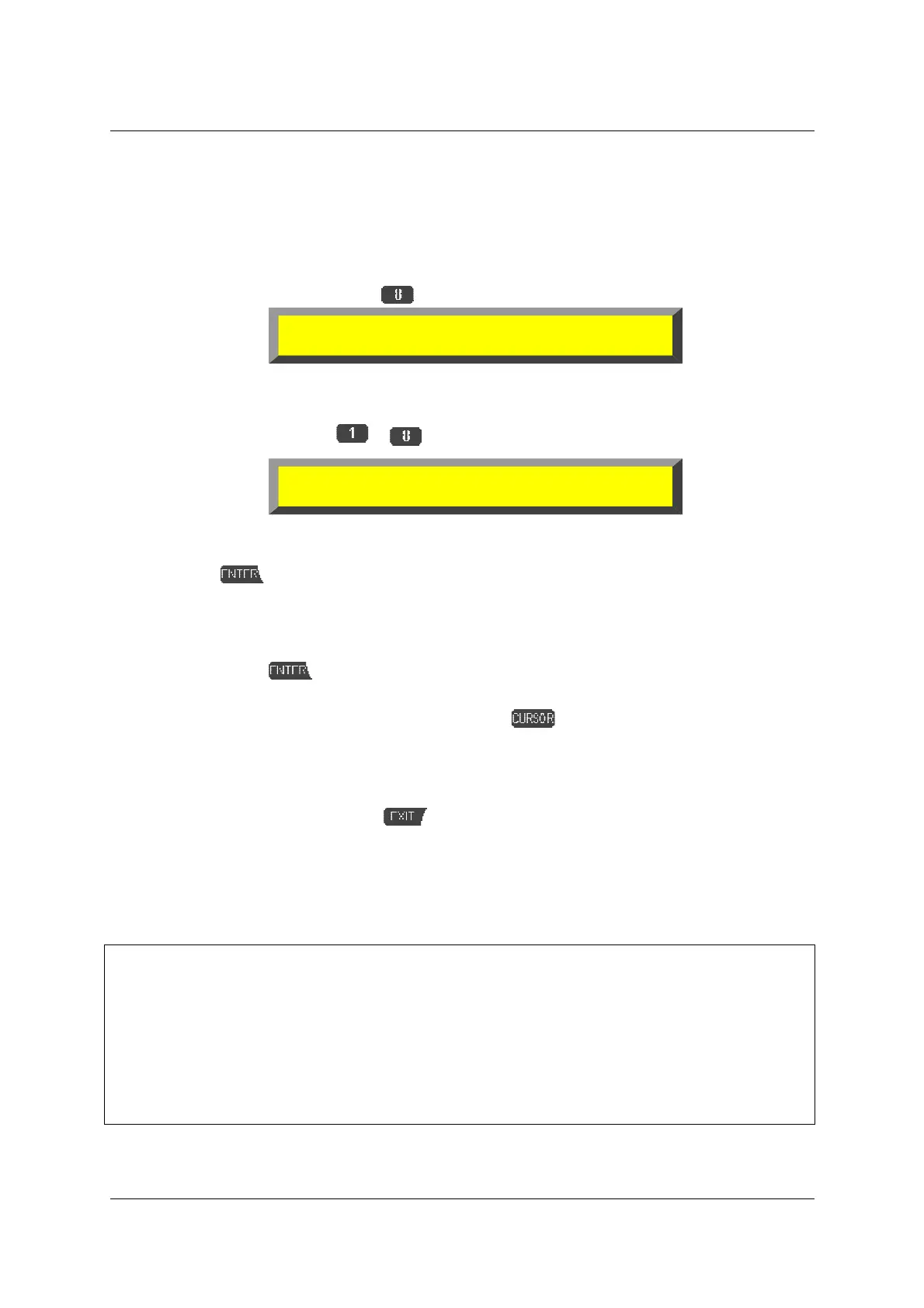
Select an output using
to .
➊
Change “
Ch 1
“ to the MIDI channel on which you wish to send a volume level
command.
➋
Press
.
➌
Using
!
or +1 and -1, select the volume level you wish to send whenever this Matrix
Program is selected. The command will be sent immediately, so that you can check the
effect on your expander.
➍
If you press
, the command will be sent, so that you can check the effect on your
expander.
➎
If necessary, move the blinking cursor with
across the two parameters and
program any other settings you need.
➐
The “
Read
“ function allows you to check the settings of the current output.
➏
The “
CLR
“ function allows you to delete the currently displayed volume command.
%
Quit this function by pressing
.
6.9 Sending SysEx and other MIDI messages (SND)
&
To use the Send Data function properly requires in-depth knowledge of the MIDI
specification and its data format. Study some of the technical books available on the subject
and always double-check the manuals of the equipment you wish to send data to.
Everytime you send SysEx codes (= commands in the “machine language“) to your
expander these strings include the MIDI channel assignment, and have to be sent only to
the referring MIDI output.
TIP: especially for the GS Standard (ROLAND) and XG Standard (YAMAHA) you get really
good and “readable“ literature by the distributors of your country!
olume: 1:
1
2 3 4 5 6 7 8
olume: Ch 1 1:
TMR CLR -1 +1 Read



 To Next Page