MIDITEMP MP 22-W, MP 22-CD, MP 88-W, MP 88-CD, PMM 88-E, MT 16-X
MIDITEMP MP 22-W, MP 22-CD, MP 88-W, MP 88-CD, PMM 88-E, MT 16-XMIDITEMP MP 22-W, MP 22-CD, MP 88-W, MP 88-CD, PMM 88-E, MT 16-X
MIDITEMP MP 22-W, MP 22-CD, MP 88-W, MP 88-CD, PMM 88-E, MT 16-X
68
4. The Performance mode
Meanwhile the Assign is programmed at home the Performance opens a varyity of functions
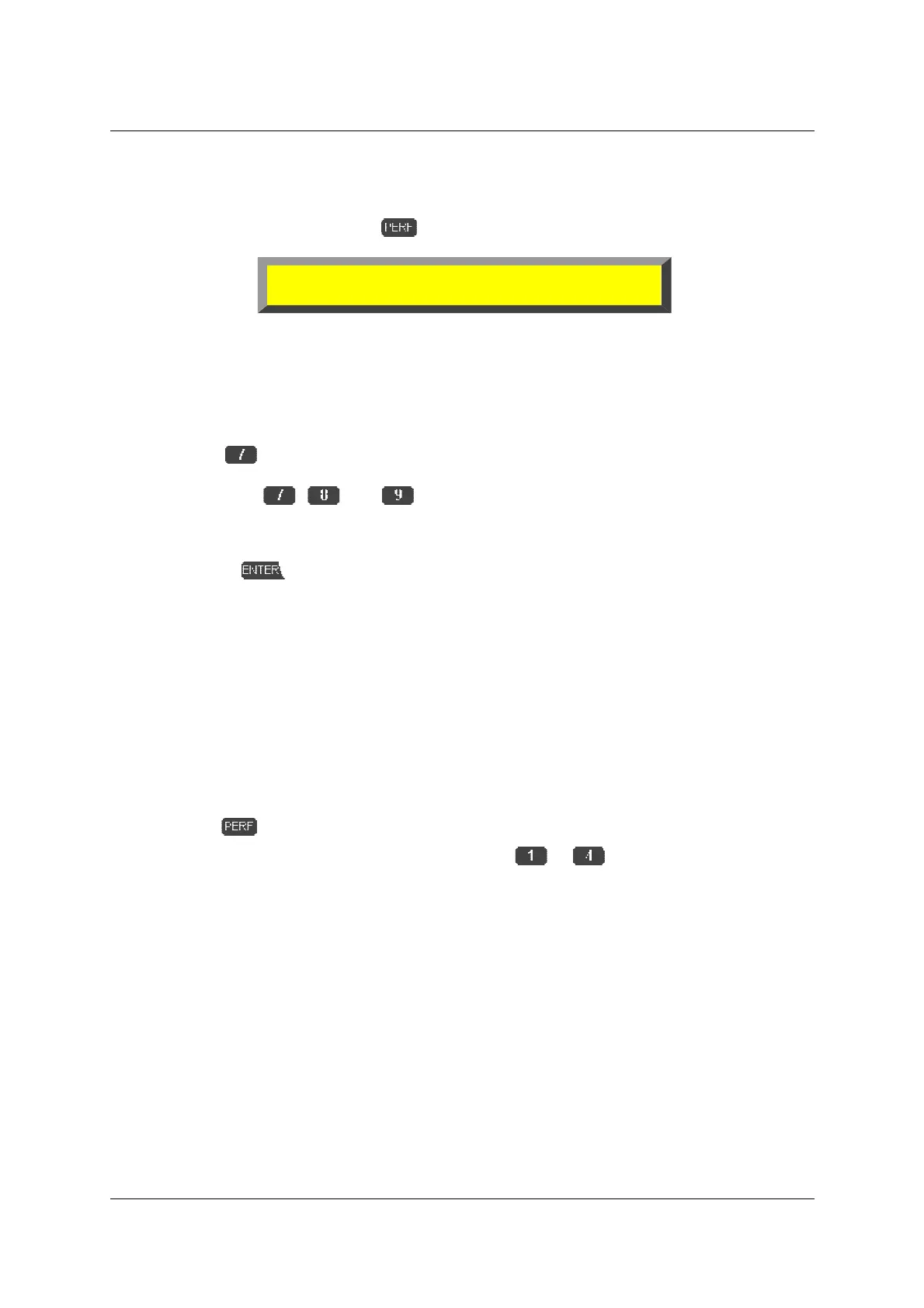
to affect the MIDI files in realtime. Press
to reach the main display
4.1 Bar counter (symbol
!"#
)
In Preformance mode the bar counter appears in the top right of the display.
➊
Press
»
!"#
«
➋
Press keys
, and to move within the display, and use
!
to find the
required position. The key allows you to alter the song position by bars (left), beats
(middle) or ticks (right).
➌
Pressing
the Song will immediately jump to the position you have set.
4.2 Repeat loops and markers (LOP; SP1-SP4)
One of the extraordinary functions of a MULTIPLAYER are loops. Up to four markers (SP1 to
SP4; other names are Song pointers or Cue points) can be stored within one Song. The markers are
stored in the Assign file. For each Song memory place they can be set seperately! They store bar
positions to which you can make the Song jump at any time at a touch of a button. The markers and
Loop function are particularly useful for spontaneous repeats of certain passages.
➀
Start a Song.
$
Press
.
➊
To memorize the markers, double-click on key
to
at the four Song positions
which you need to mark – anywhere except right at the start of the Song (see note below).
After a key has been used, the name of the marker (SP1 to SP4) will appear.
The markers will always be set to the beginning of the bar following the double-
click. If you press the key part way through a bar, the Song pointer will automatically be set
to the beginning of the next bar.
Song pointers can be erased when you stop the song, transport to the beginning
(bar 1) and double-click the according Song pointer again.
➋
When you have set all markers you need, start the Song again.
➌
If you now select any of the Song pointers via the corresponding number key the Song will
jump to the programmed position at the beginning of the next bar.
S1A 1 TEST.MID 001.01.0001
TMR --- --- --- --- LOP TRP
!
!!
!"
""
"#
##
#
125



 To Next Page