MIDITEMP MP 22-W, MP 22-CD, MP 88-W, MP 88-CD, PMM 88-E, MT 16-X
MIDITEMP MP 22-W, MP 22-CD, MP 88-W, MP 88-CD, PMM 88-E, MT 16-XMIDITEMP MP 22-W, MP 22-CD, MP 88-W, MP 88-CD, PMM 88-E, MT 16-X
MIDITEMP MP 22-W, MP 22-CD, MP 88-W, MP 88-CD, PMM 88-E, MT 16-X
1
9.3 Save Songs, Matrix programs, Waves (SAV; SVB; SAV)
$
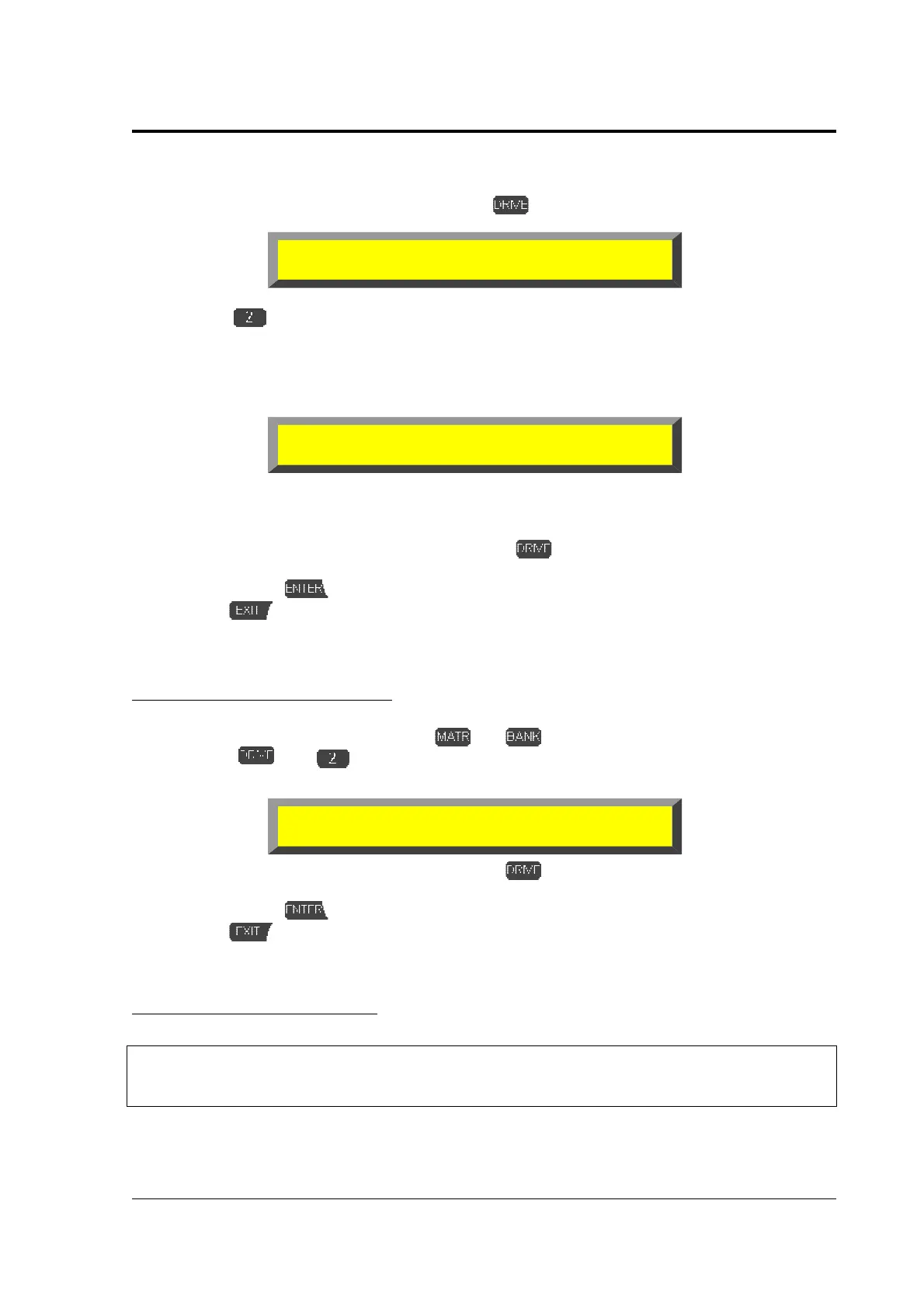
To store a song activate the song and press to get the drive functions menu:
➊
Press
»
SAV
«. The MP suggests a name (either the original name of the file or, if you
want to save a recorded song “noname.MID”). If you want to overwrite an existing file
choose it with the data wheel
!
. If you want to give the song a new name use the naming
function (page 17). If a file with exactly this name already exists on the drive the MP shows
“save” in the lower line in brackets, if not you find “new” in the brackets.
The upper line in this example shows you are on drive B, root position, and are ready to save a
Midifile ( \*.MID ). The lower line indicates the name of the Midifile, the size, the saving mode and
the free space on this drive.
➋
If you want to change the drive now just press
and select the drive. The name of the
song appears again in the lower line.
➌
Confirm with
.
%
With
you leave the function.
In the Matrix mode the work is similar:
In the Matrix mode the work is similar:In the Matrix mode the work is similar:
In the Matrix mode the work is similar:
$
To save a Matrix bank select it with and .
➊
Press
and »
SVB
«. Naming and storage works as well as the sense in the
brackets of the lower line to the action of the song mode!
➋
If you want to change the drive now just press
and select the drive. The name of the
song appears again in the lower line.
➌
Confirm with
.
%
With
you leave the function.
In the Wave mode it works different:
In the Wave mode it works different:In the Wave mode it works different:
In the Wave mode it works different:
&
Although you find this function in the drive function menu
Although you find this function in the drive function menuAlthough you find this function in the drive function menu
Although you find this function in the drive function menu
it does not work in the WAVE mode.
it does not work in the WAVE mode.it does not work in the WAVE mode.
it does not work in the WAVE mode.
<DRIVE> Select function:
TMR LOA SAV LDA COP ERA DIR CD
#
##
#
B:
*.MID
JINGLE1.MID 2k [save] 123456k
B:
*.M88
MATRIX.M88 2k [new] 123456k



 To Next Page