MIDITEMP MP 22-W, MP 22-CD, MP 88-W, MP 88-CD, PMM 88-E, MT 16-X
MIDITEMP MP 22-W, MP 22-CD, MP 88-W, MP 88-CD, PMM 88-E, MT 16-XMIDITEMP MP 22-W, MP 22-CD, MP 88-W, MP 88-CD, PMM 88-E, MT 16-X
MIDITEMP MP 22-W, MP 22-CD, MP 88-W, MP 88-CD, PMM 88-E, MT 16-X
34
9.4 Format the IDE- or SCSI medium (FMT)
With this function you can prepare a storage medium for the use. WARNING: The format
wipes out all existing datas on a medium - this process cannot be aborted!
&
We recommend during the lifetime of a storage medium to mirror sometimes (maybe every
year ...) the contents via the backup function (see page 25) to another device, format the
medium and mirror it back. Working like this you can exclude defect sectors on a medium
(because during the format-process the procedure automatically signs those defect sectors
and then all controllers avoid a storage in those places).
$
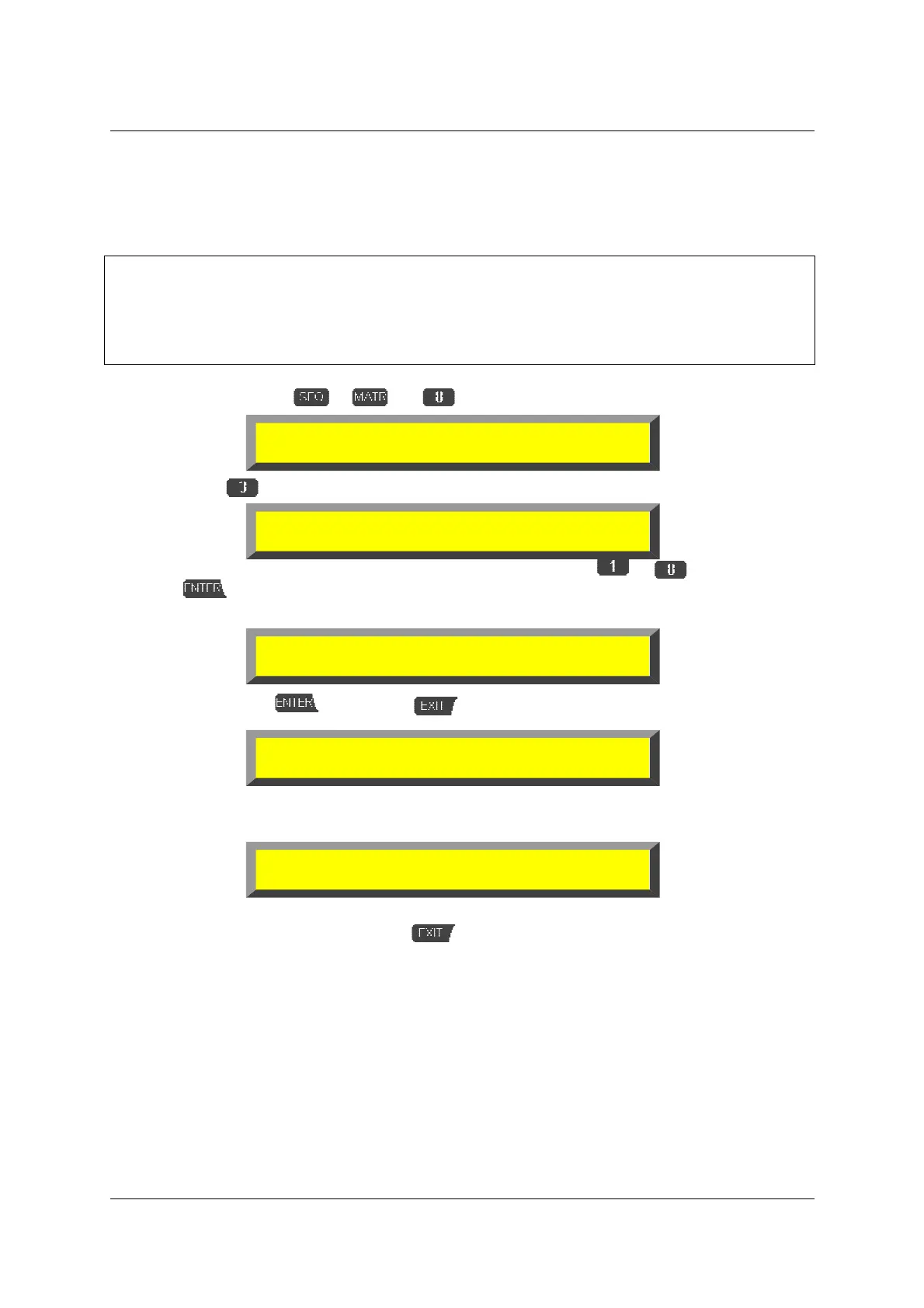
Double-click on
or and
»DRV«
$
Select
»FMT«
➊
Select the drive letter to be released with the number keys
to or via
!
and
. As soon you have confirmed a last warning message appears (e.g. if drive letter
“B:“ is selected):
$
Confirm with
or abort with . The display will show the state:
(e.g. a medium with 3GB), the message flashes and the MULTIPLAYER turns back to
the top level.
%
(If it shows the size of the medium in the lower line)
leave the function (message) with
.
9.5 Initialize partition table (INI)
The procedure is similar as written in “9.2 using multiple partitions on a
The procedure is similar as written in “9.2 using multiple partitions on aThe procedure is similar as written in “9.2 using multiple partitions on a
The procedure is similar as written in “9.2 using multiple partitions on a
drive“ (see page 33). This function only works with drives if there’s no partition but
drive“ (see page 33). This function only works with drives if there’s no partition butdrive“ (see page 33). This function only works with drives if there’s no partition but
drive“ (see page 33). This function only works with drives if there’s no partition but
the first one installed!
the first one installed!the first one installed!
the first one installed!
Device Drive Manager
TMR INS REL FMT INI HID PAR
Format Medium - select drive letter
A: B:X C:3 D:4 E: F:Z G: H:
ARNING! Next Step will destroy all data
on non-removable disk drive B:
Formatting 3323M...
▌▌▌▌▌▌▌▌▌▌▌▌▌▌▌▌▌▌▌▌▌▌▌▌▌▌
Format complete.



 To Next Page